
About
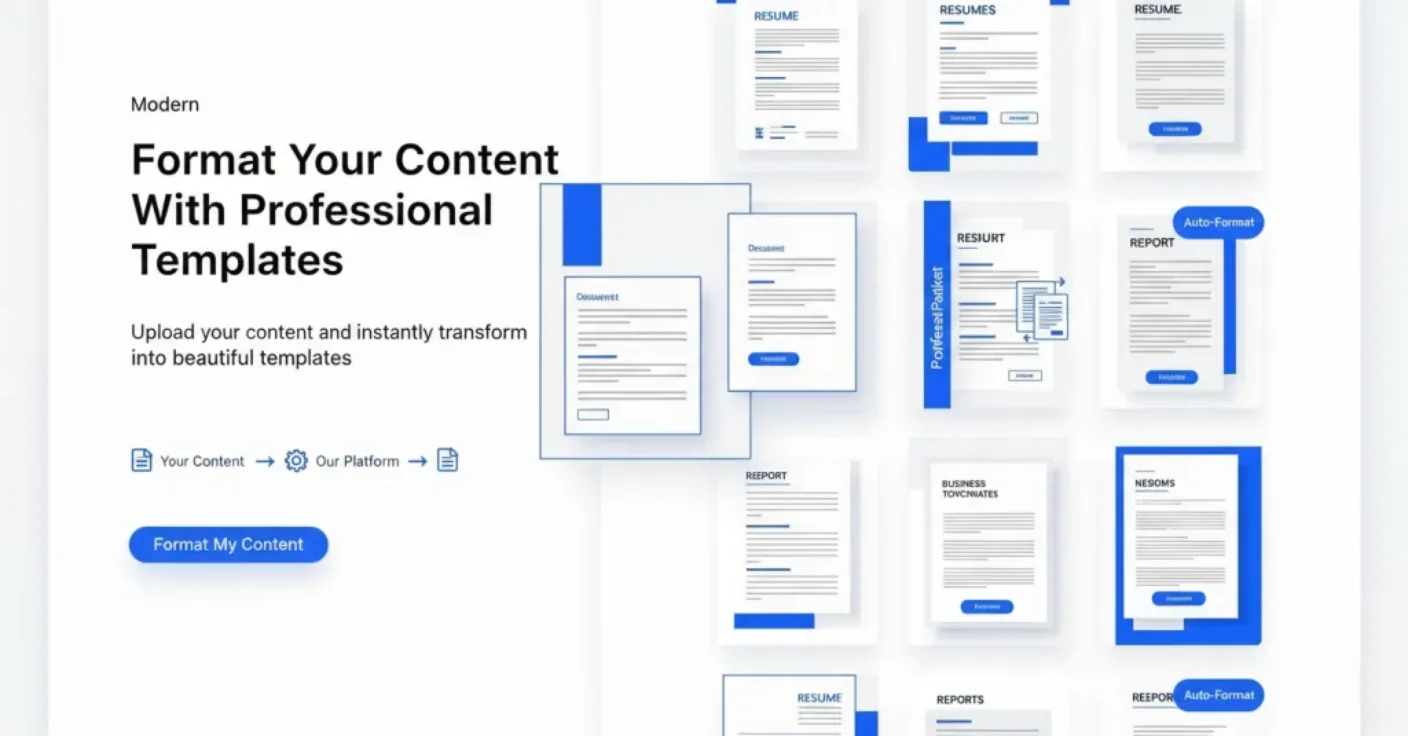
AiFormatter is an online AI document formatting platform designed to help individuals and businesses create polished, professional documents in minutes. Users simply upload an existing file or paste raw text, select from a library of professionally designed templates, and let the AI automatically apply formatting, structure, and styling to the content. The platform offers specialized tools including an ATS-optimized resume formatter that helps job seekers pass automated screening systems, an AI cover letter generator that crafts personalized cover letters from raw drafts, a meeting agenda formatter that structures notes into actionable agendas, and AI-powered invoice and receipt generators for business use. AiFormatter's editor allows users to review, edit, and customize their formatted documents before exporting them in multiple formats including PDF and Word. The workflow is designed to be entirely no-code — requiring no design skills or formatting expertise. It is particularly useful for job seekers, professionals, freelancers, and small business owners who need high-quality documents quickly. The platform offers a free entry point, making it accessible for one-off formatting needs while providing premium templates and features for power users.
Key Features
- AI Resume Formatter: Automatically reformats resumes into ATS-optimized layouts that pass automated applicant tracking systems and impress recruiters.
- AI Cover Letter Generator: Transforms raw text or draft cover letters into polished, personalized cover letters ready for job applications.
- Meeting Agenda Formatter: Converts raw meeting notes or bullet points into structured, professional meeting agenda documents.
- Invoice & Receipt Generator: Creates business-ready invoices and receipts from uploaded data or manually entered transaction details.
- Multi-Format Export: Download formatted documents in multiple formats including PDF and Word, or share them directly from the platform.
Use Cases
- A job seeker uploads their plain-text resume and uses the AI resume formatter to produce an ATS-optimized, professionally designed resume ready for applications.
- A freelancer pastes their invoice details into AiFormatter to instantly generate a polished, business-ready invoice to send to clients.
- A team lead converts rough meeting notes into a structured meeting agenda document to share with attendees before a scheduled call.
- A recent graduate uses the AI cover letter generator to transform a basic draft into a compelling, personalized cover letter for internship applications.
- A small business owner creates professional receipts from transaction data without needing accounting software or a designer.
Pros
- Free to Start: Users can begin formatting documents for free without needing a credit card or account setup.
- Versatile Document Support: Covers a wide range of document types — resumes, cover letters, meeting agendas, invoices, and receipts — in one platform.
- No Design Skills Required: The AI handles all formatting and layout decisions, making it accessible to users with no design or technical background.
Cons
- Limited Template Customization: Template selection and customization options may be restricted compared to dedicated design tools like Canva or Word.
- Narrow Document Scope: Primarily focused on a handful of document types; users needing broader document automation may find it limiting.
Frequently Asked Questions
What types of documents can AiFormatter handle?
AiFormatter supports resumes, cover letters, meeting agendas, invoices, and receipts. You can upload existing files or paste raw text for any of these document types.
Is AiFormatter free to use?
Yes, AiFormatter offers a free tier that lets you start formatting documents immediately. A pricing plan is also available for additional features and premium templates.
What file formats can I upload?
AiFormatter accepts various file formats as well as raw text input pasted directly into the editor.
Are the resume templates ATS-compatible?
Yes, AiFormatter's resume templates are specifically designed to be ATS-optimized, helping your resume pass automated screening systems used by recruiters.
What export formats are available?
After formatting, you can download your document as a PDF, Word file, or other supported formats, and you can also share it directly from the platform.