
About
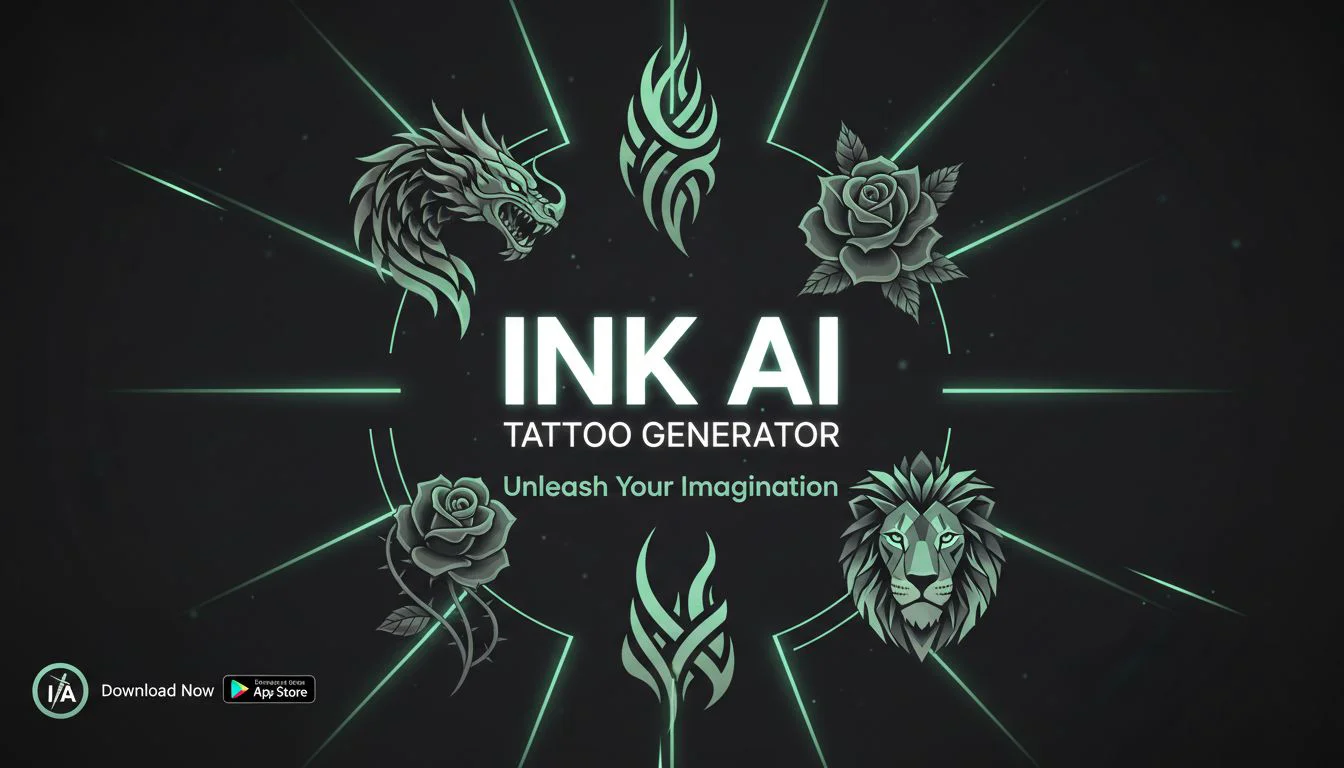
INK is an AI tattoo generator that transforms your ideas into professional, ink-ready tattoo designs within seconds — no design skills required. Simply type a description or upload a reference photo, choose from 20+ authenticated tattoo styles, and receive high-resolution 4K artwork ready for your tattoo artist to stencil. The platform covers virtually every major tattoo aesthetic: traditional American (old school), Japanese irezumi, neo-traditional, minimalist fine line, geometric, dotwork, tribal, watercolor, blackwork, and more. Each style is trained on real tattoo artist portfolios for authentic results. Key features include a text-to-tattoo generator, a photo-to-tattoo converter that turns portraits or landscapes into line art or blackwork designs, an AR tattoo try-on simulator for real-time placement previews, and a cover-up helper for concealing existing ink. Artist-ready high-res files make collaboration with professional tattoo artists seamless. INK is ideal for tattoo collectors planning their next piece, first-timers exploring ideas, tattoo artists quickly sketching client concepts, and anyone curious about how a design would look on their skin. With over 1 million downloads and 500K+ designs created, it's one of the most widely used AI tattoo tools available, accessible on web, iOS, and Android.
Key Features
- Text-to-Tattoo Generation: Describe your tattoo idea in plain English — from simple prompts like 'dragon sleeve' to complex concepts — and receive a custom design in seconds.
- Photo-to-Tattoo Conversion: Upload any image (portrait, pet photo, landscape) and transform it into tattoo-ready line art, blackwork, or shaded designs.
- AR Tattoo Try-On: Preview your design on your actual body in real time using the AR simulator — test placement, sizing, and style before committing.
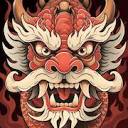
- 20+ Authentic Tattoo Styles: Choose from traditional American, Japanese irezumi, minimalist fine line, geometric, dotwork, neo-traditional, watercolor, tribal, and more — each trained on real artist portfolios.
- Artist-Ready High-Res Downloads: Download 4K resolution tattoo designs optimized for professional stenciling, giving your tattoo artist clean, print-ready files.
Use Cases
- A first-timer uses the text-to-tattoo generator and AR try-on to explore design ideas and visualize placement before booking a consultation.
- A tattoo artist quickly generates multiple concept sketches based on a client's brief to streamline the design approval process.
- Someone planning a cover-up uses the Cover-Up Helper to create a bold new design that conceals existing ink effectively.
- A pet owner uploads a photo of their dog to generate a custom portrait tattoo in blackwork style for their artist to replicate.
- A tattoo collector browses 20+ style options to discover a new aesthetic, such as Japanese irezumi, for their next sleeve piece.
Pros
- Free to Start: Generous free tier lets anyone generate tattoo designs without upfront cost, with 1M+ users validating the accessibility.
- AR Body Preview: The try-on feature removes the guesswork by letting you visualize how a design looks on your own body before any commitment.
- Wide Style Coverage: With 20+ styles trained on real artist portfolios, results are authentic and varied enough to suit virtually any aesthetic preference.
- Mobile App Available: iOS and Android apps make it convenient to generate and preview tattoo ideas on the go.
Cons
- Premium Features Behind Paywall: High-resolution downloads and advanced features likely require a paid plan, limiting free-tier users to lower-quality outputs.
- AI May Miss Nuanced Custom Requests: Highly specific or intricate design briefs may require multiple attempts and prompt refinement to achieve the desired result.
- Not a Substitute for a Professional Artist: AI-generated designs still require a skilled tattoo artist for final execution; the tool is a starting point, not a complete solution.
Frequently Asked Questions
Is INK AI Tattoo Generator free to use?
Yes, INK offers a free tier that lets you generate custom tattoo designs without creating an account. Some advanced features like 4K downloads or unlimited generations may require a paid plan.
Can I give the generated design to my tattoo artist?
Absolutely. INK produces artist-ready high-resolution (4K) files that are optimized for professional stenciling, making it easy to hand off to your tattoo artist.
What tattoo styles does INK support?
INK supports 20+ styles including traditional American, Japanese irezumi, neo-traditional, minimalist fine line, geometric, dotwork, tribal, watercolor, and blackwork.
Can I upload a photo to turn it into a tattoo design?
Yes. You can upload a portrait, pet photo, landscape, or any reference image and the AI will convert it into tattoo-ready line art, blackwork, or shaded artwork.
Is there a mobile app available?
Yes, INK is available on both iOS and Android, allowing you to generate designs and use the AR try-on feature directly from your smartphone.