
About
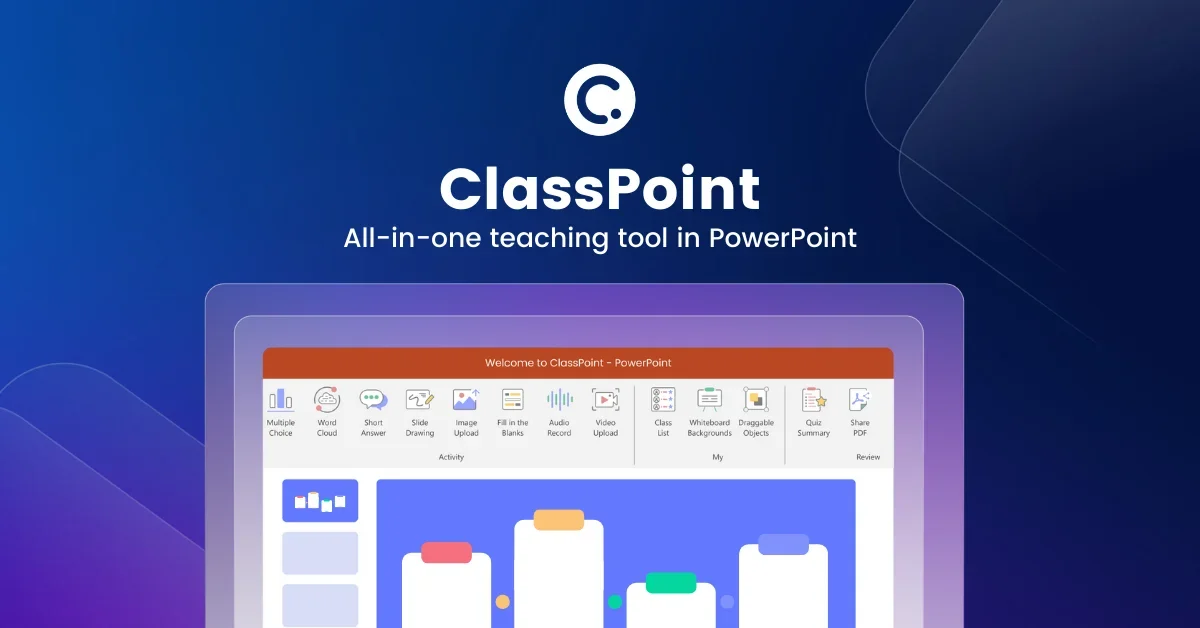
ClassPoint is the leading student engagement and interactive teaching tool built seamlessly inside Microsoft PowerPoint. Rather than requiring educators to switch between apps, ClassPoint enhances PowerPoint with a powerful suite of engagement features accessible during any presentation or class session. At its core, ClassPoint offers a rich variety of interactive quiz types — Multiple Choice, Word Cloud, Fill in the Blanks, Short Answer, Video Upload, Image Upload, Slide Drawing, and Audio Record — allowing instructors to gather live responses from participants instantly. Its AI-powered quiz generator reads existing slide content and automatically creates Bloom's Taxonomy-aligned questions in multiple languages, drastically reducing lesson prep time. ClassPoint also brings full gamification to the classroom: students can earn stars, level up, collect badges, and compete on a real-time leaderboard, driving active participation and sustained motivation. Class management features like group rosters, a Random Name Picker, and timer tools keep sessions organized and fair. On the presentation side, ClassPoint adds annotation tools, draggable slide objects, whiteboard backgrounds, and text box overlays — all usable during live slideshow mode. The platform serves half of all schools in Singapore and is rated 4.8–4.9 stars on Product Hunt and Capterra. It is ideal for K-12 teachers, university professors, corporate trainers, and anyone who presents in PowerPoint and wants to meaningfully engage their audience.
Key Features
- Real-Time Interactive Quizzes: Run 8+ quiz types — Multiple Choice, Word Cloud, Fill in the Blanks, Short Answer, Video/Image/Audio Upload, and Slide Drawing — directly inside PowerPoint with live participant responses.
- AI-Powered Quiz Generator: ClassPoint AI reads your PowerPoint slides and auto-generates quiz questions aligned to Bloom's Taxonomy levels in multiple languages, saving educators significant prep time.
- Gamification & Leaderboards: Motivate students by awarding stars, unlocking levels and badges, and displaying a dynamic real-time leaderboard — all integrated into the PowerPoint environment.
- Presentation & Annotation Tools: Annotate slides in real time, add text boxes, drag and reposition elements, call up whiteboard backgrounds, and use timers or a random name picker during live slideshows.
- Seamless PowerPoint Integration: ClassPoint works as a native PowerPoint add-in — no tab-switching or external apps required, keeping the teaching workflow smooth and distraction-free.
Use Cases
- K-12 teachers running formative assessments and live polls during PowerPoint lessons to check student comprehension in real time.
- University professors using AI-generated Bloom's Taxonomy questions to quickly build quiz slides from lecture content.
- Corporate trainers gamifying onboarding or compliance training sessions with stars, badges, and leaderboards to boost engagement.
- Educators assigning slide-drawing or image-upload activities to collect creative, visual responses from students during presentations.
- Workshop facilitators using Word Cloud and Short Answer quizzes to surface audience opinions and ideas during live sessions.
Pros
- Zero App-Switching: Everything runs inside PowerPoint, so educators never need to leave their existing workflow to engage students or gather responses.
- AI Saves Lesson Prep Time: The AI quiz generator automatically creates Bloom's Taxonomy-mapped questions from existing slides, dramatically cutting down question-writing time.
- Massive Proven User Base: With 20M+ users and adoption across half of Singapore's schools, ClassPoint is a battle-tested, highly rated platform (4.8–4.9 stars).
- Engaging Gamification: Built-in stars, badges, levels, and leaderboards make participation fun and encourage students to stay actively involved throughout sessions.
Cons
- PowerPoint Dependency: ClassPoint is tightly coupled to Microsoft PowerPoint, making it unavailable to educators who use Google Slides, Keynote, or other presentation tools.
- Advanced Features Behind Paywall: While a free tier exists, many powerful features such as expanded quiz types and advanced gamification options require a paid subscription.
- Internet Required for Live Sessions: Real-time student participation depends on a stable internet connection, which may be a limitation in low-connectivity classroom environments.
Frequently Asked Questions
What is ClassPoint and how does it work?
ClassPoint is a PowerPoint add-in that adds interactive quizzes, gamification, AI question generation, and annotation tools directly to your presentations. Students join a class session via a code and respond to activities in real time from any device.
Is ClassPoint free to use?
Yes, ClassPoint offers a free plan that includes core features. Premium plans unlock additional quiz types, advanced gamification, and higher participant limits.
How does the AI quiz generator work?
ClassPoint AI analyzes the text content of your PowerPoint slides and automatically generates quiz questions. You can select Bloom's Taxonomy difficulty levels and choose from multiple question types and languages.
Do students need to install anything to participate?
No. Students can join a ClassPoint session from any device using a web browser — no app download or account creation is required for participation.
Is ClassPoint suitable for corporate training, not just school classrooms?
Absolutely. ClassPoint is used by corporate trainers and business presenters in addition to K-12 and university educators. Any PowerPoint-based audience engagement scenario can benefit from its features.