
About
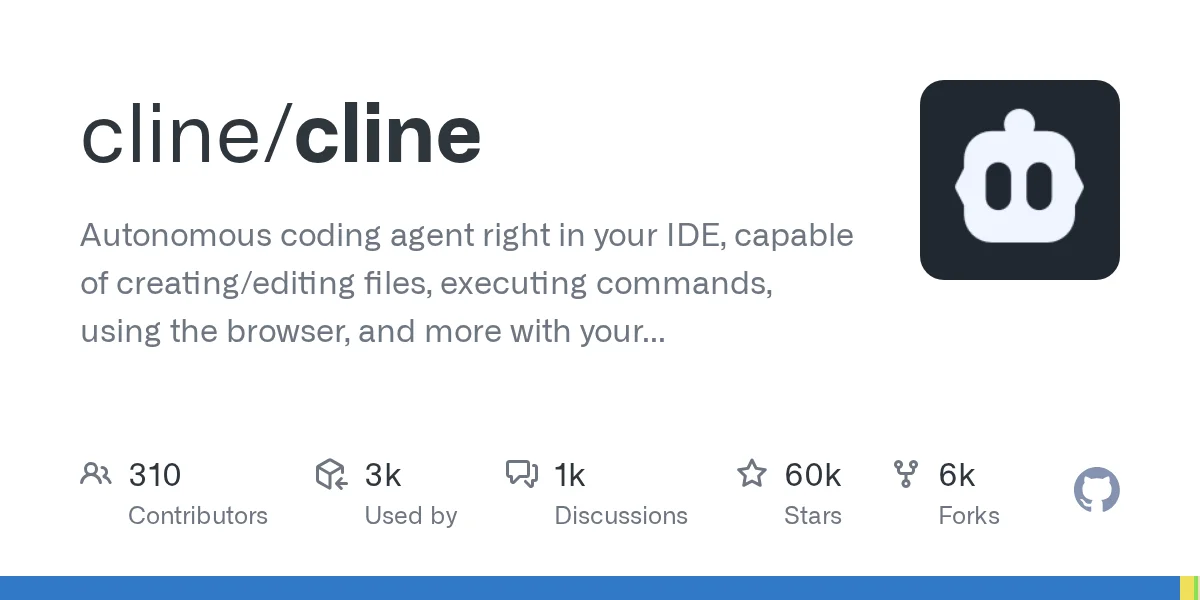
Cline is a powerful, open-source autonomous coding agent built as a VS Code extension with over 59,000 GitHub stars. It brings AI-driven software development directly into your IDE, enabling you to delegate complex coding tasks while retaining full control over every action taken. Unlike simple code-completion tools, Cline operates as a true agent: it can read and write files across your project, execute shell commands, launch and interact with a browser, and connect to external services via the Model Context Protocol (MCP). Every action requires your explicit approval, making it safe to use on real codebases without fear of unintended side effects. Cline is model-agnostic, supporting a wide range of AI providers including OpenAI, Anthropic, Google Gemini, and locally hosted models, giving developers the flexibility to choose the backend that fits their needs and budget. Its transparent, step-by-step workflow lets you review diffs, approve commands, and guide the agent interactively. Ideal for professional developers, open-source contributors, and teams looking to accelerate feature development, bug fixing, refactoring, and code exploration, Cline represents a next-generation approach to AI-assisted software engineering where the human stays firmly in the loop.
Key Features
- Autonomous File & Code Management: Cline can read, create, and edit files across your entire project, handling multi-file changes and refactors end-to-end.
- Terminal Command Execution: Runs shell commands, installs dependencies, starts servers, and executes scripts directly within your VS Code terminal with your approval.
- Browser Integration: Can launch and interact with a browser to fetch documentation, test web apps, or research solutions — all without leaving the IDE.
- MCP (Model Context Protocol) Support: Connects to external tools and data sources via MCP, dramatically expanding what the agent can access and automate.
- Model-Agnostic Architecture: Works with OpenAI, Anthropic Claude, Google Gemini, local Ollama models, and more — giving full flexibility over your AI backend.
Use Cases
- Automating complex, multi-file refactoring tasks across a large codebase with step-by-step approval.
- Scaffolding new features end-to-end — from creating files and writing code to installing dependencies and running tests.
- Debugging difficult issues by letting the agent read logs, search documentation in the browser, and propose targeted fixes.
- Exploring unfamiliar codebases by asking Cline to map out architecture, summarize modules, and explain key logic.
- Integrating external APIs and services by having Cline fetch documentation, write integration code, and validate it with live requests.
Pros
- Permission-First Safety: Every file edit, command, and browser action requires explicit user approval, making it safe to run on production codebases.
- Truly Autonomous Multi-Step Tasks: Can tackle complex, multi-file engineering tasks end-to-end rather than just offering single-line suggestions.
- Open Source & Free: Completely open source with a large community (59k+ stars), meaning no subscription fees and continuous community-driven improvements.
- Flexible Model Support: Not locked to a single AI provider — use any supported model depending on cost, capability, or privacy requirements.
Cons
- API Costs Can Add Up: While Cline itself is free, autonomous multi-step tasks consume significant tokens, so costs depend on the AI provider you choose.
- VS Code Only: Currently limited to the VS Code ecosystem; developers using other IDEs (JetBrains, Neovim, etc.) cannot use it natively.
- Requires Configuration: Users must supply and configure their own API keys for AI providers, which adds initial setup friction compared to fully managed tools.
Frequently Asked Questions
Is Cline free to use?
Cline itself is completely free and open source. However, you need to supply your own API key from an AI provider (e.g., Anthropic, OpenAI), and those providers charge per token used.
Which AI models does Cline support?
Cline is model-agnostic and supports OpenAI (GPT-4o, etc.), Anthropic Claude, Google Gemini, AWS Bedrock, Azure OpenAI, and locally hosted models via Ollama or LM Studio.
Is it safe to give Cline access to my codebase?
Yes — Cline operates on a permission-first model. Every file edit, terminal command, and browser interaction requires your explicit approval before it executes, so you remain in full control.
What is MCP and why does it matter?
MCP (Model Context Protocol) is an open standard that lets Cline connect to external tools and data sources — databases, APIs, design tools, and more — greatly extending what it can automate beyond the local codebase.
How does Cline differ from GitHub Copilot?
GitHub Copilot primarily offers inline code suggestions and chat. Cline is a fully autonomous agent that can plan, execute multi-step tasks, run commands, browse the web, and manage files across your entire project with minimal hand-holding.