
About
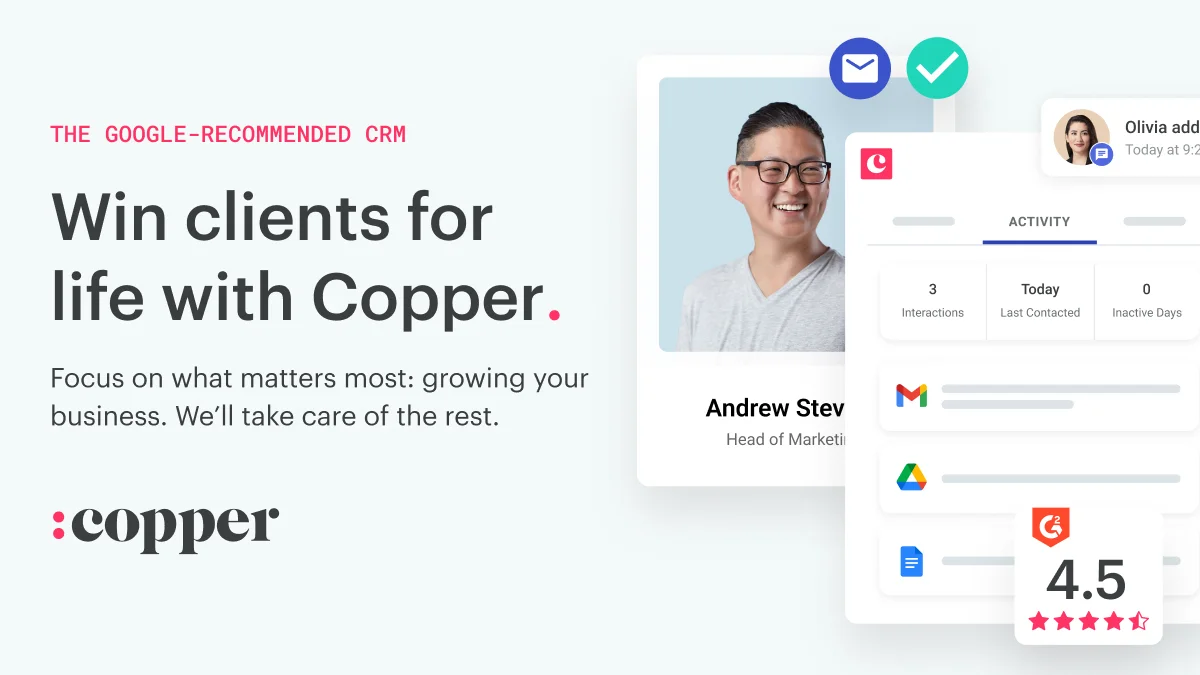
Copper is a customer relationship management (CRM) platform purpose-built for Google Workspace users. Unlike traditional CRMs that require lengthy onboarding, Copper integrates seamlessly with Gmail, Google Calendar, and Google Drive, allowing teams to manage their entire client lifecycle without leaving the apps they already use. Copper enables users to organize contacts, set up custom deal pipelines, manage projects with collaborative workflows, and automate repetitive tasks like follow-ups and notifications. Its email tools let you build, personalize, and scale outreach campaigns, while custom reports give visibility into business performance. A Chrome extension and mobile app keep teams connected and productive on the go. The platform serves a wide range of service-oriented industries including agencies, consulting firms, media and creator businesses, financial services, construction, and corporate development. Its drag-and-drop pipeline views, one-click integrations with popular apps, and automatic call and SMS logging make it particularly well-suited for small and mid-sized teams that need a CRM they can deploy in days, not months. Copper's AI-assisted features help surface relationship insights, automate data entry, and streamline client communications. With a developer API available, teams can also build custom integrations to extend Copper's capabilities across their tech stack.
Key Features
- Native Google Workspace Integration: Works directly inside Gmail, Google Calendar, and Google Drive — no tab switching required. A Chrome extension surfaces CRM data right in your inbox.
- Deal & Pipeline Tracking: Set up custom sales pipelines with drag-and-drop deal management to track opportunities from first contact to close.
- Project & Workflow Management: Build project workflows within the CRM to keep client work moving, with tasks, milestones, and team collaboration built in.
- Email Automation & Personalization: Create, personalize, and automate email sequences at scale to nurture leads and maintain client relationships without manual effort.
- Custom Reporting & Analytics: Generate tailored reports to track sales performance, team activity, and business health with data drawn directly from your CRM.
Use Cases
- Agencies managing multiple client relationships, lead generation pipelines, and project delivery workflows in a single platform.
- Consulting firms tracking proposals, client engagements, and follow-ups without leaving their Google Workspace environment.
- Sales teams automating outreach emails, deal tracking, and task reminders to close more deals with less manual effort.
- Construction companies managing bids, contractor relationships, and project timelines inside a unified CRM.
- Media and creator businesses organizing sponsor relationships, partnership deals, and campaign tracking in one place.
Pros
- Extremely Fast Setup: Teams report going live in days rather than months — Copper's deep Google integration means minimal configuration and near-zero data migration friction.
- All-in-One for Service Businesses: Handles sales, project management, and client communication in a single platform, reducing the need for multiple disconnected tools.
- Automatic Activity Logging: Calls, SMS, and emails are logged automatically, keeping contact records accurate without manual data entry.
Cons
- Best Value Only for Google Users: The core differentiator is Google Workspace integration — teams not using Google apps will miss out on most of Copper's unique advantages.
- Paid-Only Plans: Copper offers a free trial but no permanent free tier, which may be a barrier for very small teams or solo operators on tight budgets.
- Limited for Large Enterprise Complexity: While it scales well for SMBs and agencies, teams with highly complex enterprise sales processes may find the feature set less customizable than heavyweight CRMs.
Frequently Asked Questions
Does Copper work with Gmail?
Yes — Copper is built natively for Google Workspace. It integrates directly with Gmail, Google Calendar, and Google Drive, and offers a Chrome extension so you can manage contacts and deals without leaving your inbox.
How long does it take to set up Copper?
Most teams can get up and running within a few days. Because Copper connects automatically to Google Workspace, there's minimal manual setup compared to traditional CRMs.
What industries is Copper best suited for?
Copper is designed for service businesses including agencies, consulting firms, media and creator brands, financial services, construction companies, and corporate development teams.
Does Copper have a mobile app?
Yes. Copper has a mobile app for iOS and Android that automatically logs calls and SMS activity, keeping your contact records up to date on the go.
Can I build custom integrations with Copper?
Yes. Copper provides a developer API that allows you to build custom apps and integrations. It also connects to popular third-party tools natively with one-click integrations.