

About
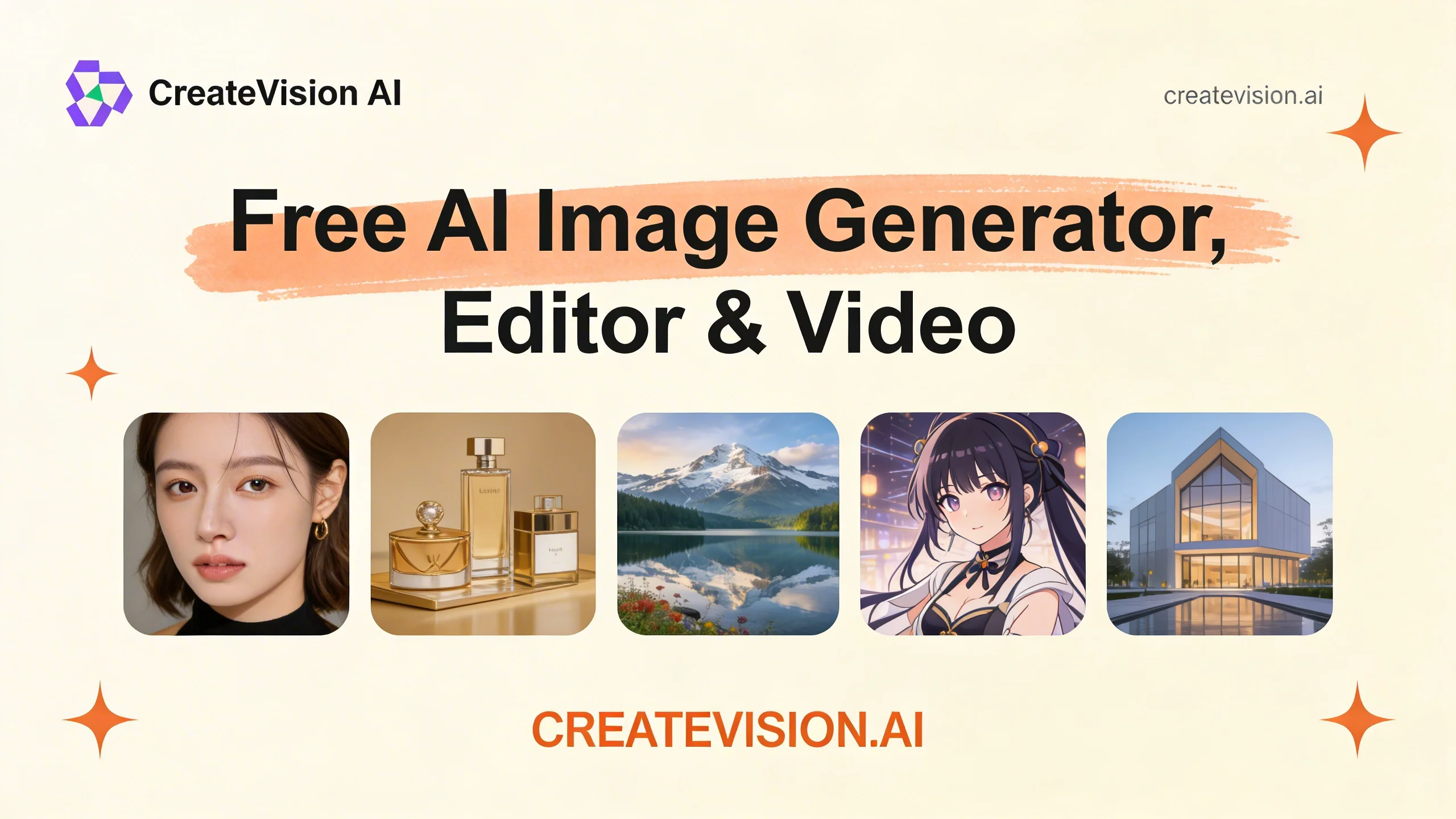
CreateVision AI is a comprehensive AI-powered image creation and editing platform that delivers professional results without requiring a sign-up or prompt engineering expertise. At its core is the AI Mentor feature, which lets users pick a creative style inspired by legends like Da Vinci, Van Gogh, or Miyazaki, then describe their vision in plain words — the AI converts it into a masterpiece-level prompt automatically, reportedly producing 300% better results than self-written prompts. The platform supports a wide array of tools including AI Couple Photo generation, Face Swap, Wedding Photo creation, Group Photo Mixing, Image Translation, Background Removal, Watermark Removal, 4K Image Upscaling, Photo-to-Ghibli and Photo-to-Anime style transfer, Hairstyle Changer, and Object Remover — 28+ tools in total. It also integrates GPT Image 2 for multilingual text rendering and high-fidelity 4K output with no API key needed. With a Smart Agent that automatically selects the best AI model for each task, 7,800+ prompt templates ready to remix, and enterprise adoption by teams at Google, Meta, Amazon, Netflix, and Spotify, CreateVision AI is designed for freelance designers, marketing directors, social media managers, content creators, and e-commerce professionals who need studio-quality visuals fast.
Key Features
- AI Mentor for Effortless Prompting: Choose a legendary creative style (Da Vinci, Van Gogh, Miyazaki) and describe your vision in plain words — AI Mentor auto-generates a professional prompt, delivering 300% better results with zero prompt engineering.
- 28+ AI Image Tools: A full suite including Face Swap, Couple Photo, Wedding Photo, Background Remover, Watermark Remover, Image Upscaler, Object Remover, Photo-to-Ghibli, Photo-to-Anime, Hairstyle Changer, and more.
- GPT Image 2 Integration: Access GPT Image 2 directly for multilingual text rendering, real reasoning, and 4K output — no API key required.
- Smart Agent Model Selection: An intelligent Smart Agent automatically picks the best underlying AI model for each task, optimizing quality without user configuration.
- 7,800+ Ready-to-Remix Templates: Jumpstart any project with thousands of curated prompt templates across creative styles, commercial use cases, and social media formats.
Use Cases
- Content creators generating engaging couple or group photos for social media without needing photography or design skills.
- E-commerce managers automating product photography workflows using background removal and image upscaling tools.
- Marketing teams producing studio-quality campaign visuals at scale using AI Mentor and ready-made prompt templates.
- Social media managers creating viral content with face swap, hairstyle change, and anime/Ghibli style transformation tools.
- Freelance designers accelerating client deliverables by leveraging 7,800+ templates and one-click pro editing features.
Pros
- No Sign-Up or API Key Needed: Users can access powerful AI editing tools immediately — no account registration or technical setup required, lowering the barrier to entry significantly.
- Wide Tool Coverage in One Platform: With 28+ specialized tools covering image generation, editing, style transfer, and enhancement, users rarely need to switch between multiple apps.
- AI Mentor Removes Prompt Complexity: Non-technical users and beginners can achieve high-quality outputs by simply describing their idea in plain language, with AI handling all prompt optimization.
- Enterprise-Grade Quality at No Cost: Trusted by teams at Google, Meta, Amazon, and Netflix, the platform delivers commercial-quality results accessible to individual creators and small businesses.
Cons
- Credit-Based Usage Limits: Many tools require credits (shown as 'cr'), meaning heavy users may exhaust free allocations and need to upgrade to a paid plan for continued access.
- Limited Offline or Desktop Access: CreateVision AI is entirely web-based, with no dedicated desktop app or offline mode, making it dependent on a stable internet connection.
- Advanced Customization May Be Limited: Power users who need fine-grained control over model parameters, custom training, or API integrations may find the platform less flexible than developer-focused alternatives.
Frequently Asked Questions
Do I need to create an account to use CreateVision AI?
No. CreateVision AI is designed to be used without any sign-up. You can access photo editing tools and generate images directly in your browser without creating an account.
What is the AI Mentor feature?
AI Mentor lets you select a creative style inspired by legendary artists like Da Vinci, Van Gogh, or Miyazaki, then describe your idea in everyday language. The AI automatically transforms your description into a highly optimized prompt, delivering significantly better image quality than manually written prompts.
Is CreateVision AI completely free?
The platform offers a free tier with access to many tools. However, most tools consume credits (cr), and free credits may be limited. Unlimited usage is available through plans like Z Image Turbo, suggesting a freemium model.
What types of images can I create or edit?
You can generate couple photos, wedding photos, group photos, anime-style art, Studio Ghibli-style art, and more. Editing tools include face swap, background removal, watermark removal, object removal, 4K upscaling, hairstyle changes, and image translation.
What is GPT Image 2 and how does CreateVision AI use it?
GPT Image 2 is an advanced image generation model featuring multilingual text rendering, 4K output quality, and real reasoning capabilities. CreateVision AI integrates it natively, allowing users to try it without needing an OpenAI API key.