

About
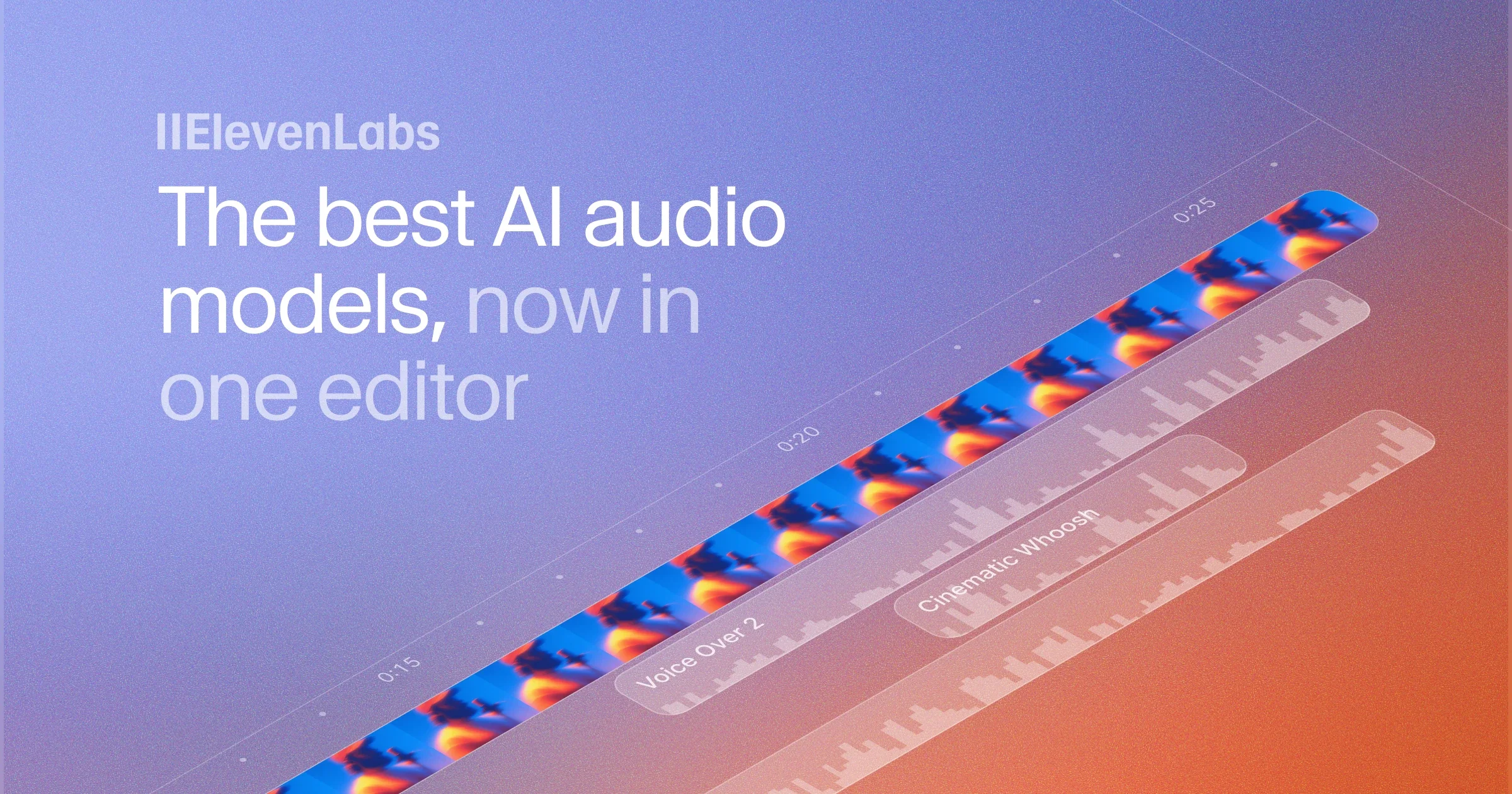
ElevenLabs Studio 3.0 is a comprehensive AI audio and video editing platform designed to help creators produce polished, professional content without juggling multiple tools. At its core is a multi-track timeline editor where users can upload MP4 or MOV video files and layer AI-generated voiceovers, background music, and sound effects directly alongside their footage. The Text-to-Speech engine draws on a library of over 10,000 voices—ranging from realistic accents and character voices to professional narration styles—and lets creators edit spoken audio simply by editing the underlying script via Speech Correction, eliminating the need for re-recording. Eleven Music generates custom, genre-specific soundtracks that can be auto-scored to match the mood of each scene, while the AI Sound Effects engine creates any audio effect from a plain-language prompt. Voice Isolator uses AI-powered noise reduction to strip background noise and reverb, ensuring dialogue always sounds broadcast-quality. One-click Captions generate synchronized subtitles in 32+ languages, complete with customizable styles. Collaborative features such as shareable public project URLs and time-stamped comments streamline client and team review. The platform targets video creators, podcasters, audiobook authors, and AI filmmakers. All Studio capabilities are also available programmatically through the ElevenLabs API, making it suitable for developers who need to automate audio production pipelines at scale.
Key Features
- AI Voiceovers with 10,000+ Voices: Generate natural-sounding narration from any script using a massive library of realistic accents, character voices, and professional narration styles. Edit audio by editing text with Speech Correction.
- Eleven Music – AI Soundtrack Generation: Create custom background music in any genre or style on demand, or let Studio auto-score your video with music generated to match the mood of each scene.
- AI Sound Effects: Describe any sound effect in plain language and generate it instantly—from subtle ambience to cinematic impact—and place it directly on the editing timeline.
- Voice Isolator & Noise Removal: AI-powered noise reduction strips background noise, reverb, and distractions from recordings so dialogue always sounds clear and broadcast-quality.
- Auto-Captions in 32+ Languages: Generate synchronized, style-customizable captions and multilingual subtitles with one click, supporting over 30 languages for global audiences.
Use Cases
- Creating professional podcast episodes with AI voiceovers, custom theme music, and noise-cleaned dialogue without a recording studio.
- Producing audiobooks with natural narration and cinematic soundscapes, then instantly fixing script mistakes via text-based editing.
- Adding AI narration, synchronized captions, and background music to YouTube or social media videos in a single browser-based editor.
- Localizing video content into 30+ languages by generating expressive multilingual voiceovers and subtitles for international audiences.
- Prototyping film scenes or game trailers by combining AI-generated voiceovers, sound effects, and auto-scored music inside one timeline.
Pros
- All-in-One Creative Suite: Combines video editing, AI voiceover, music generation, sound effects, noise removal, and captioning in a single timeline, eliminating the need for multiple tools.
- Massive Voice Library: Access to 10,000+ voices with diverse accents and styles gives creators unparalleled flexibility for any content format.
- Full API Access: Every Studio capability is available programmatically via the ElevenLabs API, enabling developers to automate audio and video production pipelines at scale.
- Seamless Collaboration: Public project URLs and time-stamped inline comments allow clients and teammates to review and give feedback directly on the timeline.
Cons
- Free Tier Usage Limits: The free plan imposes generation limits on voiceovers, music, and sound effects, requiring a paid subscription for high-volume production work.
- AI Music & Voice Variability: AI-generated music and voices may occasionally require multiple generations to achieve the exact tone or style desired for a specific project.
- Browser-Based Only: Studio is a web application with no dedicated desktop client, which may be a limitation for creators who prefer offline editing environments.
Frequently Asked Questions
What is ElevenLabs Studio 3.0?
ElevenLabs Studio 3.0 is an AI-powered audio and video editor that lets creators add voiceovers, generate background music, create sound effects, remove noise, and auto-caption content—all in a single multi-track timeline editor accessible from the browser.
How many voices are available in Studio?
Studio provides access to over 10,000 AI voices, covering a wide range of realistic accents, character voices, and professional narration styles for any content type.
Can I edit video files in ElevenLabs Studio?
Yes. Studio supports uploading MP4 and MOV video files. You can enhance them with AI voiceovers, background music, sound effects, and auto-generated captions directly on the timeline.
Is there an API for ElevenLabs Studio?
Yes. All Studio capabilities—including voices, music generation, and audio tools—are available through the ElevenLabs API using the official JavaScript SDK, enabling programmatic, large-scale production workflows.
What languages does ElevenLabs Studio support?
Studio supports audio and video production in over 30 languages, with expressive accents and localized narration options tailored for global audiences.