

About
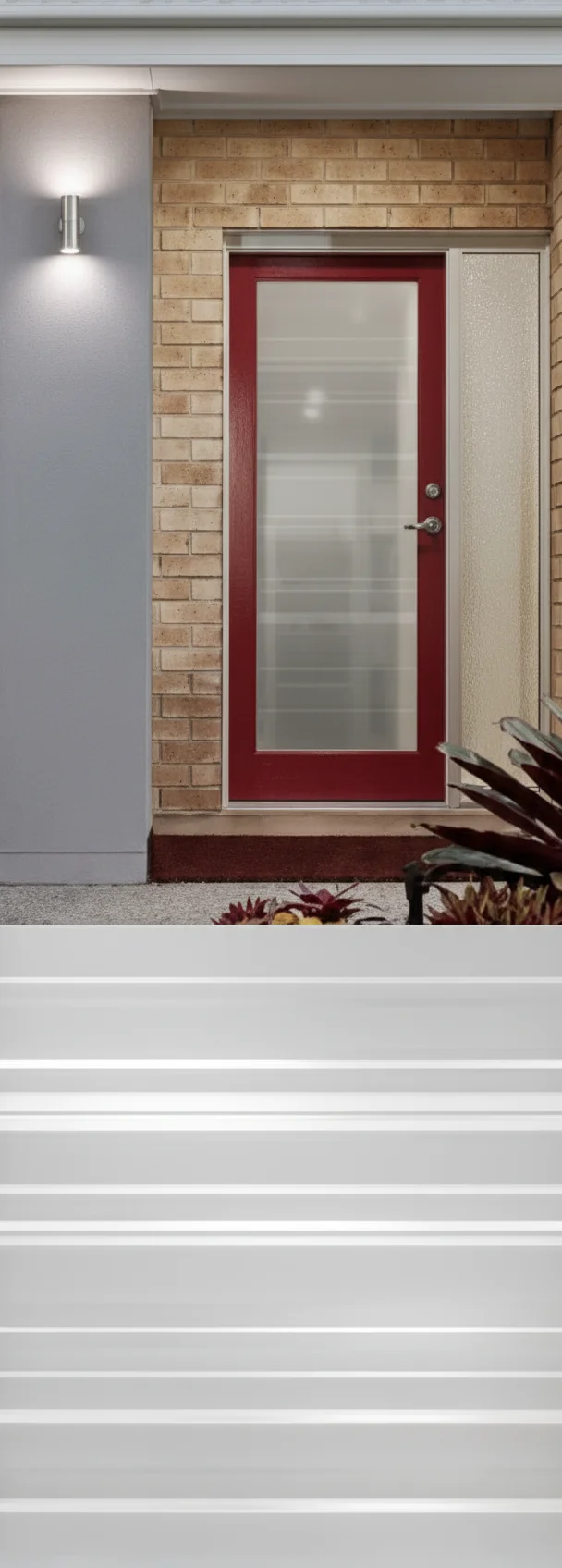
Facade AI is an AI-driven exterior home design platform that empowers homeowners, architects, and renovation professionals to visualize realistic facade transformations without any design software or technical expertise. Users simply upload a photo of their building's exterior, describe their desired look in plain language — specifying styles, colors, or materials — and receive photorealistic redesigns within seconds. The platform offers two distinct usage paths: a personal credit-based model suited to homeowners making one-off renovation decisions, and a business workspace subscription starting at $79/month, built for renovation companies that need a branded, team-accessible client presentation environment. Both paths share the same state-of-the-art AI engine. Standout features include an interactive AI chat mode for iterative design refinement, color matching from uploaded reference images, smart style suggestions based on the home's existing architecture, and high-resolution before/after downloads ready for contractor sharing. Users can generate multiple design variations to compare options before committing to a real project. The tool supports JPG and PNG uploads and works with standard smartphone photos, making it accessible from any device. New users receive 2 free credits upon sign-up. Business subscribers gain team access, a branded organization gallery, and monthly included credits, streamlining client sales cycles for renovation professionals. Whether you're a homeowner scoping out a color refresh, an architect presenting concept options, or a contractor closing renovation deals faster, Facade AI bridges the gap between imagination and photorealistic visualization — reducing costly guesswork in exterior renovation projects.
Key Features
- AI-Powered Facade Generation: State-of-the-art AI models create photorealistic exterior transformations from a single photo based on plain-language style, color, and material descriptions.
- Interactive Chat Mode: Refine your facade design iteratively by chatting with the AI, making it easy to explore multiple directions from a single starting point.
- Color & Reference Image Matching: Upload photos of colors or architectural styles you love, and the AI accurately applies those elements to your specific home exterior.
- Multiple Design Variations: Generate as many variations as needed to compare options side by side before committing to any real renovation work.
- Business Workspace for Professionals: Branded team workspaces with monthly credits and organization galleries designed for renovation companies to accelerate client sales cycles.
Use Cases
- Homeowners visualizing exterior paint colors, cladding materials, or architectural style changes before starting a renovation project.
- Renovation contractors and sales teams creating compelling before/after presentations to help clients commit to renovation proposals faster.
- Architects and designers rapidly iterating on facade concept options to present multiple directions to clients without manual rendering.
- Real estate agents or property developers showcasing the transformation potential of a property to attract buyers or investors.
- DIY renovators comparing different material combinations — such as brick, stucco, or wood — to make informed purchasing decisions.
Pros
- No Design Skills Required: Plain-language prompts and an intuitive interface make professional-looking exterior visualizations accessible to anyone, including non-designers.
- Free to Start: New users receive 2 free credits with no credit card required, allowing immediate hands-on exploration before committing to a plan.
- Dual Personal & Business Modes: Flexible plans cater to both individual homeowners on a budget and renovation professionals who need branded, team-ready client presentation tools.
- Fast, Photorealistic Results: Renders are delivered in seconds and are detailed enough to share directly with contractors or use for renovation planning.
Cons
- Credit-Based Costs Can Add Up: Personal users pay per generation, so iterating through many design variations can become expensive over time without a subscription plan.
- Limited to Exterior Facade Design: The tool focuses exclusively on home exterior visualization and does not support interior design, floor plans, or other renovation planning needs.
- Output Quality Depends on Photo Quality: Results are best with clear, well-lit exterior photos; low-quality or obstructed images may produce less accurate or realistic renders.
Frequently Asked Questions
How does Facade AI work?
You upload a JPG or PNG photo of your home's exterior, describe the style, colors, or materials you want in plain language, and the AI generates a photorealistic redesign within seconds. You can then refine the result using the interactive chat mode or by uploading reference images.
Is Facade AI free to use?
Yes, new users receive 2 free credits to start exploring the platform with no credit card required. After those credits are used, personal users can purchase additional credits on a pay-as-you-go basis, while business plans start at $79/month.
Who is Facade AI designed for?
Facade AI serves two main audiences: homeowners and individuals who want to visualize renovation ideas before committing, and renovation professionals or contractors who need a branded workspace for client presentations and sales enablement.
What image formats are supported?
Facade AI supports JPG and PNG image formats. Photos taken with a standard smartphone camera work well, and the platform provides tips for capturing images that produce the best AI results.
Can I use my own color and style references?
Yes. You can upload photos of specific colors or architectural styles you want to incorporate, and the AI will accurately apply those elements to your home's facade design.