
About
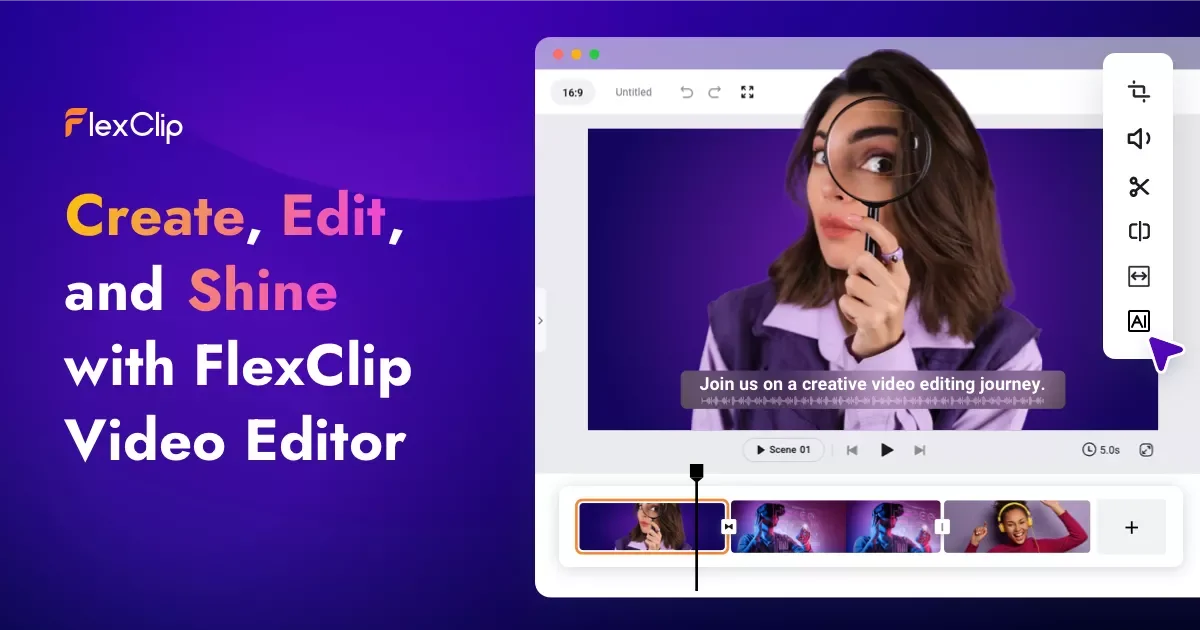
FlexClip is an all-in-one online video creation platform that empowers marketers, content creators, educators, and businesses to produce polished videos quickly and easily. With over 6,000 customizable templates covering business promos, social media clips, tutorials, weddings, and more, users can go from blank canvas to finished video in minutes. The platform features a powerful suite of AI tools: an AI Video Generator that creates videos from prompts, articles, or URLs; AI Text-to-Speech for natural voiceovers; AI Auto Subtitle for automatic caption generation; AI Translator for multilingual videos; AI Background Remover; AI Voice Cloning; and an AI Music Generator. FlexClip also supports leading AI video models including Sora 2, Veo 3, Kling AI, and Hailuo AI. Beyond AI capabilities, it offers a comprehensive set of traditional editing tools — trim, merge, reverse, speed control, chroma key, screen recording, and more — alongside a library of over 4 million royalty-free videos and photos, 74,000+ music tracks, and 3 million dynamic elements. The platform supports 4K export and direct publishing to social media platforms. With over 5 million registered users and 10 million+ videos published, FlexClip is trusted across marketing, education, real estate, gaming, and social media industries.
Key Features
- AI Video Generator: Automatically generates complete videos from text prompts, articles, URLs, PPT files, or PDFs — supporting leading AI models like Sora 2, Veo 3, and Kling AI.
- 6000+ Ready-to-Use Templates: A vast library of professionally designed templates covering business, social media, lifestyle, education, real estate, and more for rapid video creation.
- AI Auto Subtitle & Translator: Automatically detects speech and generates accurate subtitles, with AI translation enabling multilingual video production for global audiences.
- AI Text-to-Speech & Voice Cloning: Converts written scripts into natural-sounding voiceovers and supports AI voice cloning for consistent brand narration across videos.
- Rich Media Library & Editing Tools: Access 4M+ royalty-free videos and photos, 74,000+ music tracks, and a full suite of editing tools including chroma key, screen recorder, and 4K export.
Use Cases
- Creating social media video content for TikTok, Instagram Reels, and YouTube Shorts using AI-generated clips and templates
- Producing marketing and promotional videos for businesses without hiring a professional video editor
- Generating multilingual product explainer videos with AI translation and auto-subtitle features
- Building educational tutorial videos with screen recording, voiceover, and animated text overlays
- Converting blog posts, articles, or presentations into engaging video content via AI URL-to-video or PPT-to-video tools
Pros
- No editing experience required: FlexClip's intuitive drag-and-drop interface and extensive template library make video creation accessible to complete beginners.
- Comprehensive AI feature set: Integrates a wide range of AI tools — video generation, subtitles, translation, TTS, voice cloning, background removal — all within one platform.
- Massive royalty-free media library: Over 4 million videos and photos plus 74,000+ music tracks eliminate the need for third-party stock media subscriptions.
- Direct social media publishing: Supports 4K export and one-click sharing to YouTube, Facebook, TikTok, Instagram, and other platforms.
Cons
- Free plan adds watermarks: Videos created on the free tier include FlexClip watermarks and are limited in resolution and export quality, requiring an upgrade for commercial use.
- Advanced AI models require paid plan: Access to premium AI video generation models like Sora 2 and Veo 3 is gated behind higher-tier subscription plans.
- Web-only platform: FlexClip is browser-based with no dedicated desktop or mobile app, which can limit usability in offline or low-connectivity environments.
Frequently Asked Questions
Is FlexClip free to use?
Yes, FlexClip offers a free plan that includes access to templates, basic editing tools, and some AI features. However, free exports include a watermark and are limited in resolution. Paid plans unlock full HD/4K exports, watermark removal, and premium AI models.
What AI video generation models does FlexClip support?
FlexClip integrates several leading AI video models including Sora 2, Veo 3, Kling AI, Hailuo AI, Banana Pro, and Seedream 4.0, as well as image models like GPT-4o, Imagen 4, and FLUX.
Can FlexClip automatically add subtitles to my video?
Yes. FlexClip's AI Auto Subtitle feature automatically detects speech and generates accurate captions. The AI Translator can then convert those subtitles into multiple languages for international audiences.
Does FlexClip support team collaboration?
Yes. FlexClip supports team collaboration features with cloud storage for shared file access and the ability to work together on projects, making it suitable for marketing teams and agencies.
What video formats and resolutions can I export from FlexClip?
FlexClip supports export up to 4K resolution and offers multiple video format options. Exported videos can also be shared directly to social media platforms like YouTube, TikTok, Instagram, and Facebook.