

About
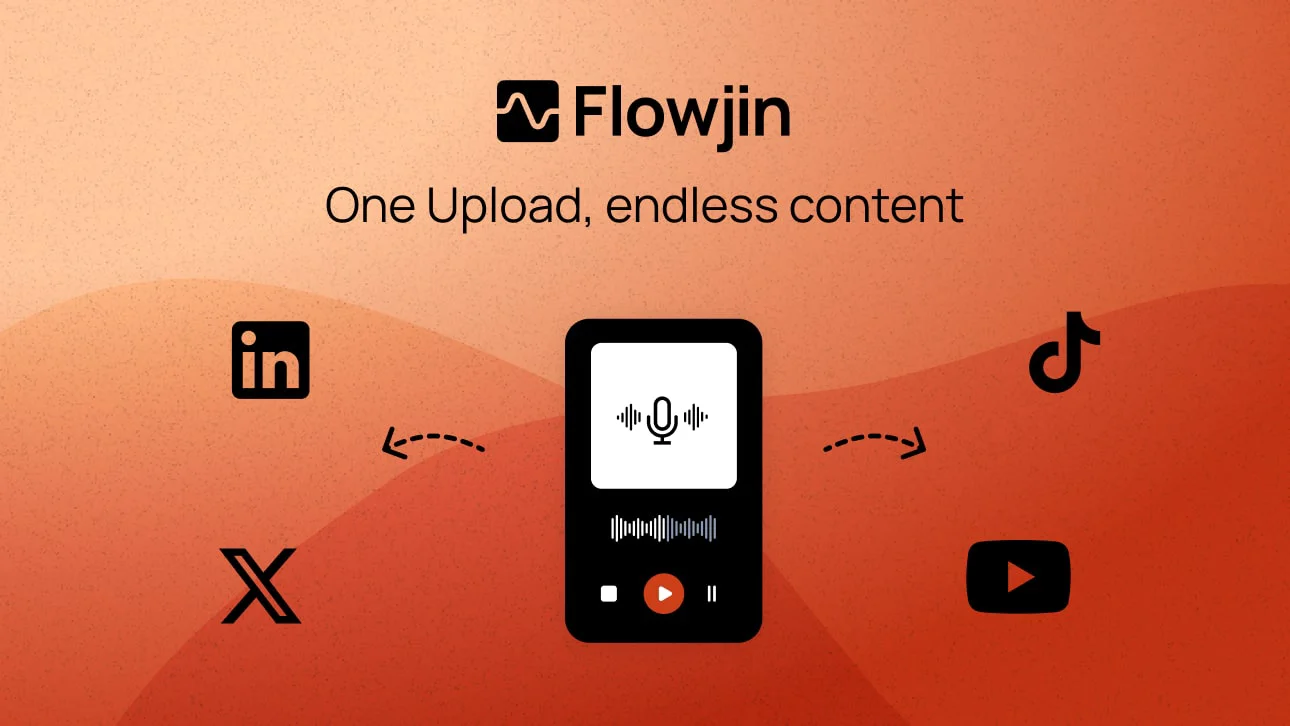
Flowjin is a complete AI clipping and social publishing platform built for brands, marketers, and content creators who need to repurpose long-form content at scale without a video editor. Upload a video or audio file — a webinar, podcast, Twitter Space, YouTube video, or interview — and Flowjin's AI automatically identifies the most compelling moments and produces 6–12 captioned short-form clips ready for social media. Beyond clipping, Flowjin's AI writes platform-specific posts for LinkedIn, YouTube Shorts, TikTok, Instagram Reels, and X, including titles, descriptions, hashtags, and calls to action tailored to each platform's style. Smart crop and speaker tracking ensure clips look polished without manual editing, while auto-captions and optional B-rolls add production quality automatically. A unified content calendar lets teams review, approve, and schedule clips across all channels in one place — replacing the need for a separate video editor, copywriter, and social scheduling tool. Flowjin is particularly well-suited for founders maintaining a LinkedIn presence, marketing teams turning webinars into multi-week campaigns, social media managers juggling multiple channels, and agencies delivering branded content at volume. With over 87,000 uploads and 38,000 videos generated, Flowjin helps marketers reclaim hours of post-production time each week.
Key Features
- AI Clip Extraction: Automatically identifies the most shareable moments in long videos or audio files and generates 6–12 captioned clips per upload.
- Platform-Specific Copy Writing: Writes ready-to-publish titles, descriptions, hashtags, and CTAs tailored for LinkedIn, YouTube, X, TikTok, and Instagram Reels.
- Smart Crop & Speaker Tracking: Auto-reframes video for vertical and square formats with intelligent speaker detection so the right person is always in frame.
- Auto Captions & Transcription: Generates accurate captions and full transcriptions automatically, improving accessibility and social media engagement.
- Unified Scheduling Calendar: Review, approve, and schedule clips across all social channels from a single calendar without switching tools.
Use Cases
- A podcast host uploads weekly episodes and Flowjin automatically extracts highlight clips with captions for Instagram Reels, TikTok, and X — no editing required.
- A marketing team repurposes a 60-minute webinar into a two-week multi-channel content campaign with AI-written platform-specific captions and scheduled posts.
- A founder uses Flowjin to clip their long-form interview content into daily LinkedIn posts to maintain consistent personal brand visibility.
- A marketing agency batch-processes client videos and uses Flowjin's single calendar to review, approve, and schedule all branded clips without hiring additional editors.
- A community manager downloads Twitter Spaces recordings and converts them into audiograms and quote clips to amplify key conversation moments across social channels.
Pros
- All-in-one workflow: Replaces a video editor, AI copywriter, and social scheduling tool in a single platform, saving significant time and tool costs.
- Works with video and audio: Supports podcasts, Twitter Spaces, webinars, and YouTube videos — turning any long-form content into audiograms, quote clips, or video shorts.
- No editing skills required: AI handles cropping, captioning, and copy so non-technical marketers and founders can produce polished clips independently.
- Fast turnaround: Users report cutting post-production time in half, with clips ready to publish the same day content is recorded.
Cons
- Limited manual editing control: The AI-first approach may not satisfy power editors who need granular timeline control or advanced effects.
- Output quality depends on source: Poor audio quality or unstructured conversations may result in less compelling AI-selected clip moments.
- Web-only platform: No native desktop or mobile app is available, requiring an internet connection for all editing and scheduling tasks.
Frequently Asked Questions
What types of content can I upload to Flowjin?
Flowjin supports long-form videos (YouTube, webinars, interviews) and audio files (podcasts, Twitter Spaces, NotebookLM recordings). It converts both formats into short-form clips optimized for social media.
Which social media platforms does Flowjin support for publishing?
Flowjin generates and schedules content for LinkedIn, YouTube Shorts, X (Twitter), Instagram Reels, TikTok, and Facebook.
How many clips does Flowjin generate per upload?
Flowjin's AI automatically identifies and drafts 6–12 captioned clips from each uploaded video or audio file, selecting the most shareable moments.
Do I need video editing experience to use Flowjin?
No. Flowjin is designed to require zero editing skills. The AI handles clipping, captioning, reframing, and copywriting automatically. You only need to review and approve before publishing.
Is Flowjin free to use?
Flowjin offers a freemium model. You can sign up and start uploading content to try the platform, with paid plans available for higher usage volumes and advanced features.