

About
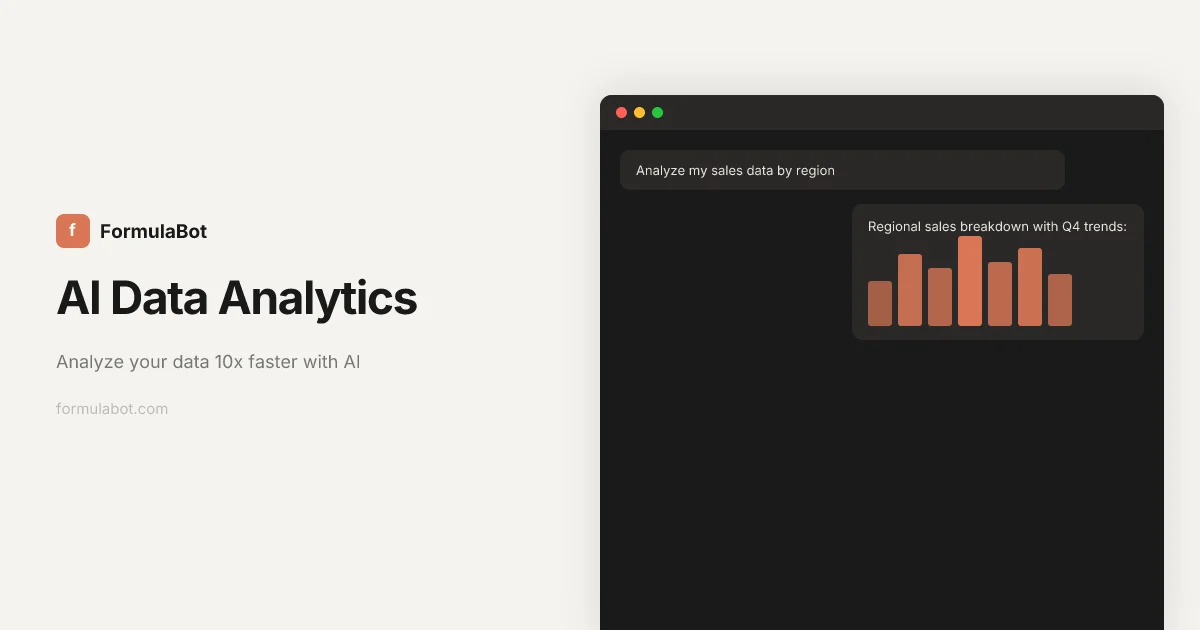
Formula Bot is an AI-powered data analytics assistant that helps individuals and businesses turn raw data into actionable insights without writing code. Trusted by over 1 million users at companies like Tesla, Oracle, Amazon, and Nike, Formula Bot lets you ask questions in plain English and instantly receive charts, tables, formulas, and cleaned datasets. The platform supports the full data workflow: upload or connect your data from sources like Google Analytics, BigQuery, Snowflake, MySQL, and PostgreSQL, then clean and reshape it, visualize it with beautiful charts, and export results to Excel or formatted reports. AI-powered text analysis tools — including sentiment detection, keyword extraction, and language translation — allow users to derive insights from unstructured data as easily as structured. For power users, every AI-generated result includes transparent Python, SQL, or R code to inspect, learn from, or export. Additional standalone tools include an AI Chart Maker, SQL Query Generator, VBA Code Generator, Google Sheets Formula Generator, PDF-to-Excel Converter, and more. Whether you're a business analyst, marketer, data scientist, or student, Formula Bot dramatically accelerates data work that would otherwise take hours, making enterprise-grade analytics accessible to everyone.
Key Features
- Conversational Data Analysis: Ask questions in plain English (or any language) and receive instant charts, tables, and analytical insights from your data.
- Data Visualization: Automatically generate beautiful, interactive charts and graphs to communicate data clearly and support decision-making.
- Data Transformation: Clean, merge, reshape, and reformat messy datasets from multiple sources into analysis-ready formats with AI assistance.
- Text & Sentiment Analysis: Analyze unstructured text with AI-powered sentiment detection, keyword extraction, and language translation at scale.
- Multi-Source Data Connectors: Connect to Google Analytics, BigQuery, Snowflake, MySQL, PostgreSQL, MSSQL, and more for unified real-time analysis.
Use Cases
- A marketing analyst uploads monthly sales data and asks Formula Bot to generate profit-by-region charts without writing a single formula.
- A small business owner connects their MySQL database and asks plain-English questions to understand revenue trends by product category.
- A customer support manager uses Formula Bot's sentiment analysis to automatically classify thousands of customer reviews as positive, neutral, or negative.
- A data scientist exports AI-generated Python code from Formula Bot to integrate automated analysis into a custom data pipeline.
- A student uses Formula Bot to clean survey data, remove duplicates, and create presentation-ready visualizations for a research project.
Pros
- No coding required: Plain English queries make advanced data analysis fully accessible to non-technical business users and analysts.
- Wide data source support: Integrates with spreadsheets, PDFs, cloud databases, and analytics platforms all within a single workspace.
- Full code transparency: Every AI result exposes the underlying Python, SQL, or R code so users can learn, verify, and export freely.
- Trusted at enterprise scale: Adopted by 1M+ users including teams at major organizations like Tesla, Oracle, Amazon, Nike, and Apple.
Cons
- Freemium usage limits: Advanced features, higher data volumes, and premium connectors are gated behind paid subscription tiers.
- AI accuracy variability: AI-generated formulas and insights may occasionally require manual review or correction on complex or ambiguous datasets.
- Web-only platform: All work is browser-based with no dedicated desktop application, which may be limiting in offline or restricted environments.
Frequently Asked Questions
What data sources can I connect to Formula Bot?
Formula Bot supports a wide range of sources including Excel, Google Sheets, PDFs, and databases such as BigQuery, Snowflake, MySQL, PostgreSQL, MSSQL, Google Analytics, and Google Search Console.
Do I need to know how to code to use Formula Bot?
No. Formula Bot is designed for non-technical users. You type questions in plain English and the AI handles all analysis, formula generation, and visualization automatically.
What programming languages does Formula Bot use under the hood?
Formula Bot generates Python, SQL, and R code to power its analyses. You can view, copy, and export this code for your own use.
Can I export results from Formula Bot?
Yes. You can export analysis results to Excel, generate formatted spreadsheet reports, and download the underlying code generated for each analysis.
Is Formula Bot free to use?
Formula Bot offers a free tier to get started with core features. Advanced capabilities and higher usage limits are available through paid subscription plans.