About
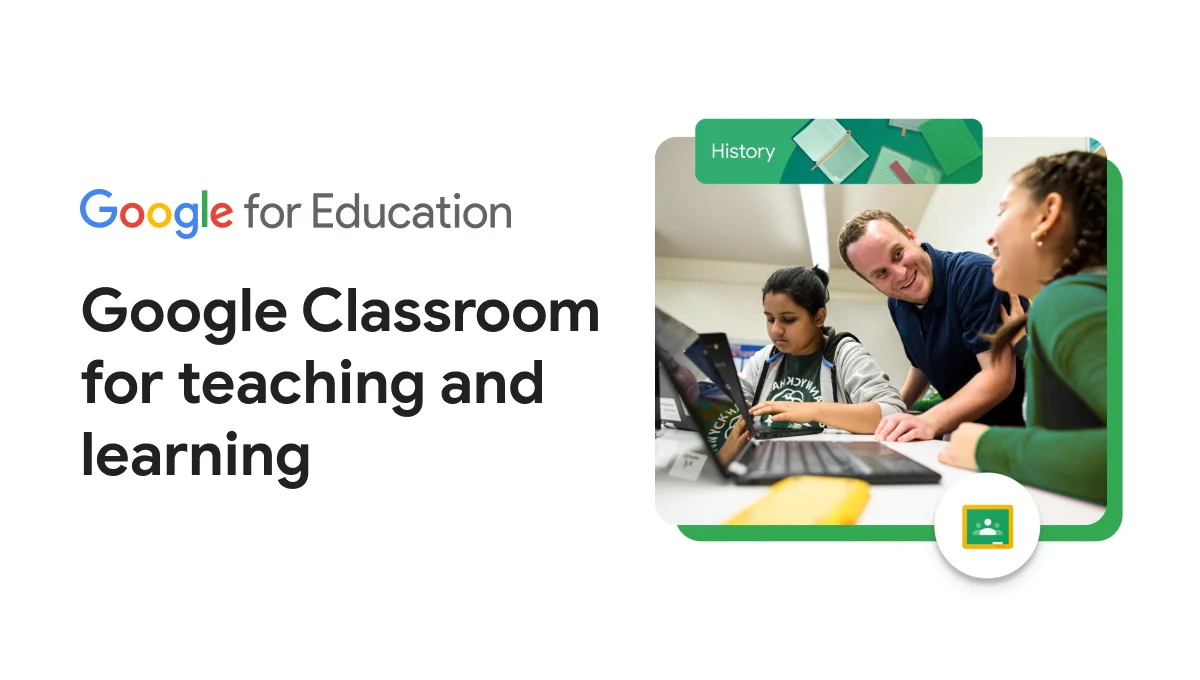
Google Classroom is Google's flagship learning management system (LMS) designed for K-12 and higher education institutions. As part of Google Workspace for Education, it serves as a central hub where teachers can create, distribute, and grade assignments while students access learning materials in one organized place. With the recent addition of Gemini AI tools, educators can now go from idea to instruction faster by generating lesson plans, creating interactive assignments, and personalizing learning experiences at scale. Features like Practice Sets allow teachers to build interactive assignments—even from existing Google Forms—that deliver real-time feedback to students. The Read Along feature helps students practice reading skills with live audio feedback, while educators gain insights into accuracy, speed, comprehension, and progress. NotebookLM and Gems integrations enable teacher-led AI experiences grounded in class-specific materials, supporting differentiated instruction and self-paced learning. Gemini in Classroom also offers added data protection, making it safe for school environments. Google Classroom supports Lexile-measured and grade-level differentiation with a library of over 800 books from trusted publishers. It scales from a single classroom to district-wide deployments with tiered editions—Education Fundamentals (free), Education Plus (paid), and specialized add-ons including Google AI Pro for Education. Ideal for educators, school administrators, and students worldwide.
Key Features
- Gemini AI for Educators: AI tools powered by Gemini help teachers rapidly draft lesson plans, generate assignment ideas, and streamline common instructional tasks.
- Interactive Practice Sets: Create adaptive assignments—including from existing Google Forms—that provide students with real-time feedback and learning resources as they work.
- Read Along with AI Feedback: Students practice reading aloud and receive instant feedback on accuracy, speed, and comprehension, with educator dashboards tracking progress over time.
- NotebookLM & Gems Integration: Enable teacher-led AI experiences grounded in class-specific materials to support differentiated instruction and independent student exploration.
- Classroom Management & Insights: Centralize assignment distribution, grading, and student progress tracking with visibility tools that help educators identify where learners need support.
Use Cases
- K-12 teachers distributing and grading assignments digitally while tracking each student's progress in a single dashboard.
- Educators using Gemini AI to quickly generate differentiated lesson plans and interactive assignments tailored to varying student skill levels.
- Reading teachers assigning Read Along activities so students can practice independently and receive AI-driven fluency feedback outside of class.
- School administrators deploying Google Classroom district-wide with centralized controls, privacy protections, and integration with existing Google Workspace tools.
- Higher education instructors creating self-paced learning modules with NotebookLM and Gems grounded in course-specific materials for student research and review.
Pros
- Free for Most Schools: Education Fundamentals is available at no cost, making it accessible for virtually any K-12 institution without budget constraints.
- Deep Google Ecosystem Integration: Seamlessly works with Google Docs, Drive, Meet, and Forms, reducing friction for schools already using Google Workspace.
- AI Tools Built for Safety: Gemini in Classroom includes added data protection, making it compliant and appropriate for use with student populations.
- Scalable Across Institution Sizes: Supports everything from a single classroom to district-wide deployments with tiered editions and administrative controls.
Cons
- Advanced AI Features Require Paid Tiers: The most powerful AI capabilities, including full Gemini features and Practice Sets, require Education Plus or paid add-ons.
- Limited Customization Compared to Dedicated LMS Platforms: Google Classroom lacks some advanced course-building and reporting features found in platforms like Canvas or Blackboard.
- Dependent on Google Ecosystem: Schools not using Google Workspace may face friction integrating Classroom with other tools or identity providers.
Frequently Asked Questions
Is Google Classroom free to use?
Yes, Google Classroom is free for schools through the Education Fundamentals edition. Paid tiers like Education Plus and add-ons like Google AI Pro for Education unlock advanced AI and instructional features.
What AI features are included in Google Classroom?
Google Classroom includes Gemini AI tools for educators to generate lesson ideas and instructional content, Practice Sets for interactive student assignments, Read Along for reading skill development, and NotebookLM/Gems integrations for personalized learning experiences.
Is Google Classroom suitable for higher education?
Yes, Google Classroom supports both K-12 and higher education institutions with tailored resources, AI use case libraries, and scalable Google Workspace for Education editions.
How does Read Along work in Google Classroom?
Read Along lets students practice reading aloud and receive real-time feedback on accuracy, speed, and comprehension. Teachers can access detailed progress insights and differentiate reading levels using Lexile measures or phonics skills across 800+ available books.
What is the difference between Education Fundamentals and Education Plus?
Education Fundamentals is the free tier providing core classroom management tools. Education Plus adds premium features including advanced AI capabilities, enhanced security controls, analytics, and access to the full suite of Gemini in Classroom tools.