
I
About
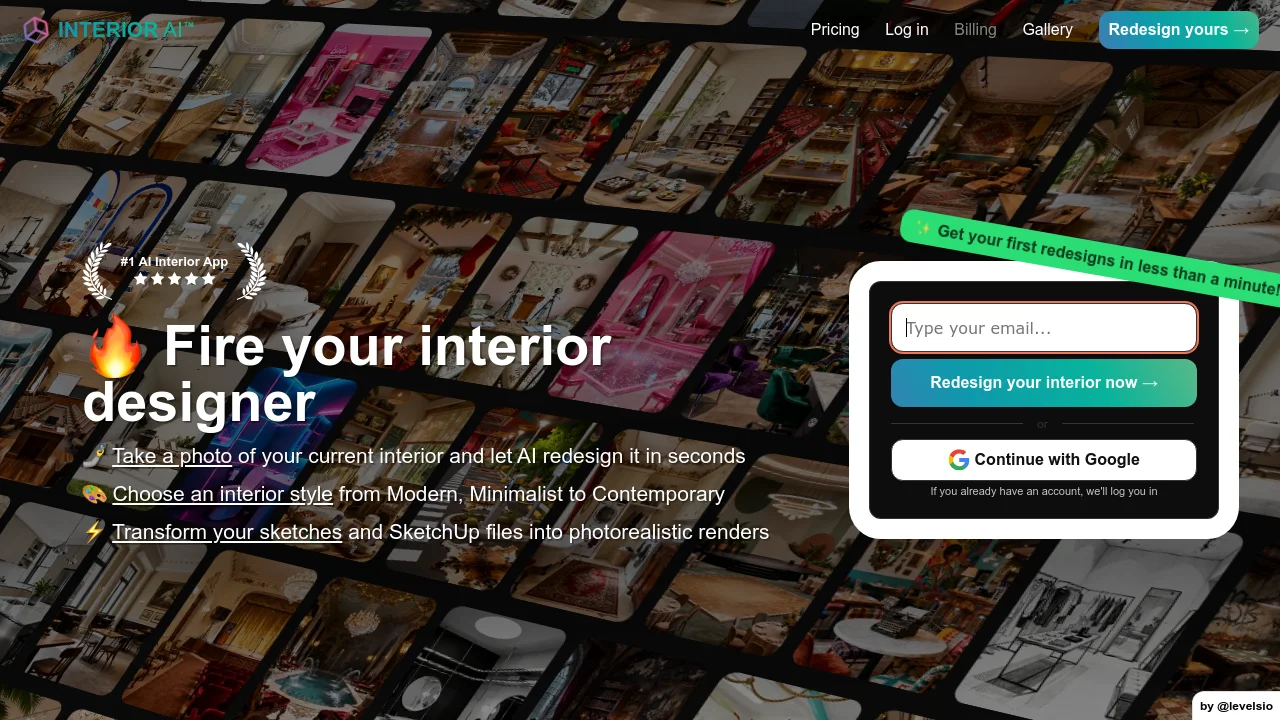
Interior AI is a comprehensive AI interior design platform that lets anyone redesign, furnish, or reimagine any home interior, exterior, or garden in seconds. Simply upload a photo of your space, choose from over 50 curated styles — ranging from Modern and Scandinavian to Cyberpunk and Baroque — and the AI delivers photorealistic redesigns almost instantly. The app supports multiple design modes: Interior Design mode rearranges and redesigns the existing space; Style Transfer keeps the layout intact while changing the aesthetic; Virtual Staging fills empty rooms with furniture, making it ideal for real estate listings; and Sketch2Image converts hand-drawn sketches or SketchUp screenshots into photorealistic renders. Users can also generate 3D flythrough videos from their renders. With support for a vast range of room types — from living rooms and kitchens to hotel lobbies, classrooms, and even outdoor pool areas — Interior AI is versatile enough for homeowners, interior designers, real estate agents, architects, and content creators. The optional custom style upload feature allows users to match a specific aesthetic from a reference photo. The free tier lets new users get started immediately, while the Premium plan ($60/month add-on) unlocks 5,000 designs per month with priority, lightning-fast response times. Interior AI is praised by press outlets for its speed and creative output, making it one of the leading AI tools in the home design space.
Key Features
- AI Room Redesign: Upload any room photo and receive photorealistic redesigns in seconds across 50+ interior styles, from Modern and Minimalist to Gothic and Vaporwave.
- Virtual Staging for Real Estate: Automatically furnish empty rooms with AI-generated furniture and décor, helping real estate agents create compelling property listings without physical staging.
- Sketch to Photorealistic Render: Convert hand-drawn sketches or SketchUp screenshots into high-quality photorealistic interior renders, streamlining the design workflow for professionals.
- 3D Flythrough Video Generation: Turn static AI renders into smooth 3D flythrough videos, enabling immersive property walkthroughs and design presentations.
- Custom Style Reference Upload: Upload a photo of any interior aesthetic you admire, and the AI will replicate that style in your redesign for fully personalized results.
Use Cases
- Homeowners exploring renovation ideas by visualizing their existing rooms in different styles before committing to a remodel.
- Real estate agents virtually staging empty properties to create attractive, furnished listing photos that help homes sell faster.
- Interior designers and architects converting rough sketches or SketchUp models into polished photorealistic renders for client presentations.
- Airbnb hosts redesigning their rental spaces to match trendy aesthetics and improve listing appeal.
- Content creators and design influencers generating visually striking room transformations for social media and portfolio showcases.
Pros
- Extremely Fast Results: Get your first AI redesigns in under a minute, making it one of the quickest interior design tools available for rapid ideation and staging.
- Massive Style Library: With 50+ distinct styles ranging from everyday aesthetics like Farmhouse and Coastal to niche looks like Cyberpunk and Post-Apocalyptic, there's an option for every project.
- Multi-Use Modes: Covers a wide range of use cases — redesign, style transfer, virtual staging, sketch rendering, and video generation — in a single platform.
- Broad Room Type Support: Supports 50+ room types including unusual spaces like podcast studios, dance studios, and airport lounges, making it useful beyond residential design.
Cons
- Premium Tier Is Expensive: The high-volume Premium plan costs an additional $60/month on top of the base plan, which may be costly for casual or occasional users.
- Experimental Prompt Feature: The optional text prompt feature is labeled experimental and may produce inconsistent or unexpected results, limiting fine-grained creative control.
- Output Quality Can Vary: AI-generated results depend heavily on photo quality and lighting; poorly lit or cluttered input photos may yield less accurate redesigns.
Frequently Asked Questions
How does Interior AI work?
You upload a photo of your room, select the room type and a design style, then tap 'Create design.' The AI analyzes the space and generates a photorealistic redesign within seconds.
Can Interior AI be used for real estate virtual staging?
Yes. The Virtual Staging mode is specifically designed to furnish empty rooms with AI-generated furniture and décor, creating professional-looking property listings without physical staging costs.
Does Interior AI work with architectural sketches or SketchUp files?
Yes. The Sketch2Image mode accepts hand-drawn sketches and SketchUp screenshots and converts them into photorealistic interior renders.
What is the difference between the free and premium plans?
The free plan allows users to generate a limited number of designs. The Premium plan ($60/month add-on) unlocks 5,000 designs per month with priority access and faster generation speeds.
What styles and room types does Interior AI support?
Interior AI supports 50+ design styles (Modern, Scandinavian, Bohemian, Cyberpunk, and more) and 50+ room types ranging from living rooms and bedrooms to hotel lobbies, classrooms, and outdoor garden areas.