

About
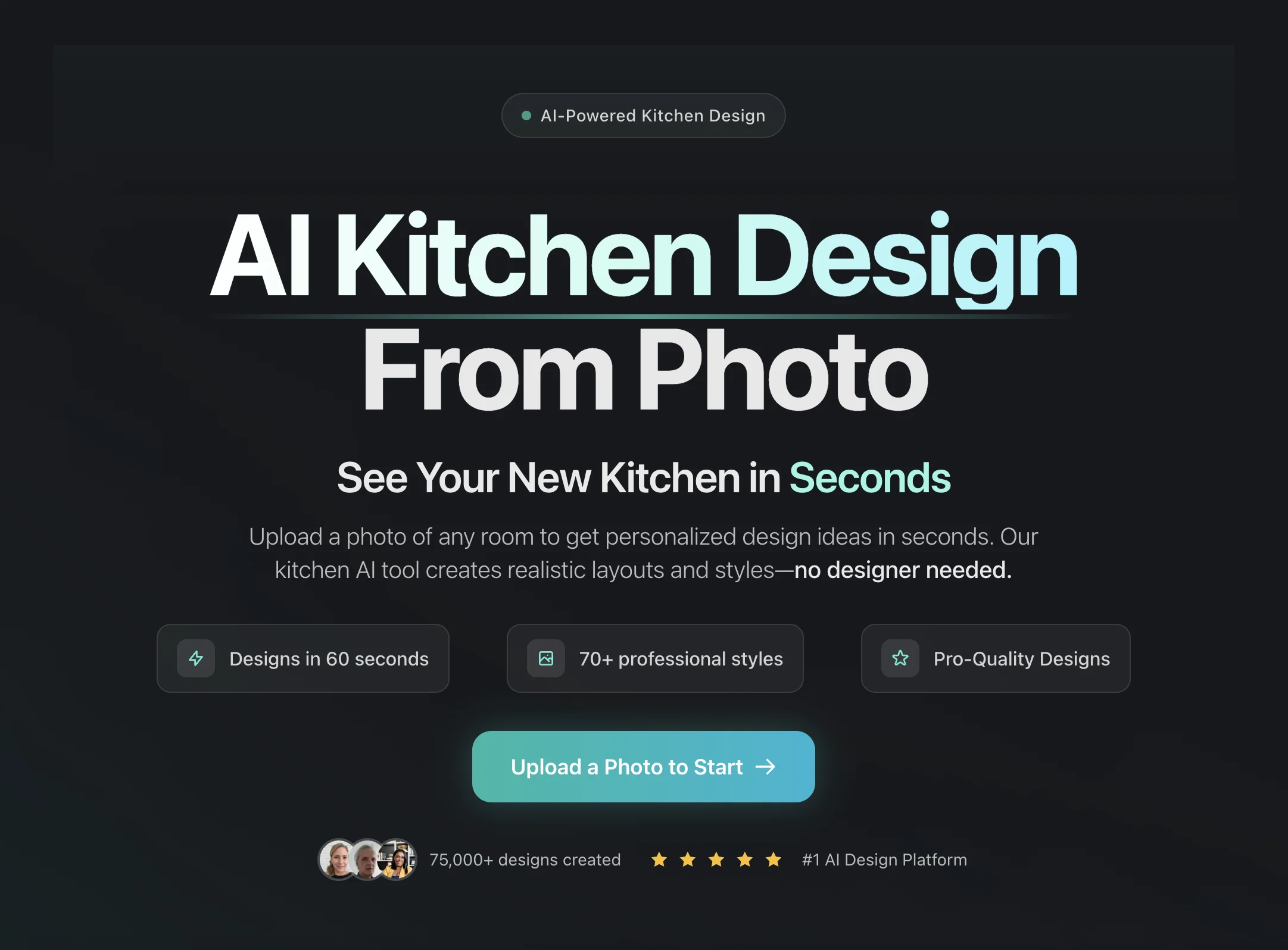
KitchenDesign.io is an AI-driven room design platform that allows anyone—homeowners, interior designers, or real estate professionals—to instantly visualize stunning room transformations without hiring an expensive designer. Simply upload a photo of your existing space, choose from 70+ curated styles (modern, traditional, minimalist, coastal, industrial, and more), and receive multiple photo-realistic design concepts in as little as 60 seconds. The platform supports a wide variety of room types beyond just kitchens, including bedrooms, bathrooms, and living rooms, making it a versatile all-in-one interior design tool. With over 75,000 designs generated and a growing library of style packs, users can experiment with different aesthetics before committing to any renovation decisions. KitchenDesign.io is particularly valuable for early-stage design exploration, enabling interior architects to generate mood boards before opening CAD software and helping homeowners compare design directions at a fraction of the cost of traditional design consultations—which often run $2,500 or more just for initial concepts. The tool is fully web-based with no software installation required, and new users can start creating for free. It's designed for ease of use, requiring no design experience, while delivering professional-quality results suitable for presentations, client approvals, and personal renovation planning.
Key Features
- Instant AI Room Redesign: Upload any room photo and receive multiple photo-realistic design concepts in under 60 seconds using advanced generative AI.
- 70+ Professional Design Styles: Choose from a wide range of curated styles including modern, traditional, minimalist, coastal, industrial, Scandinavian, and luxury.
- Multi-Room Support: Works across kitchens, bedrooms, bathrooms, and living rooms—making it a complete home interior design tool, not just for kitchens.
- Style Pack Exploration: Browse and apply themed design packs to compare dramatically different aesthetics side-by-side before making renovation decisions.
- No Design Experience Required: The three-step process (upload, choose style, get designs) is accessible to complete beginners while still delivering professional-grade results.
Use Cases
- Homeowners exploring kitchen remodel styles before committing to a contractor or designer
- Interior designers and architects rapidly generating mood boards and concept variations for client presentations
- Real estate agents and home stagers visualizing potential renovations to increase property appeal
- Renters and buyers imagining how they would personalize a new space before moving in
- DIY renovators comparing design directions (modern vs. traditional, minimalist vs. coastal) to guide purchasing decisions
Pros
- Extremely Fast Turnaround: Generates realistic design concepts in 60 seconds, saving hours or weeks compared to working with a traditional interior designer.
- Significant Cost Savings: Provides professional-quality design concepts at a fraction of the cost—traditional designers often charge $2,500+ just for initial concepts.
- Versatile Across Room Types: Not limited to kitchens—supports bedrooms, bathrooms, and living rooms, making it useful for whole-home renovation planning.
- Great for Professionals & Beginners Alike: Interior architects use it for rapid mood boarding, while homeowners with no design background get stunning results effortlessly.
Cons
- No Structural or 3D Planning: Outputs are visual concept renders only—the tool does not provide floor plans, measurements, or construction-ready documentation.
- Results Depend on Photo Quality: The quality and accuracy of generated designs can vary based on the clarity, angle, and lighting of the uploaded room photo.
- Limited Customization Depth: Users select from preset styles rather than fine-tuning individual elements like specific cabinet brands, tile patterns, or fixture models.
Frequently Asked Questions
How does KitchenDesign.io work?
Simply upload a photo of your kitchen or any room, choose from 70+ available styles, and the AI generates multiple photo-realistic redesign concepts tailored to your space in about 60 seconds.
Which room types does it support?
KitchenDesign.io supports kitchens, bedrooms, bathrooms, and living rooms. Despite its name, it functions as a full home interior design AI tool.
Is KitchenDesign.io free to use?
Yes, you can start creating designs for free. The platform operates on a freemium model, with a free tier to get started and paid plans for higher-volume or premium features.
Can interior design professionals use this tool?
Absolutely. Interior architects and professional designers use KitchenDesign.io to rapidly generate mood boards and concept options before moving into detailed CAD or client presentations.
How realistic are the generated designs?
The AI produces photo-realistic renders with professional lighting and composition, making them suitable for client proposals, renovation planning, and social sharing. Over 75,000 designs have been created on the platform.