
About
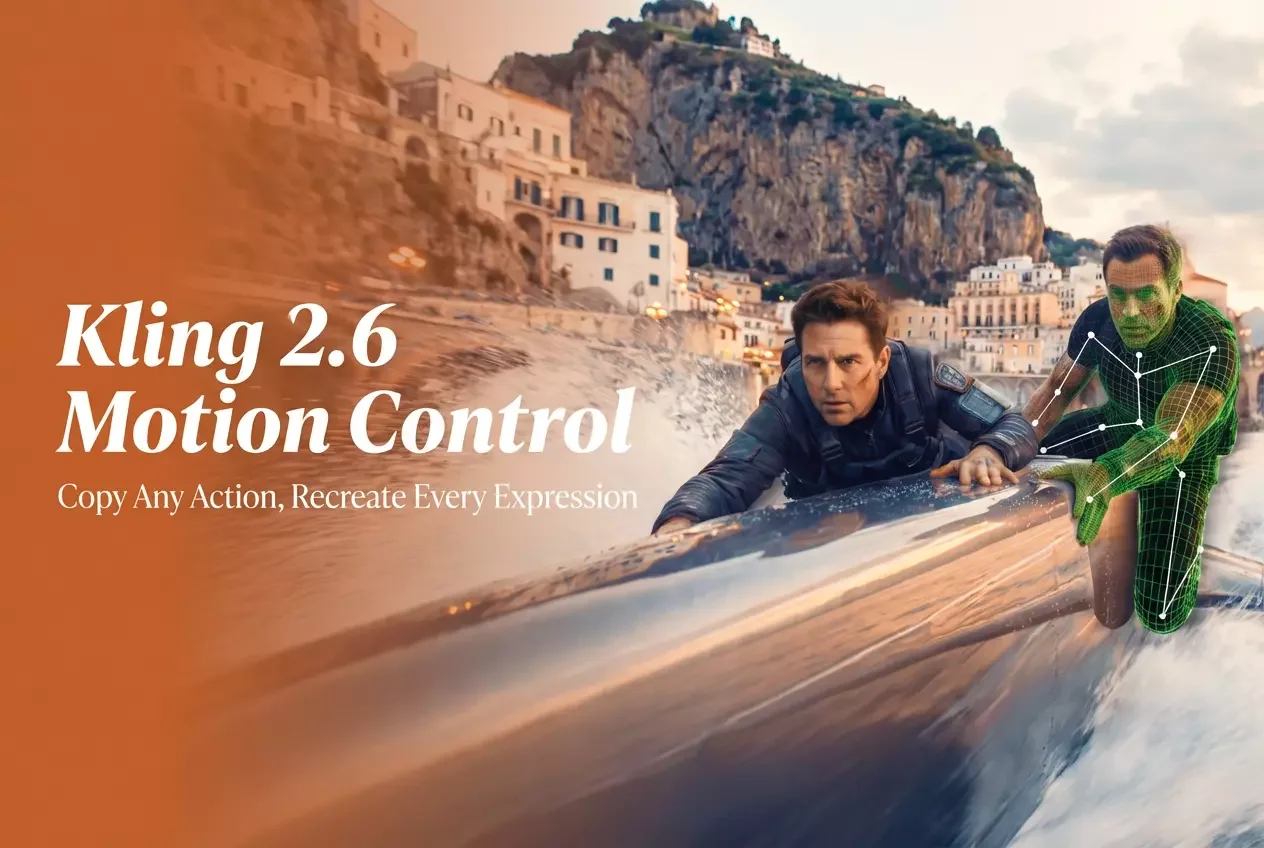
Klingmotion leverages Kling Motion Control, an advanced AI motion transfer system embedded in Kling Video 2.6 Pro, to animate static character images using real-world video references. Unlike probabilistic animation models, Klingmotion explicitly extracts motion paths from 3–30 second reference clips — capturing walking, dancing, martial arts, expressive gestures, and complex choreography — then reconstructs them frame-by-frame onto a provided character image while preserving the character's visual identity. Users simply upload one character image and one motion reference video (or choose from a built-in motion library), add an optional text prompt to guide background and scene details, and generate a fully motion-controlled video. The system supports full-body accuracy from posture shifts to limb articulation, and excels at fine-grained hand and gesture control for close-up shots. Two character orientation modes give creators control over framing: match the reference video's exact orientation or retain the original character composition with camera motion applied. Klingmotion is ideal for creative character animators, marketing teams building brand mascot videos, studios doing storyboarding and pre-visualization, and social media creators applying trending motion clips to custom characters. Optional audio preservation from the reference video adds further production flexibility. With predictable, repeatable results across long one-shot actions, Klingmotion fills the gap between fully manual animation and unpredictable generative video tools.
Key Features
- Motion Extraction & Transfer: Explicitly extracts full motion sequences from 3–30 second reference videos — including walking, dancing, and complex choreography — and transfers them accurately to a static character image.
- Full-Body Motion Accuracy: Reconstructs motion frame-by-frame for smooth, physically coherent animation, handling fast and intricate movements like martial arts and dynamic dance routines.
- Precision Hand & Gesture Control: Preserves fine hand movements and expressive facial gestures for lifelike character performances, suitable for close-up shots and detailed animations.
- Flexible Character Orientation Modes: Choose to match the character's orientation to the reference video for exact framing, or keep the original image composition while applying camera motion independently.
- Optional Audio Preservation: Retain the original audio track from the reference video or generate a silent output, giving full creative control over the final production.
Use Cases
- Applying real dance or action choreography to illustrated characters, mascots, or concept art for creative animation projects.
- Transferring human gestures to animated brand characters for product demo videos, explainers, and marketing campaigns.
- Generating realistic character performances for storyboarding and pre-visualization early in a film or game production pipeline.
- Creating engaging short-form social media videos by applying trending motion clips to custom characters with consistent visual identity.
- Producing lifelike close-up animations with precise hand and facial gesture control for promotional or educational content.
Pros
- Intentional, Predictable Motion: Unlike probabilistic animation models, Klingmotion extracts explicit motion paths, delivering consistent and repeatable results across long one-shot actions.
- Identity-Safe Output: The character's visual identity is preserved throughout the animation process, ensuring the output matches the original image while performing the desired motion.
- Broad Use Case Coverage: Supports creative animation, marketing, storyboarding, and social content creation workflows from a single platform with a built-in motion library.
- Fine Gesture Fidelity: Excels at reproducing detailed hand and body gestures that generic animation tools typically approximate or distort.
Cons
- Requires a Motion Reference Video: Every animation requires uploading a 3–30 second reference clip or selecting from the library — there is no purely text-driven motion generation.
- Tied to Kling Pro Tier: Full Motion Control functionality is built into Kling Video 2.6 Pro, meaning advanced features may be gated behind a paid subscription.
- Limited to Character Animation: The tool is optimized for human or humanoid character motion and may not generalize well to object animation or scene-level dynamics.
Frequently Asked Questions
What is Kling Motion Control?
Kling Motion Control is an AI motion transfer technology built into Kling Video 2.6 Pro. It extracts motion paths from a reference video and applies them frame-by-frame to a static character image, producing realistic animated video output.
What types of reference videos can I use?
You can upload any video between 3 and 30 seconds long, or choose from Klingmotion's built-in motion library. The reference video can feature walking, dancing, gestures, martial arts, or any human body movement.
Will my character's appearance change during animation?
No. Klingmotion is designed to be identity-safe — the character's visual appearance is preserved throughout the motion transfer process while only the movement is applied.
Can I control the background and scene in the output video?
Yes. After uploading your character image and motion reference, you can enter a text prompt to control background details and scene composition in the generated video.
What orientation modes are available?
Klingmotion offers two modes: 'Character Orientation Matches Video' for exact framing replication from the reference clip, and 'Character Orientation Matches Image' to preserve the original character composition while applying camera motion.