

About
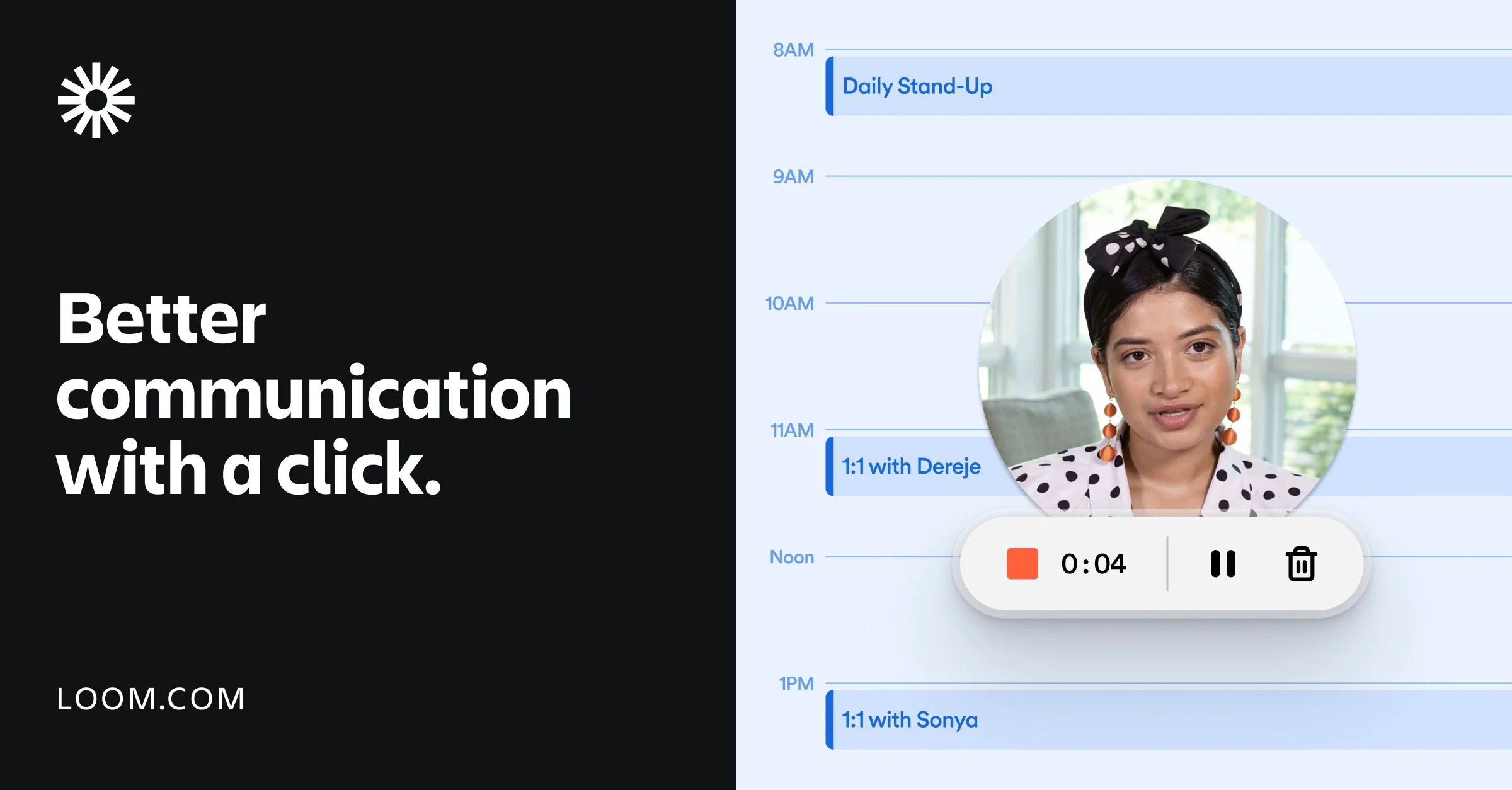
Loom is a leading async video messaging tool that combines screen recording with AI-driven productivity features. Users can record their screen, camera, or both in just a few clicks via a Chrome extension, desktop app, or mobile app — then instantly share the video anywhere. The intuitive editor allows trimming, stitching clips, adding backgrounds, and annotating with text, arrows, and box overlays, making it easy to produce polished videos without editing expertise. Loom's AI capabilities set it apart: it can automatically generate transcripts and captions in 50+ languages, convert recordings into written documents (SOPs, Jira tickets, and more), and auto-populate bug reports with technical context like browser/OS info, console errors, and network activity. This makes it particularly powerful for engineering, customer support, and sales teams. Videos integrate seamlessly with hundreds of tools including Google Workspace, Slack, Jira, and more. Collaboration features include emoji reactions, comments, tasks, and CTAs directly on video messages. Enterprise plans offer SSO, SCIM, custom data retention policies, and advanced privacy controls. Loom is ideal for remote and distributed teams looking to eliminate unnecessary meetings, speed up async communication, onboard customers, deliver feedback, personalize sales outreach, or document workflows — all through the power of video.
Key Features
- One-Click Screen & Camera Recording: Record your screen, webcam, or both instantly from a Chrome extension, desktop app, or mobile app — no complex setup required.
- AI-Powered Video Intelligence: Automatically generate transcripts, captions in 50+ languages, written docs (SOPs, Jira tickets), and AI bug reports with technical details captured from your recording.
- Intuitive Video Editor: Trim clips, stitch multiple recordings, add backgrounds, and annotate with text, arrows, and box overlays to create polished, professional videos quickly.
- Seamless Tool Integrations: Embed and share videos across Google Workspace, Slack, Jira, and hundreds of other tools your team already uses every day.
- Video Collaboration & Analytics: Add emoji reactions, comments, tasks, and CTAs to videos, and track viewer insights to see who watched, when, and for how long.
Use Cases
- Sales teams sending personalized video outreach to prospects to improve engagement and close more deals without scheduling calls.
- Engineering teams recording bug walkthroughs that automatically generate populated Jira tickets with technical diagnostic details.
- Customer support agents troubleshooting issues over video instead of long email threads, reaching resolutions faster.
- Distributed remote teams replacing synchronous meetings with async video updates, saving time across time zones.
- Designers and product managers sharing feedback and walkthroughs on prototypes or designs without scheduling review meetings.
Pros
- Extremely Easy to Use: Recording and sharing a video takes just a few clicks, with no technical expertise required — making it accessible to entire teams instantly.
- AI Saves Significant Time: AI-powered transcription, documentation generation, and bug reports eliminate hours of manual write-ups and meeting prep.
- Broad Platform & Tool Support: Works across Mac, PC, iOS, Android, and Chrome, and integrates natively with hundreds of popular workplace tools.
- Async Communication at Scale: Enables distributed and remote teams to collaborate effectively across time zones without scheduling endless synchronous meetings.
Cons
- Free Plan Has Limitations: The free tier restricts video length and storage, which can be limiting for heavier users or larger teams without upgrading.
- Advanced AI Features Require Paid Plans: Features like AI documentation workflows, Jira bug report generation, and advanced analytics are gated behind Business or Enterprise plans.
- Video Quality Dependent on Upload Speed: Recording quality and playback smoothness can be affected by internet connection speed, which may impact remote users in low-bandwidth environments.
Frequently Asked Questions
Is Loom free to use?
Yes, Loom offers a free plan that includes basic screen recording, sharing, and limited storage. Paid plans (Business and Enterprise) unlock AI features, longer recordings, advanced analytics, and admin controls.
What platforms does Loom support?
Loom is available as a web app, Chrome extension, desktop app for Mac and PC, and mobile app for iOS and Android — so you can record from virtually any device.
How does Loom's AI bug report feature work?
When you record a bug walkthrough, Loom's AI automatically captures technical details like device/browser/OS info, console errors, and network activity, then populates a Jira work item with all that context in just a few clicks.
Can Loom transcribe videos automatically?
Yes, Loom automatically generates transcripts and closed captions for your recordings in over 50 languages, making videos accessible and searchable.
What tools does Loom integrate with?
Loom integrates with hundreds of tools including Google Workspace (Docs, Gmail, Calendar), Slack, Jira, Notion, Salesforce, and many more, making it easy to share videos directly in your existing workflow.