

About
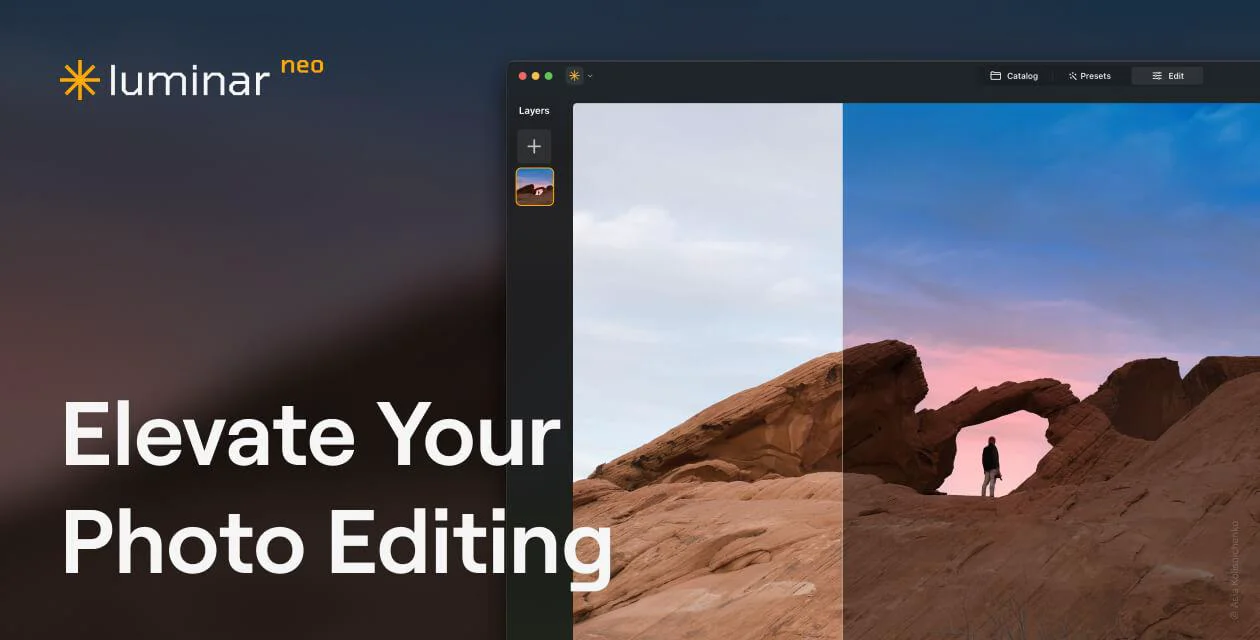
Luminar Neo by Skylum is a feature-rich, AI-driven photo editing application designed for photographers of all skill levels — from beginners to seasoned professionals. Built around a powerful suite of 30+ AI tools, it automates complex editing tasks like sky replacement, skin retouching, background removal, noise reduction, and portrait enhancement with just a few clicks. Key AI-powered features include Sky AI for instant sky swaps, Face AI and Skin AI for natural portrait retouching, Bokeh AI for creating dreamy depth-of-field effects, GenErase and GenSwap for generative object removal and replacement, and GenExpand for scene expansion. Pro tools like SuperSharp AI, Noiseless AI, AI Upscale, Focus Stacking, and HDR Merge ensure technical image quality is never compromised. Luminar Neo supports RAW files, layers, masking, and all major export formats. It integrates seamlessly as a plugin for Adobe Lightroom Classic and Photoshop, fitting easily into existing workflows. The connected ecosystem allows editing to begin on mobile (iOS/Android) and be finished on desktop, with work synced across devices. Available as a one-time purchase or subscription, Luminar Neo is ideal for landscape photographers, portrait artists, real estate photographers, wedding photographers, e-commerce creators, and hobbyists who want professional results without a steep learning curve.
Key Features
- 30+ AI-Powered Editing Tools: Tools like Sky AI, Face AI, Skin AI, Bokeh AI, Enhance AI, and Erase AI automate complex edits in seconds with intelligent, context-aware adjustments.
- Generative AI (GenErase, GenSwap, GenExpand): Remove unwanted objects, swap elements, and expand image borders seamlessly using cutting-edge generative AI technology.
- Pro Image Quality Tools: SuperSharp AI, Noiseless AI, AI Upscale, HDR Merge, Focus Stacking, and Panorama Stitching deliver professional-grade image quality enhancements.
- Lightroom & Photoshop Plugin Support: Integrates directly into Adobe Lightroom Classic and Photoshop as a plugin, allowing seamless use within existing professional workflows.
- Cross-Device Ecosystem: Start editing on iPhone or iPad and continue on Mac or PC — all work stays synced across devices through the Luminar connected ecosystem.
Use Cases
- Landscape photographers using Sky AI to replace flat or overcast skies with dramatic, realistic alternatives in a single click.
- Portrait photographers retouching skin, enhancing facial features, and adding studio lighting effects using Face AI, Skin AI, and Bokeh AI.
- Real estate and e-commerce photographers removing unwanted objects, enhancing lighting, and improving image quality for commercial listings.
- Wedding and event photographers processing large batches of RAW photos quickly using AI-powered Enhance AI and Noiseless AI tools.
- Hobbyist photographers and beginners getting professional-level photo edits without needing advanced technical skills, using Luminar Neo's guided AI tools.
Pros
- One-Time Purchase Available: Unlike most photo editing software, Luminar Neo offers a lifetime purchase option — pay once and use it forever without ongoing subscription costs.
- Powerful AI Automation: Dozens of AI tools handle technically demanding tasks automatically, making professional-quality edits accessible even to beginners.
- Plugin Compatibility: Works as a plugin for Adobe Lightroom Classic and Photoshop, so professionals don't need to abandon existing workflows to benefit from its AI features.
- On-Device Processing for Privacy: All AI processing happens locally on the device, ensuring full privacy and enabling use without an internet connection.
Cons
- No Free Tier: Luminar Neo does not offer a free version; users must purchase a plan to access its features, though a 30-day money-back guarantee is provided.
- Not a Full DAM Solution: Luminar Neo lacks the robust digital asset management (DAM) and cataloging capabilities found in tools like Lightroom, making it less suitable as a primary photo library manager.
- Performance Demands: Running multiple heavy AI tools simultaneously can be resource-intensive, requiring a reasonably powerful Mac or PC for a smooth editing experience.
Frequently Asked Questions
Is Luminar Neo a subscription or a one-time purchase?
Luminar Neo offers both options. You can buy it with a one-time payment for lifetime access, or choose a subscription plan. The one-time purchase includes all current features and future updates within the purchased version.
Can Luminar Neo be used as a plugin for Lightroom or Photoshop?
Yes, Luminar Neo integrates seamlessly as an external editor plugin for Adobe Lightroom Classic and Adobe Photoshop, allowing you to leverage its AI tools within your existing Adobe workflow.
Does Luminar Neo support RAW files?
Yes, Luminar Neo supports RAW file formats from most major camera brands, along with all common image formats. It also supports exporting in all major file formats.
Is there a mobile version of Luminar Neo?
Yes, Luminar has a mobile app (Luminar Mobile) available for iOS and Android. The desktop and mobile versions are part of the same connected ecosystem, allowing you to sync your work across devices.
Is Luminar Neo suitable for beginners?
Absolutely. Luminar Neo is designed to be intuitive for beginners while still offering depth for professionals. Its AI tools automate complex adjustments, so even users with no editing background can achieve impressive results quickly.