

About
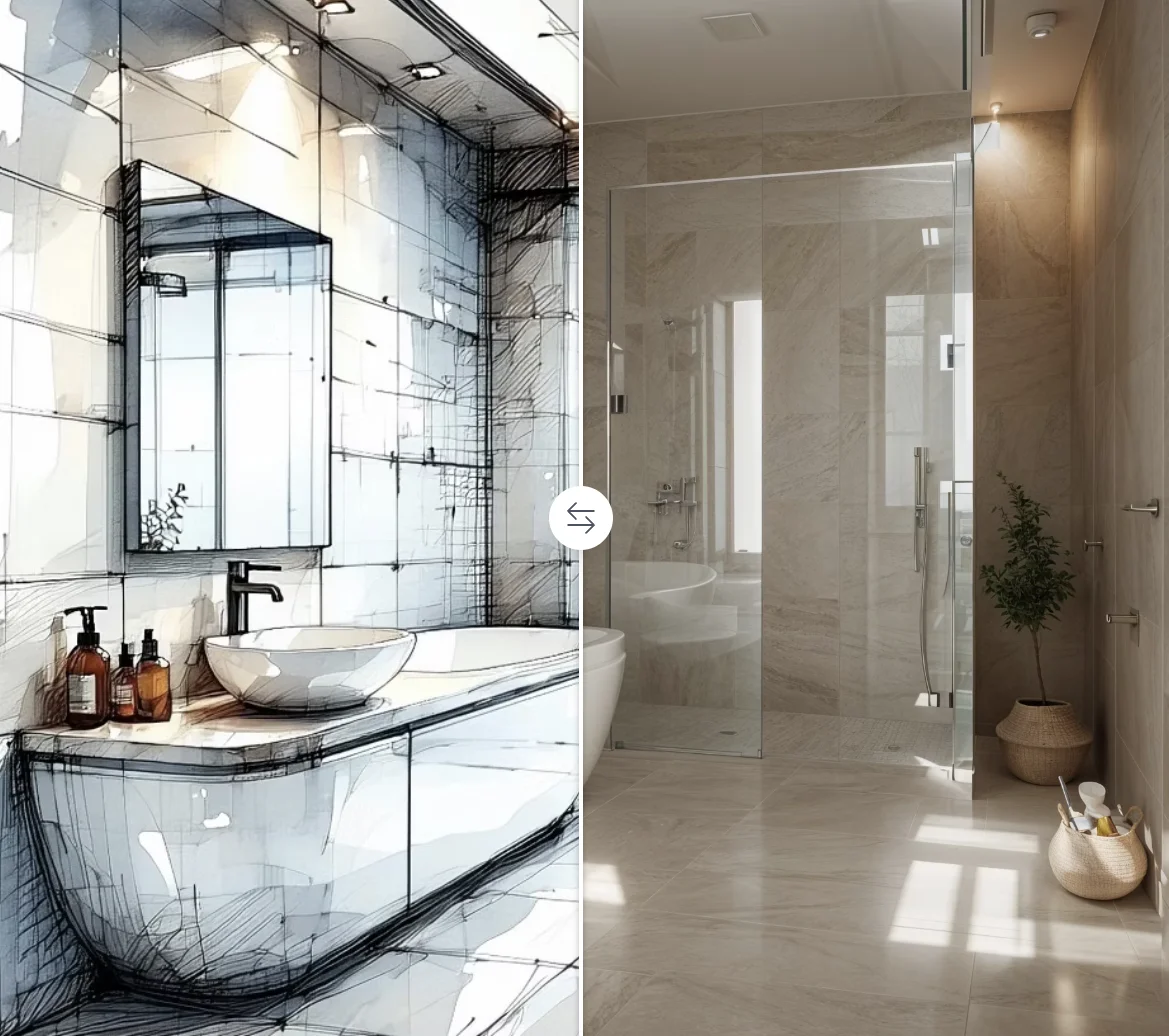
Luw.ai is a comprehensive AI design platform focused on residential and architectural visualization. Users can upload a photo of any room or building facade and instantly generate stunning redesigns across dozens of styles — from minimalist Scandinavian interiors to luxury hotel aesthetics — in as little as 10 seconds. The platform houses over 15 specialized AI tools under one roof. Interior AI V2 and Exterior AI V2 handle photo-based room and facade transformations, while Sketch AI converts hand-drawn drafts into photorealistic renders. Magic Prompt AI lets users edit any image using plain text descriptions, and Magic Wand AI enables precise object removal, addition, or replacement. For 3D workflows, 3DGen creates exportable 3D models from text, and Render AI turns 3D screenshots into photorealistic outputs. Video AI PRO generates cinematic 3D flythroughs of completed designs. ArchiGPT, the platform's conversational assistant, provides personalized advice on feng shui, space optimization, lighting, and architectural usability. Mood Board AI, Pattern AI, Resizer AI, and a background changer round out the toolkit for marketing and presentation use cases. Luw.ai is ideal for homeowners planning renovations, real estate professionals doing virtual staging, interior designers accelerating client workflows, and architects visualizing concepts quickly. A free tier makes it accessible to individuals, while a Pro plan unlocks HD exports and advanced features.
Key Features
- Interior & Exterior AI Redesign: Upload a photo of any room or building exterior and generate photorealistic redesigns in dozens of architectural and interior styles within seconds.
- ArchiGPT Conversational Assistant: Chat with an AI architect for personalized advice on feng shui, space optimization, lighting design, and architectural usability tailored to your specific space.
- 3D Model Generation & Rendering: Generate exportable 3D models from text with 3DGen, or convert existing 3D screenshots into photorealistic renders that preserve geometry and textures precisely.
- Magic Wand & Magic Prompt Editing: Remove, replace, or add objects to any room image using AI inpainting, or rewrite the entire scene with a simple text prompt — no Photoshop skills needed.
- Video AI Flythroughs: Transform static design renders into cinematic 3D video flythroughs with dynamic camera movements, ideal for client presentations and real estate marketing.
Use Cases
- Homeowners planning a renovation can visualize new interior styles, furniture arrangements, and color schemes before committing to any changes.
- Real estate agents use Luw.ai for virtual staging, transforming empty or dated property photos into beautifully furnished listing images to attract buyers.
- Interior designers accelerate client presentations by generating multiple style variations of a space in seconds, replacing lengthy manual mockup workflows.
- Architects and construction professionals convert hand-drawn sketches or 3D screenshots into photorealistic renders to communicate design intent to clients.
- Content creators and social media marketers produce high-quality, AI-generated home design imagery for blogs, Pinterest boards, and design inspiration accounts.
Pros
- Generous free tier: Core design tools are available at no cost, making professional-quality AI design accessible to homeowners and freelancers without upfront investment.
- All-in-one design suite: Over 15 specialized AI tools — from sketch rendering to mood boards, 3D models, and video — are consolidated into a single platform, eliminating the need for multiple subscriptions.
- Blazing-fast 10-second renders: AI renders complete in roughly 10 seconds, enabling rapid iteration and real-time visualization during design consultations or client meetings.
- No design experience required: The no-code, photo-first interface makes it easy for homeowners, real estate agents, and non-designers to produce studio-quality visuals without any technical skills.
Cons
- HD exports locked behind Pro plan: High-resolution image exports and advanced features like Video AI PRO require a paid subscription, limiting the free tier for professional deliverables.
- Web-only platform: Luw.ai currently operates exclusively in the browser with no dedicated desktop app or mobile application, requiring a stable internet connection for all work.
- Output quality varies by input photo: AI render quality depends heavily on the resolution and lighting of the uploaded reference photo; low-quality inputs can produce inconsistent or unrealistic results.
Frequently Asked Questions
Is Luw.ai really free to use?
Yes, Luw.ai offers a free plan that includes access to core tools like Interior AI, Exterior AI, and ArchiGPT. Advanced features such as HD exports, Video AI PRO, and higher generation limits are available on paid plans.
Do I need design experience to use Luw.ai?
No. Luw.ai is built for non-designers. You simply upload a photo of your space and choose a style or describe what you want in text. The AI handles all the creative heavy lifting.
What is ArchiGPT?
ArchiGPT is Luw.ai's conversational AI assistant trained on architecture and interior design. It can analyze your space, suggest layouts, advise on feng shui principles, recommend color palettes, and generate personalized design recommendations through chat.
Can I export 3D models from Luw.ai?
Yes. The 3DGen tool allows you to generate 3D models from text prompts and export them as standard 3D files, which can then be used in other 3D software or for client presentations.
Is Luw.ai suitable for real estate virtual staging?
Absolutely. Luw.ai is widely used by real estate agents and property managers for virtual staging — transforming empty or dated rooms into attractively furnished spaces for listings, without the cost of physical staging.