

About
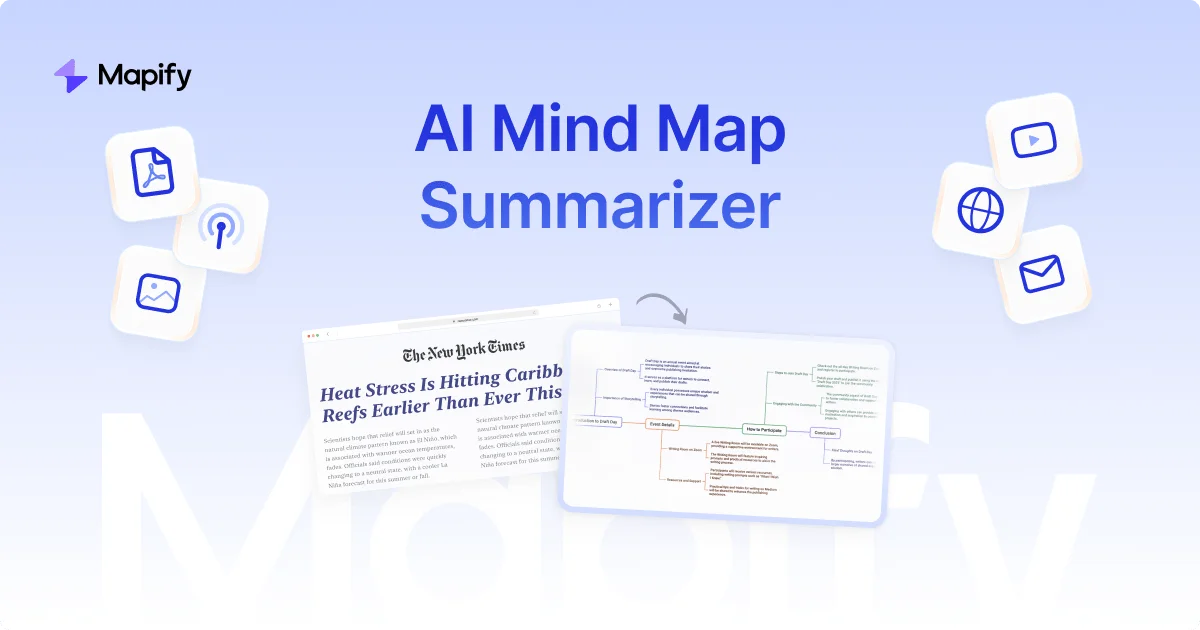
Mapify is a versatile AI summarization and mind mapping tool designed to transform virtually any type of content into structured, easy-to-navigate mind maps. Whether you're dealing with lengthy PDF documents, YouTube videos, websites, podcasts, meeting recordings, or raw images, Mapify instantly extracts key points and organizes them visually—saving hours of manual work. Powered by leading AI models including GPT and Gemini, Mapify goes beyond simple summarization. Users can chat with their uploaded files, ask follow-up questions, and deepen their understanding interactively. The platform supports AI-powered web search to enrich mind maps with sourced information, and can expand any branch with a single click to uncover deeper insights. Mapify supports over 30 languages, automatically translating and summarizing foreign-language content. Its cross-platform availability—web, iOS, Android, and browser extension—means your maps stay synced across all devices. Once a mind map is created, it can be exported as an image, PDF, or Markdown file, or shared via a direct link. Users can also convert mind maps into presentation slides instantly. Ideal for students, researchers, professionals, and content creators, Mapify streamlines information processing, boosts retention, and supports smarter decision-making. With over 5 million users and a 4.8/5 App Store rating, it is trusted by learners and teams at top companies and universities worldwide.
Key Features
- Multi-Format Mind Map Generation: Instantly convert PDFs, YouTube videos, webpages, audio recordings, images, and plain text into structured, visual mind maps with a single click.
- AI-Powered Summarization: Leverages top LLMs including GPT and Gemini to accurately extract and organize key insights from complex or lengthy content.
- Chat with Your Files: Interact conversationally with uploaded documents to ask questions, clarify concepts, and extract deeper understanding beyond the auto-generated map.
- 30+ Language Support: Automatically translates and summarizes content in over 30 languages, making foreign-language documents instantly accessible.
- Export, Share & Present: Export mind maps as images, PDFs, or Markdown, share via direct link, or instantly convert them into polished presentation slides.
Use Cases
- Students summarizing research papers, textbooks, and lecture recordings into visual study guides for faster learning and better retention.
- Professionals converting lengthy meeting recordings, reports, or webpages into concise mind maps for quick reference and action planning.
- Researchers organizing and visualizing literature reviews by converting multiple PDFs and academic papers into interconnected mind maps.
- Content creators brainstorming and outlining new ideas by mapping YouTube videos, articles, and web sources into structured concept maps.
- Language learners and international teams summarizing foreign-language documents with automatic translation into their preferred language.
Pros
- Broad Input Support: Handles an exceptionally wide range of input formats—PDFs, videos, URLs, audio, images, and text—making it a one-stop summarization hub.
- Cross-Platform Sync: Available on web, iOS, Android, and as a browser extension, with maps synced seamlessly across all devices.
- Multilingual Capabilities: Supports 30+ languages with automatic translation and summarization, enabling access to global content without language barriers.
- Large, Trusted User Base: Used by over 5 million users with a 4.8/5 App Store rating and recognition from top companies and universities worldwide.
Cons
- Free Plan Usage Limits: The free tier likely restricts the number of maps you can generate per month, requiring an upgrade for heavy usage.
- AI Accuracy Variability: Like all AI summarizers, Mapify may occasionally miss nuanced context or misrepresent complex arguments in highly technical content.
- Internet Dependency: As a cloud-based platform, Mapify requires a stable internet connection and cannot function fully offline.
Frequently Asked Questions
What types of content can Mapify convert into mind maps?
Mapify supports a wide variety of input formats including PDFs, Word documents, YouTube videos, webpages, podcast audio, meeting recordings, plain text, and images such as photos, charts, or scanned notes.
Is Mapify free to use?
Mapify offers a free plan to get started, with paid plans available for higher usage limits and advanced features. It operates on a freemium model.
What AI models power Mapify?
Mapify is powered by leading large language models including GPT (OpenAI) and Gemini (Google), as well as other top LLMs, to ensure high-quality and accurate summarization.
Can I export or share my mind maps?
Yes. Mind maps can be exported as image files, PDFs, or Markdown documents. You can also share them via a direct link or convert them into presentation slides.
Does Mapify support languages other than English?
Yes, Mapify supports over 30 languages. It can automatically translate and summarize foreign-language documents, making it useful for international research and learning.