

About
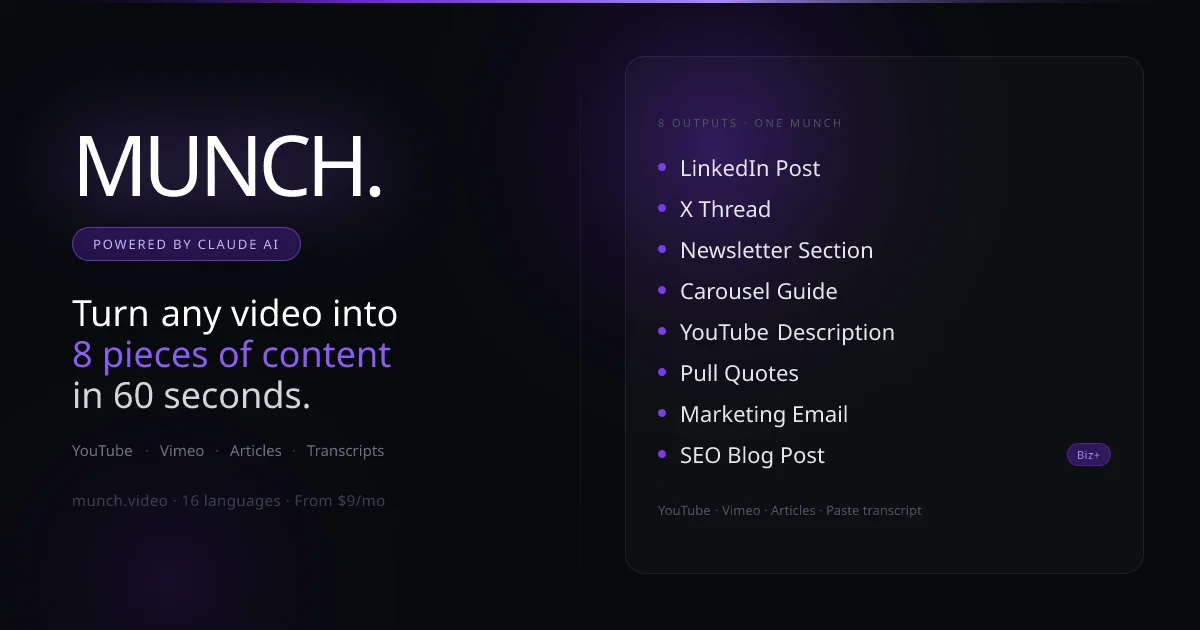
Munch AI is a content repurposing platform that transforms a single YouTube, Vimeo, or article URL into eight distinct content formats at once: a LinkedIn post, X (Twitter) thread, newsletter section, carousel guide, YouTube description, pull quotes, marketing email, and a full SEO blog post. Powered by Claude AI, Munch reads the video transcript using five sequential extraction strategies, allowing it to handle videos that other repurposing tools fail on. After generation, users can chat directly with Claude through the 'Ask the Beast' feature to rewrite, shorten, or take the content in a completely new direction. Custom brand voice instructions can be saved and applied automatically to every generation, ensuring consistent tone and style. Munch supports 16 languages including Spanish, French, German, Japanese, Korean, and Portuguese. For workflow integration, Munch connects with Buffer for direct social scheduling, and offers webhook/Zapier support to pipe all 8 outputs as JSON into tools like Make, Notion, or Airtable. Pricing starts at $9/month—significantly undercutting competitors like Repurpose.io—with a pay-as-you-go option available. The first munch is completely free with no credit card required, making it ideal for content creators, marketers, podcasters, and small businesses looking to maximize the value of every piece of video content they produce.
Key Features
- 8 Content Formats in One Click: Generates a LinkedIn post, X thread, newsletter section, carousel guide, YouTube description, pull quotes, marketing email, and SEO blog post simultaneously from a single URL.
- 5-Strategy Transcript Extraction: Falls back through five different caption-extraction methods to handle videos that other repurposing tools fail on, supporting both YouTube and Vimeo.
- Ask the Beast Chat: After generation, chat directly with Claude to rewrite, shorten, improve, or take the content in an entirely new direction without leaving the dashboard.
- Brand Voice & Custom Instructions: Save a persistent custom prompt—tone preferences, sign-offs, formatting rules—that applies automatically to every generation for consistent output.
- Buffer & Webhook / Zapier Integration: Push LinkedIn or X posts directly to a Buffer queue, or POST all 8 outputs as JSON to Zapier, Make, Notion, or Airtable via webhook after every generation.
Use Cases
- A YouTube creator pastes a new video URL to instantly generate a LinkedIn post, X thread, and newsletter section for that week's content distribution.
- A podcast host manually pastes episode transcripts to produce SEO blog posts and marketing emails without any manual writing.
- A social media manager at a small business repurposes product demo videos into carousels and pull quotes for Instagram and LinkedIn campaigns.
- A content marketer connects Munch to Zapier to automatically send all 8 generated outputs to a Notion content calendar after every generation.
- A solopreneur with a Beehiiv newsletter drops the generated newsletter section directly into their weekly send after minor editing.
Pros
- Exceptional Value vs. Competitors: Plans start at $9/month, dramatically undercutting alternatives like Repurpose.io which charges $49–116/month for similar functionality.
- No-Friction Onboarding: The first munch is completely free with no credit card required, allowing users to validate the output quality before committing.
- Robust Extraction Engine: The 5-strategy fallback system handles a far wider range of videos than single-method competitors, reducing failed extractions significantly.
- End-to-End Workflow Coverage: From generation to scheduling (Buffer) to automation (Zapier/Make), Munch covers the full content distribution workflow without switching tools.
Cons
- Very Limited Free Tier: Only one free munch is included—ongoing use requires a paid plan, which may be a barrier for casual or infrequent users.
- Munch-Based Credit System: Each URL submission counts as one munch against a monthly quota, so high-volume creators on lower plans may hit limits quickly.
- No Direct File Upload: Content must be submitted via a YouTube, Vimeo, or article URL, or by manually pasting a transcript—there is no direct audio or video file upload.
Frequently Asked Questions
What video platforms does Munch support?
Munch supports YouTube and Vimeo URLs. Podcasters and others can also paste a transcript manually instead of providing a URL.
How many content formats do I get per munch?
Every munch produces 8 content formats at once: a LinkedIn post, X thread, newsletter section, carousel guide, YouTube description, pull quotes, marketing email, and a full SEO blog post.
Can I customize the writing style and tone?
Yes. You can save a custom brand voice prompt—such as writing in first person, avoiding buzzwords, or using a specific sign-off—that Munch applies automatically to every generation.
Does Munch integrate with scheduling and automation tools?
Yes. Munch integrates directly with Buffer for social scheduling, and supports webhooks so you can connect to Zapier, Make, Notion, Airtable, or any other webhook-compatible tool.
What languages does Munch support?
Munch can generate content in 16 languages including English, Spanish, French, German, Japanese, Korean, Portuguese, and 9 additional languages from a single source URL.