

About
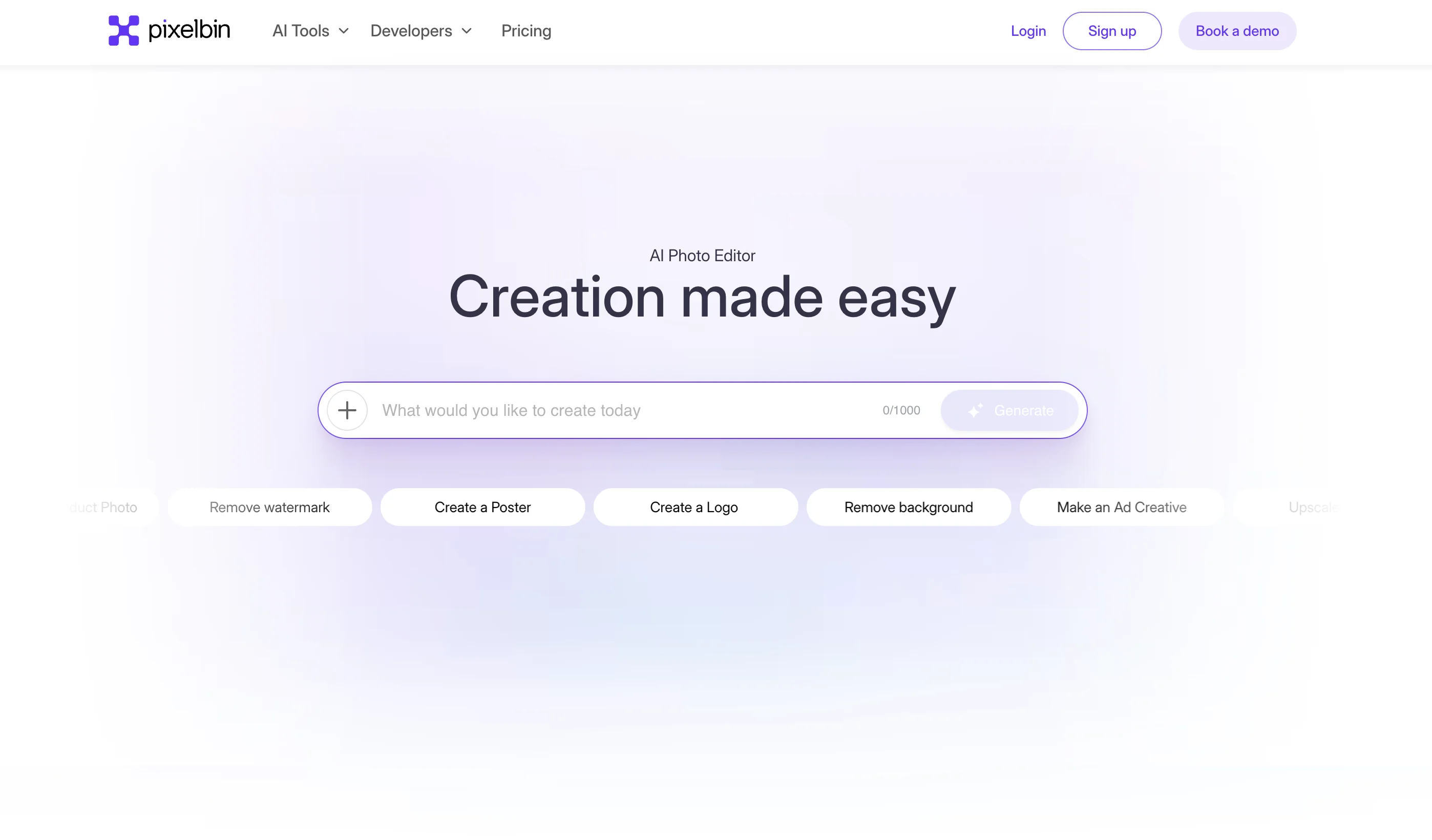
Pixelbin AI Studio is an all-in-one AI-powered visual content platform that enables users to generate, edit, enhance, and restore images and videos with ease. Whether you're a content creator, marketer, ecommerce manager, or developer, Pixelbin provides a rich suite of tools to streamline your visual workflow. On the generation side, users can create high-quality images from text prompts, convert text or images into short videos, generate professional AI headshots, design custom backgrounds, and transform photos into cartoon art. The editing toolkit includes a powerful AI background remover, watermark remover, image upscaler (up to 4x resolution), object remover, and a resize-and-expand feature for flexible image dimensions. For restoration, Pixelbin offers colorization of black-and-white photos, denoising for improved clarity, and repair tools for damaged or faded images. A batch editor supports processing up to 50 images simultaneously, making it ideal for high-volume workflows. Enterprise users gain access to augmented reality (AR) try-on experiences, AI facial skin analysis, and 3D/360° product views — purpose-built for industries like retail, fashion, automotive, real estate, and food & beverage. Developers can integrate Pixelbin's capabilities via robust APIs and SDKs for JavaScript, Python, and Node.js, with integrations for Photoshop and Figma. A mobile app is also available for on-the-go editing. Pixelbin offers a free plan alongside Pro plans for power users and enterprise-grade solutions for larger organizations.
Key Features
- AI Image & Video Generation: Generate high-quality images from text prompts and convert text or images into short videos using powerful generative AI models.
- Background Removal & Replacement: Instantly remove or replace image backgrounds with AI precision, ideal for ecommerce product photography and creative projects.
- Image Upscaling & Restoration: Upscale images up to 4x resolution, colorize black-and-white photos, remove noise, and repair damaged or faded photos automatically.
- Batch Editor: Edit up to 50 images at once with the batch editor, enabling high-volume workflows for teams and ecommerce managers.
- Developer APIs & Integrations: Integrate Pixelbin's AI capabilities into custom workflows using REST APIs and SDKs for JavaScript, Python, and Node.js, with Photoshop and Figma plugins available.
Use Cases
- Ecommerce teams generating studio-quality product images and removing backgrounds for online store listings
- Content creators building social media visuals using AI image generation and batch editing tools
- Developers integrating AI photo editing and generation into web or mobile applications via Pixelbin APIs
- Marketing teams producing campaign-ready visuals faster using text-to-image and text-to-video generation
- Photographers restoring, enhancing, and upscaling client photos with AI-powered restoration tools
Pros
- Comprehensive All-in-One Platform: Covers generation, editing, and restoration in a single tool, eliminating the need for multiple separate apps.
- Free Tier Available: Offers a generous free plan, making professional-grade AI image tools accessible without upfront cost.
- Developer-Friendly: Robust API and multi-language SDK support make it easy to integrate Pixelbin into existing applications and automated pipelines.
- Enterprise & Industry Solutions: Tailored features for retail, ecommerce, automotive, real estate, and more — including AR try-on and 3D/360° product views.
Cons
- Advanced Features Locked Behind Pro Plans: High-volume batch editing, enterprise AR tools, and advanced generation features require a paid subscription.
- Video Generation Still Emerging: Text-to-video capabilities are newly launched and may not yet match the quality or flexibility of dedicated video AI platforms.
- Learning Curve for Developers: Fully leveraging the API and SDK integrations requires technical knowledge, which may not suit non-technical users.
Frequently Asked Questions
Is Pixelbin AI Studio free to use?
Yes, Pixelbin offers a free plan with access to core image editing and generation tools. Pro plans with expanded features and higher usage limits are available with a 30% discount during promotional periods.
What types of AI tools does Pixelbin offer?
Pixelbin provides tools for AI image generation, text-to-video creation, background removal and replacement, image upscaling, watermark removal, object removal, photo colorization, denoising, and photo restoration, among others.
Can developers integrate Pixelbin into their applications?
Yes, Pixelbin offers REST APIs and SDKs for JavaScript, Python, and Node.js, as well as integrations with tools like Photoshop and Figma, making it suitable for building AI-powered workflows.
Is there a mobile app for Pixelbin?
Yes, Pixelbin offers a mobile app for image editing, available for both iOS and Android devices.
What industries is Pixelbin best suited for?
Pixelbin is tailored for retail & ecommerce, fashion & apparel, automotive, real estate, food & beverage, beauty & wellness, electronics, and home & furniture industries, with enterprise solutions available for each.