

About
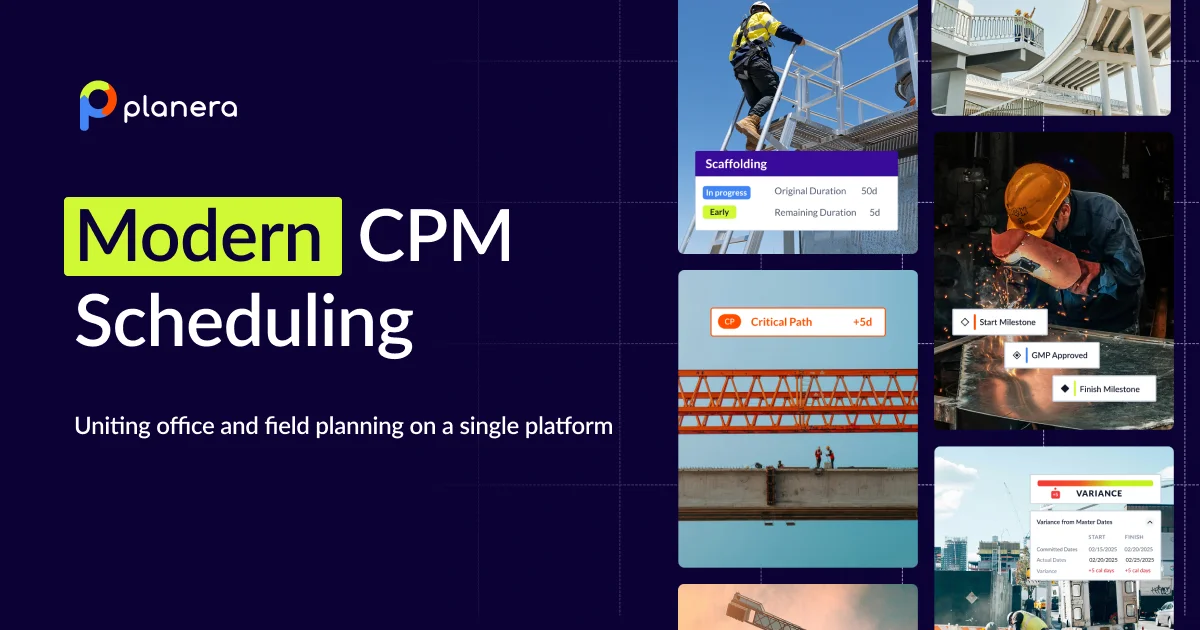
Planera is a modern construction scheduling platform built to replace cumbersome legacy tools like Primavera P6 and Microsoft Project. At its core is a powerful CPM (Critical Path Method) engine paired with a visual, drag-and-drop interface that makes building, updating, and sharing schedules fast and intuitive for both office and field teams. The platform introduces Manny, Planera's AI scheduling assistant, which proactively surfaces risks, generates unlimited what-if scenarios, and helps non-schedulers interpret complex project timelines. This AI layer transforms the schedule from a static document into an active planning tool. Key capabilities include real-time whiteboard collaboration, detailed short-interval field schedules, a centralized project dashboard for key metrics, DCMA quality checks, resource loading to prevent bottlenecks, risk simulations, and side-by-side version comparison. Teams can also update schedules directly from the field using Planera's iPad app. Planera serves multiple roles across the construction lifecycle — from preconstruction teams building pursuit schedules to operations teams managing daily field execution. Enterprise clients gain company-wide visibility and insights across all projects. The platform is trusted by 100+ modern construction firms, including Balfour Beatty, Zachry Construction, and HITT, and is backed by a dedicated onboarding and support team with deep construction industry expertise.
Key Features
- AI Scheduling Assistant (Manny): Manny is Planera's built-in AI that thinks like a scheduler — proactively surfacing risks, generating what-if scenarios, and making schedules understandable for the entire team.
- Real-Time Collaborative Whiteboard: Office and field teams can build and update CPM schedules simultaneously on a visual, drag-and-drop canvas, keeping everyone aligned in real time.
- Field Schedules & iPad Support: Create detailed short-interval schedules and update them directly from the field via the Planera iPad app, bridging the gap between planning and execution.
- Risk Simulations & DCMA Quality Check: Run risk simulations to stay on track and use DCMA quality checks to assess and improve schedule integrity before issues arise on site.
- Resource Loading & Version Compare: Balance resources to avoid bottlenecks and compare schedule versions side by side to understand the impact of changes over time.
Use Cases
- A general contractor builds a CPM master schedule during preconstruction and shares it with trade partners for real-time collaborative input on the whiteboard.
- A project manager runs DCMA quality checks and risk simulations to identify schedule vulnerabilities before a project kickoff meeting.
- A field superintendent uses the Planera iPad app to update short-interval lookahead schedules daily, keeping the office team aligned with on-site progress.
- A pursuits team creates polished, visually compelling milestone schedules to build client trust and win competitive bids.
- An enterprise construction firm uses Planera's cross-project dashboards to monitor resource utilization and schedule health across an entire portfolio of active projects.
Pros
- Replaces legacy tools with a modern UX: Planera's intuitive drag-and-drop interface is a significant upgrade over Primavera P6 and MS Project, reducing the learning curve and speeding up schedule creation.
- AI-powered risk intelligence: Manny actively monitors schedules and generates what-if scenarios, helping teams anticipate and mitigate delays before they escalate.
- True office-to-field connectivity: With iPad support and real-time updates, field teams can contribute to and consume schedules without being tied to a desktop environment.
- Dedicated construction-focused support: Customers receive hands-on onboarding from a team with real construction expertise, not just generic software support.
Cons
- Pricing not publicly listed: Planera requires a demo booking to get pricing details, making it harder for smaller firms to evaluate cost upfront.
- Focused exclusively on construction: The platform is purpose-built for the construction industry, so it won't suit project managers in other sectors looking for a general-purpose scheduling tool.
- Learning curve for P6 users: Teams deeply entrenched in Primavera P6 workflows may need time to migrate data and adapt to Planera's methodology, despite the modern interface.
Frequently Asked Questions
What is Planera and who is it for?
Planera is a modern construction scheduling platform designed for construction firms of all sizes — from preconstruction teams and project managers to field supervisors and enterprise operations. It replaces legacy tools like Primavera P6 and Microsoft Project.
What is Manny, the AI scheduling assistant?
Manny is Planera's built-in AI assistant that thinks like an experienced scheduler. It proactively surfaces schedule risks, generates unlimited what-if scenarios, and helps all team members — not just schedulers — understand the project schedule.
Can field teams use Planera on mobile devices?
Yes. Planera has a dedicated iPad app that allows field teams to view and update schedules directly from the job site, keeping office and field in sync in real time.
How does Planera compare to Primavera P6 and Microsoft Project?
Planera offers the same CPM scheduling power as P6 and MS Project but with a modern, visual interface, real-time collaboration, AI-driven risk insights, and field-friendly tools that legacy platforms lack.
Does Planera support enterprise-level construction organizations?
Yes. Planera has a dedicated Enterprise tier that provides company-wide visibility, cross-project insights, and centralized dashboards to support large construction organizations managing multiple simultaneous projects.