
About
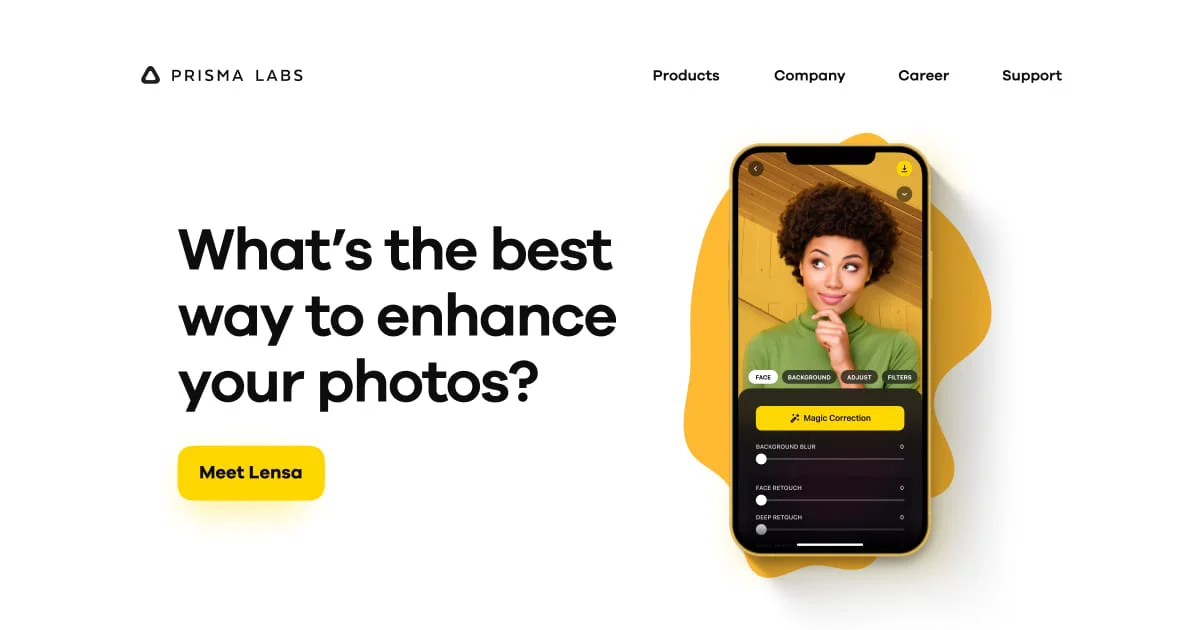
Prisma Labs is the company behind two flagship AI-powered creative apps: Prisma and Lensa. The Prisma app uses deep neural networks to transform your photos into works of art styled after renowned painters and artistic movements — all in a single tap. With dozens of filters inspired by artists like Van Gogh, Munch, and Kandinsky, it makes artistic photo transformation accessible to anyone. Lensa is a more comprehensive AI photo editor focused on portrait enhancement. It offers smart retouching, background editing, and the viral 'Magic Avatars' feature, which generates stunning AI-painted portraits from a set of selfies. Together, these tools serve content creators, social media enthusiasts, and casual photographers who want to elevate their images without needing professional editing skills. Prisma Labs leverages cutting-edge generative AI and computer vision to deliver real-time, on-device processing for fast and high-quality results. Both apps are available on iOS and Android, making powerful AI photo editing available right from your pocket. The platform is primarily freemium, offering core features for free with premium subscriptions unlocking advanced capabilities and higher-quality outputs.
Key Features
- Artistic Photo Filters: Transform any photo into a painting or artwork using styles inspired by world-famous artists like Van Gogh, Munch, and Kandinsky.
- AI Portrait Enhancement: Lensa's smart retouching tools automatically smooth skin, adjust lighting, and enhance facial features for flawless portrait photos.
- Magic Avatars: Generate dozens of unique AI-painted avatar portraits from a handful of selfies using Lensa's generative AI technology.
- Background Editing: Easily remove, blur, or replace photo backgrounds with AI-powered precision.
- One-Tap Transformations: Apply complex artistic and enhancement effects instantly with a single tap, no editing experience required.
Use Cases
- Content creators turning everyday photos into eye-catching artistic visuals for social media posts.
- Individuals generating personalized AI avatar portraits for profile pictures or creative keepsakes.
- Photography enthusiasts enhancing portraits with automatic retouching and background editing tools.
- Marketers and designers quickly producing stylized images for campaigns without manual editing.
- Casual users adding fun artistic filters to photos to share with friends and family.
Pros
- Stunning Artistic Results: Prisma's neural art filters produce genuinely impressive, gallery-quality artistic transformations that stand out on social media.
- Easy to Use: Both apps are designed for non-professionals, with intuitive one-tap or minimal-step workflows.
- Viral-Worthy AI Avatars: Lensa's Magic Avatars feature delivers highly shareable, personalized AI-generated portrait art from just a few selfies.
Cons
- Best Features Behind Paywall: Advanced filters, high-resolution exports, and Magic Avatars require a paid subscription or in-app purchase.
- Limited Desktop Support: The apps are primarily mobile-focused, with limited functionality available on desktop or web platforms.
- Magic Avatars Require Multiple Photos: Generating AI avatars requires uploading 10–20 selfies, which can be a barrier for some users concerned about privacy.
Frequently Asked Questions
What is the difference between Prisma and Lensa?
Prisma is focused on turning photos into artistic paintings using neural art filters, while Lensa is a broader AI photo editor specializing in portrait enhancement, retouching, and AI avatar generation.
Are Prisma and Lensa free to use?
Both apps offer free versions with basic features. Premium features like high-resolution exports, advanced filters, and Magic Avatars require a paid subscription or one-time in-app purchase.
What are Magic Avatars in Lensa?
Magic Avatars is a feature in Lensa that uses generative AI to create a series of artistic, painted-style portrait images based on 10–20 selfies you upload.
On which devices can I use Prisma and Lensa?
Both apps are available on iOS (iPhone and iPad) and Android devices and can be downloaded from the App Store and Google Play.
Is my photo data safe with Prisma Labs?
Prisma Labs states that it processes images to provide the service and has a privacy policy governing data use. Users concerned about privacy should review the policy before uploading personal photos.