

About
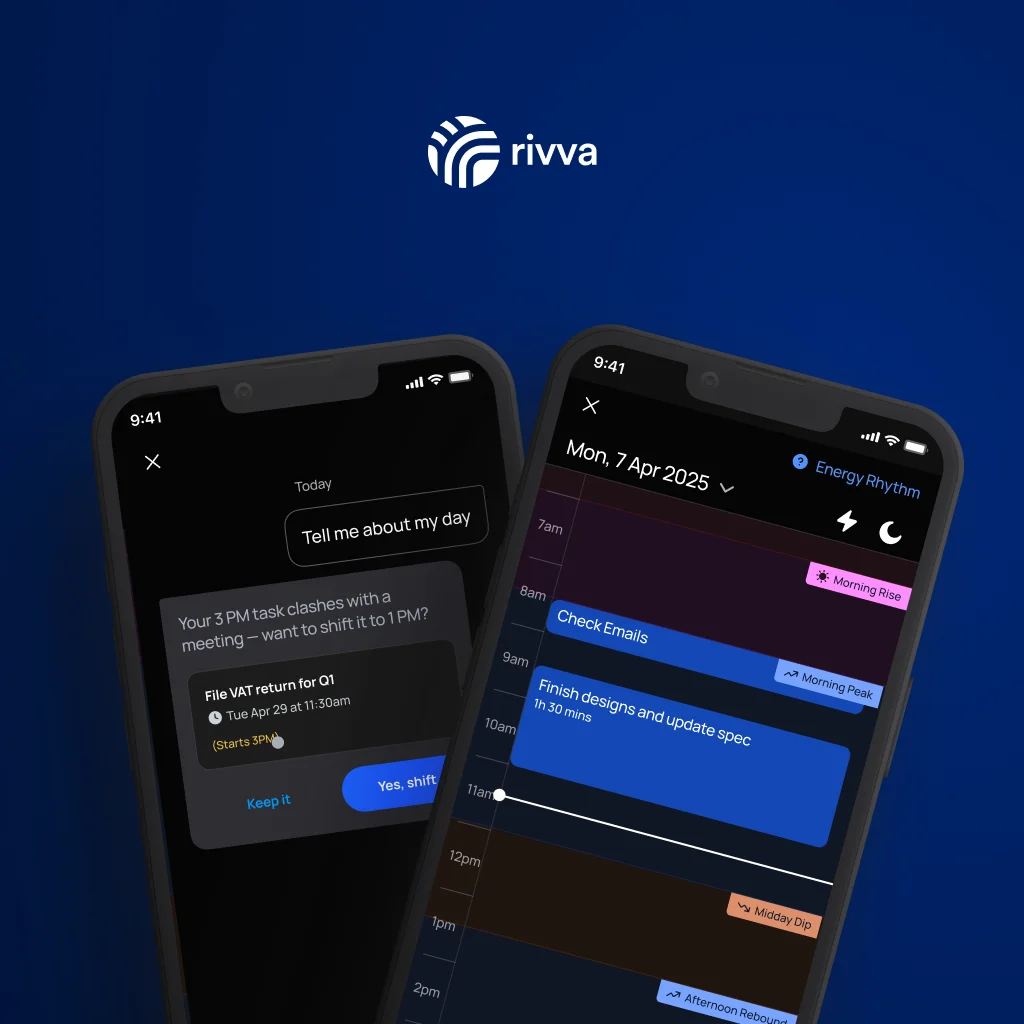
rivva is an AI productivity assistant that transforms how you plan and execute your day. Rather than leaving you to manually juggle tasks, meetings, and energy, rivva automatically pulls in your calendar events, extracts action items from your email inbox, and builds a live daily plan that places the right work in the right time slots. At the core of rivva is energy-aware scheduling: deep work and demanding tasks are scheduled during your sharpest hours, while lighter admin fills natural energy dips. Connect a wearable device via Apple Health or Android Health Connect to go further — rivva uses your sleep and movement data to forecast your energy curve and schedule accordingly. When plans inevitably break — a meeting runs over, something urgent appears — rivva reshuffles the rest of your day automatically so nothing falls through the cracks. Its AI assistant, Nia, understands your workload, context, and energy state, and can help you create, reschedule, break down, or reprioritize tasks through natural conversation. rivva also includes smart scheduling links that let others book time with you while protecting your peak focus windows. With support for multiple calendars, task capture from email, and habit/routine tracking, rivva offers a unified AI-optimized workspace for professionals who want to get more done without overextending themselves. Available on iOS, Android, and as a desktop app.
Key Features
- Energy-Aware Smart Scheduling: Schedules demanding tasks during your peak focus hours and lighter admin during energy dips. Connect Apple Health or Android Health Connect for wearable-powered energy forecasting.
- AI Assistant — Nia: Nia is a conversational AI that understands your workload, energy, and context. Use her to create, reschedule, break down, or cancel tasks through natural language chat.
- Automatic Email Inbox Scanning: Automatically surfaces action items, meeting follow-ups, and tasks hidden in your email, queuing them for review and auto-scheduling.
- Live Daily Plan That Rebalances Itself: When meetings run long or priorities shift, rivva automatically reshuffles the rest of your day so nothing is missed and your schedule stays realistic.
- Smart Scheduling Links: Share booking links that let others schedule time with you while keeping your peak focus windows protected and off-limits.
Use Cases
- A knowledge worker managing a heavy meeting schedule uses rivva to automatically protect deep work blocks and ensure focused tasks aren't pushed out by back-to-back calls.
- A freelancer connects their email to rivva so client action items and follow-ups are automatically captured and scheduled without manual inbox processing.
- An executive uses rivva's scheduling links to let colleagues book meetings while keeping their peak morning hours reserved for strategic work.
- A remote team member tracks habits and routines alongside work tasks in rivva to maintain a healthy work-life balance and avoid burnout.
- A health-conscious professional connects their smartwatch to rivva to align their most cognitively demanding work with their biometrically measured energy peaks each day.
Pros
- Genuinely Adaptive Planning: Unlike static to-do apps, rivva rebuilds your schedule in real time as the day evolves, reducing manual rescheduling effort.
- Holistic Context Awareness: Combines tasks, calendar, email, habits, and biometric energy data into a single intelligent workspace — no context switching required.
- Protects Deep Work: Automatically reserves high-focus blocks for cognitively demanding tasks, helping users do their best work without overbooking themselves.
Cons
- Full Energy Features Require a Wearable: The most powerful energy-aware scheduling relies on Apple Health or Android Health Connect data, which requires owning and using a compatible wearable device.
- AI Dependency for Core Planning: Users who prefer full manual control over their schedules may find the automated replanning and AI suggestions feel intrusive or overly opinionated.
- Limited Integration Ecosystem Details: Beyond calendar and email connections, the extent of third-party integrations (e.g., project management tools) is not fully detailed in publicly available information.
Frequently Asked Questions
How does rivva know when I have the most energy to work?
rivva uses your calendar patterns and task history by default. For deeper accuracy, you can connect Apple Health or Android Health Connect to feed sleep and movement data into rivva's energy forecasting model.
Does rivva work without a wearable device?
Yes. rivva works without a wearable by using your calendar availability and task patterns to schedule work intelligently. Wearable integration is an optional enhancement for energy-optimized scheduling.
How does rivva capture tasks from my email?
When you connect your email account, rivva automatically scans for action items, follow-ups, and tasks hiding in your inbox. It surfaces these for your review and can auto-schedule them into your day.
What happens when my schedule changes mid-day?
rivva automatically detects disruptions — like an overrunning meeting or a new urgent task — and reshuffles the remaining items in your day to keep your plan realistic and achievable.
What platforms is rivva available on?
rivva is available as an iOS app, an Android app, and a desktop application, allowing you to manage your day across all your devices.