
About
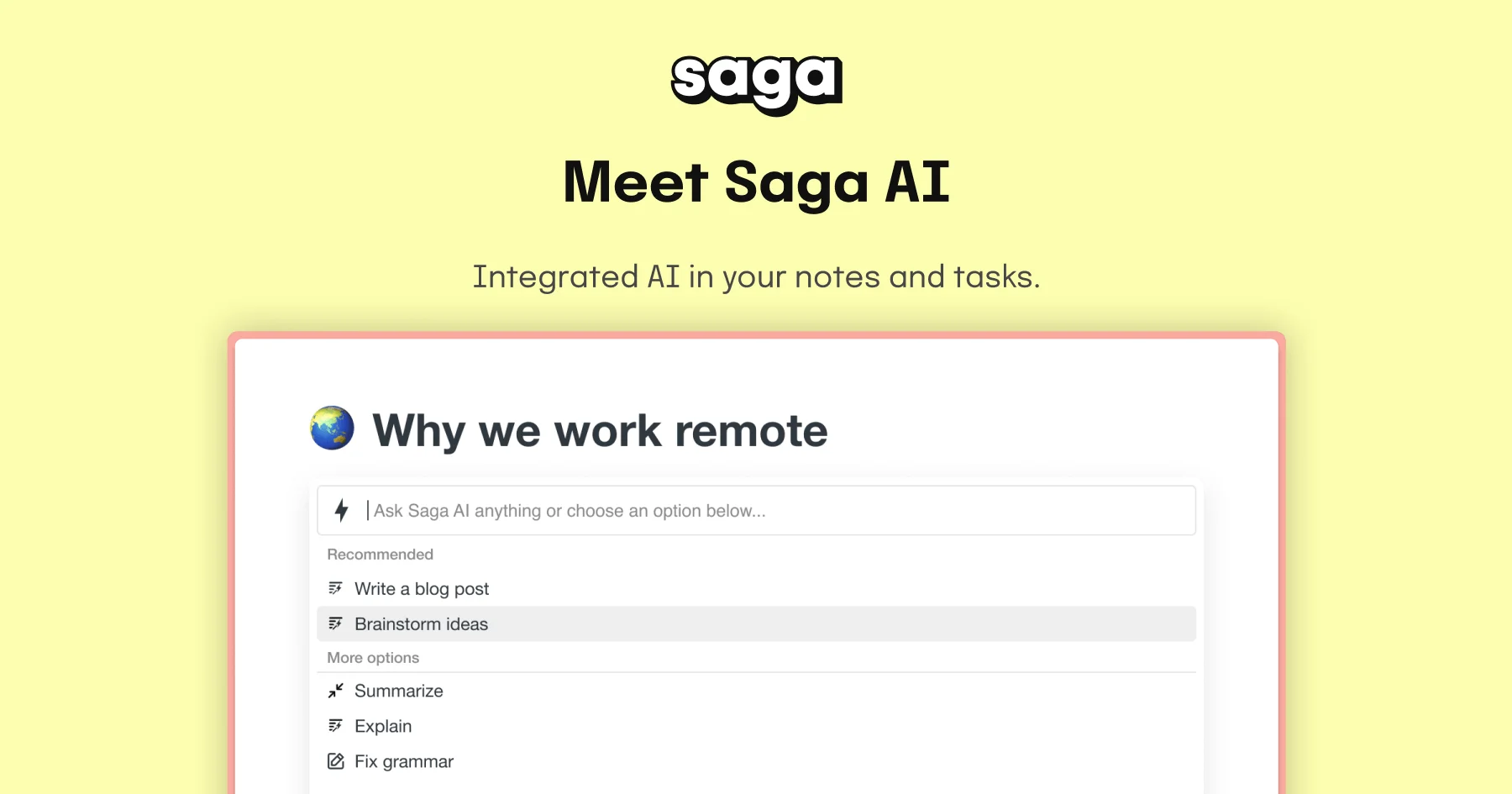
Saga AI is an all-in-one AI-powered workspace designed for individuals and teams who want to capture knowledge, manage tasks, and create content in a single, seamless environment. At its core is a deeply integrated AI assistant powered by GPT-4o that lives directly inside your notes and documents, eliminating the need to copy-paste between tools. The platform supports a broad range of writing and thinking tasks: generating first drafts, brainstorming outlines, rewriting text in different tones, correcting grammar and spelling, and translating content into more than 20 languages with a single click. Its unique 'page mention' feature lets you reference your own notes and documents within AI prompts, enabling the assistant to provide answers, summaries, or rewrites that are grounded in your personal knowledge base. Saga AI is equally useful for structured productivity workflows. Users can manage tasks and to-dos alongside their notes, making it suitable for meeting notes, documentation, studying, project planning, and knowledge management. Common outputs include blog post outlines, email drafts, social media content, code snippets, job postings, and video scripts. The tool is loved by over 60,000 users worldwide and is trusted by both individuals and enterprise teams. It offers a free plan for personal use and small teams (with 5,000 AI words/month) and a Standard plan at $8/member/month for unlimited pages and full AI access. Saga AI is ideal for knowledge workers, students, and teams who want a connected workspace where AI is a native, always-available collaborator.
Key Features
- Embedded AI Assistant: A GPT-4o–powered AI assistant lives natively inside your notes and tasks, so you can generate content, ask questions, and refine writing without ever leaving your workspace.
- Page Mentions & Knowledge Grounding: Reference any of your existing notes or documents inside an AI prompt so the assistant can summarize, extract insights, or rewrite content based on your personal knowledge base.
- One-Click Translation: Translate text or entire documents into more than 20 languages instantly, making Saga AI a strong tool for multilingual teams and global content workflows.
- Grammar Check & Rewriting: Fix spelling and grammar errors in one click, or ask the AI to rewrite selected text in a different tone, simplify language, or shorten paragraphs.
- Integrated Tasks & Knowledge Management: Manage to-dos and projects alongside your notes and docs in the same workspace, supporting use cases from meeting notes to product documentation and team collaboration.
Use Cases
- Knowledge workers capturing meeting notes and instantly generating summaries or action items with AI
- Students organizing research, asking questions about their notes, and drafting essays or study guides
- Content teams brainstorming and outlining blog posts, social media campaigns, and video scripts inside a shared workspace
- Multilingual teams translating documentation, communications, and reports into 20+ languages without leaving their notes
- Freelancers and entrepreneurs managing tasks, client documentation, and AI-assisted writing all within a single connected workspace
Pros
- AI Deeply Integrated into Workflow: Unlike standalone AI tools, Saga's assistant is natively embedded in your notes and tasks, reducing context-switching and keeping all your work in one place.
- Knowledge-Aware AI Responses: The page mention feature allows the AI to draw on your own content, producing more relevant and accurate answers than a generic chatbot.
- Affordable All-in-One Pricing: At $8/member/month, the Standard plan bundles unlimited pages, tasks, and AI access — replacing the need for multiple separate productivity and AI tools.
Cons
- Limited AI Words on Free Plan: The free tier only includes 5,000 AI-generated words per month, which may be insufficient for users with frequent writing or summarization needs.
- Smaller User Community: With 60,000 users, Saga's ecosystem of templates, integrations, and community resources is smaller compared to more established productivity tools like Notion.
Frequently Asked Questions
What AI model does Saga use?
Saga AI is powered by GPT-4o, with the platform noted as running 'Now with GPT-5.2' as of its latest update, giving users access to some of the most capable AI models available.
How does the page mention feature work?
When chatting with Saga AI, you can mention any of your existing pages or notes using the '@' mention syntax. The AI will use that content as context to answer questions, generate summaries, or produce rewrites based on your specific knowledge.
Can I use Saga AI for free?
Yes. Saga offers a free plan for personal use and teams of up to 3 members, which includes unlimited pages and tasks plus 5,000 AI words per month.
What languages does Saga AI support for translation?
Saga AI supports translation into more than 20 languages, accessible with a single click from within any note or document.
What kinds of content can Saga AI help me create?
Saga AI can help you write blog posts, emails, social media content, website copy, code snippets, job postings, video scripts, meeting summaries, and project outlines, among many other content types.