

About
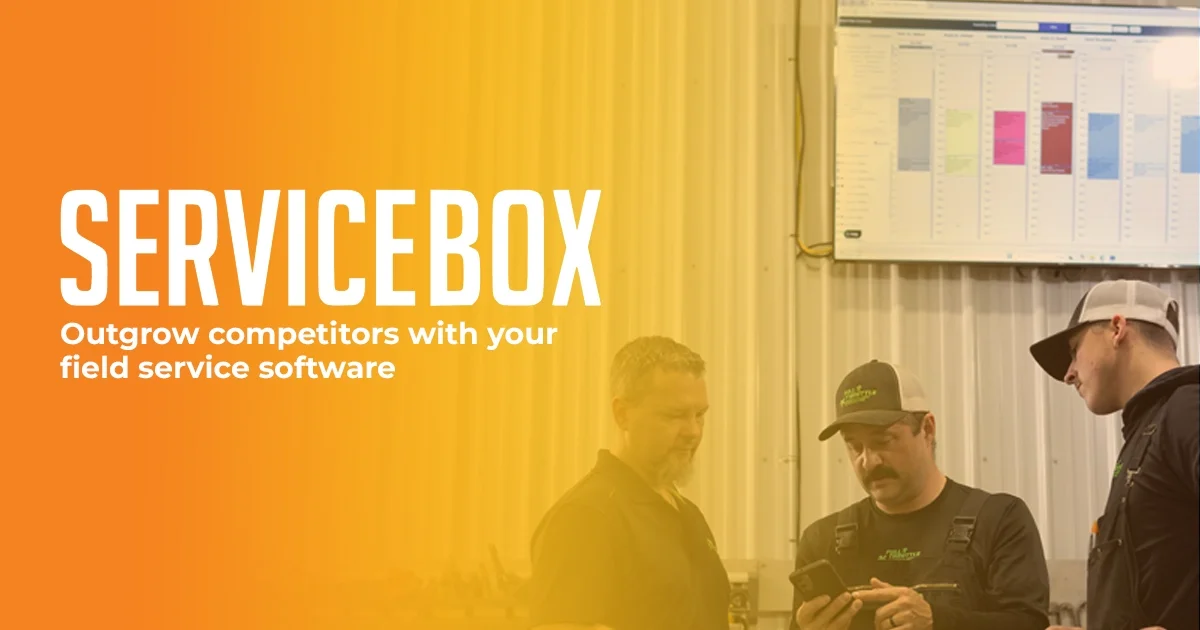
ServiceBox is an all-in-one field service management (FSM) software built specifically for trades and service businesses. It enables companies to manage their entire operational workflow — from initial customer inquiry through quoting, job scheduling, work order management, and final invoicing — within a single platform. The cloud-based work order system acts as the backbone of the platform, allowing users to convert quotes to work orders with a single button click and then track notes, to-dos, checklists, photos, time, and materials throughout the job lifecycle. Key features include scheduling and dispatching for field technicians, preventative maintenance scheduling, inventory management linked directly to quotes and invoices, and time billing with timesheet tracking. ServiceBox integrates with popular accounting platforms like QuickBooks and Sage to accelerate payment collection. A built-in mobile app ensures field teams can access all job information on the go. ServiceBox serves a wide range of trades verticals including HVAC, plumbing, electrical, refrigeration, fire safety, security, and industrial maintenance. The platform is highly customizable, allowing businesses to tailor workflows to their specific processes, and even request new features directly from the development team. It scales with growing businesses, offering an accessible cost structure for smaller companies while supporting the complexity of larger operations.
Key Features
- Work Order & Job Management: Cloud-based work orders serve as the operational backbone — convert quotes to work orders in one click and track notes, checklists, photos, time, and materials throughout each job.
- Scheduling & Dispatching: Plan and assign field technician jobs efficiently with built-in scheduling and dispatching tools to keep your workforce coordinated.
- Quoting & Invoicing: Generate professional quotes anywhere, duplicate them for repeat clients, and convert completed work orders into invoices in just three clicks.
- Inventory Management: Link inventory directly to quotes, work orders, and invoices for real-time tracking of parts and materials across all jobs.
- Accounting Integrations & Payments: Integrates with QuickBooks and Sage to synchronize financial data and accelerate payment collection from customers.
Use Cases
- An HVAC company uses ServiceBox to schedule technician dispatches, manage preventative maintenance contracts, and automatically invoice customers upon job completion.
- A plumbing business tracks parts inventory linked to each work order, ensuring accurate billing for materials used on every job.
- An electrical contractor creates and sends professional quotes in the field, converts accepted quotes to work orders, and collects payments faster through QuickBooks integration.
- A fire safety service company manages recurring inspection schedules using the preventative maintenance feature to ensure compliance and timely service for all clients.
- A commercial service contracting firm uses ServiceBox to centralize customer history, track outstanding payments, and prevent scheduling new jobs for accounts with overdue invoices.
Pros
- End-to-End Workflow Coverage: Covers the full service business lifecycle from quoting and scheduling to invoicing and payment, eliminating the need for multiple disconnected tools.
- Scalable for Any Business Size: Designed to grow with businesses — accessible for smaller companies without prohibitive cost barriers while supporting complex operations at scale.
- Customizable & User-Driven: Highly configurable workflows and a feature request process mean the platform can adapt to each company's unique way of operating.
- Mobile-Ready for Field Teams: Full mobile connectivity ensures technicians can access job details, update work orders, and stay in sync from anywhere in the field.
Cons
- No Publicly Listed Free Tier: ServiceBox does not appear to offer a permanent free plan — businesses must commit to a paid subscription after the free demo.
- Trades-Specific Focus: The platform is purpose-built for field service and trades businesses, making it less suitable for companies outside these industries.
- Learning Curve for New Users: The breadth of features — from inventory to preventative maintenance — may require onboarding time for teams new to FSM software.
Frequently Asked Questions
What types of businesses is ServiceBox designed for?
ServiceBox is built for field service and trades businesses including HVAC, plumbing, electrical, refrigeration, fire safety, security, commercial service contracting, and industrial maintenance companies.
Does ServiceBox integrate with accounting software?
Yes, ServiceBox integrates with popular accounting platforms including QuickBooks and Sage, enabling seamless financial data synchronization and faster payment processing.
Can I use ServiceBox on mobile devices?
Yes, ServiceBox offers mobile connectivity so field technicians can access work orders, job details, and customer information from smartphones and tablets while on-site.
How does the quoting and invoicing process work?
You can create quotes directly in ServiceBox, convert approved quotes to work orders with one click, and then convert completed work orders into full invoices in three easy steps.
Can I request new features or customize workflows?
Yes, ServiceBox allows businesses to customize their workflows and processes within the platform, and users can submit feature requests that the development team evaluates for implementation.