
About
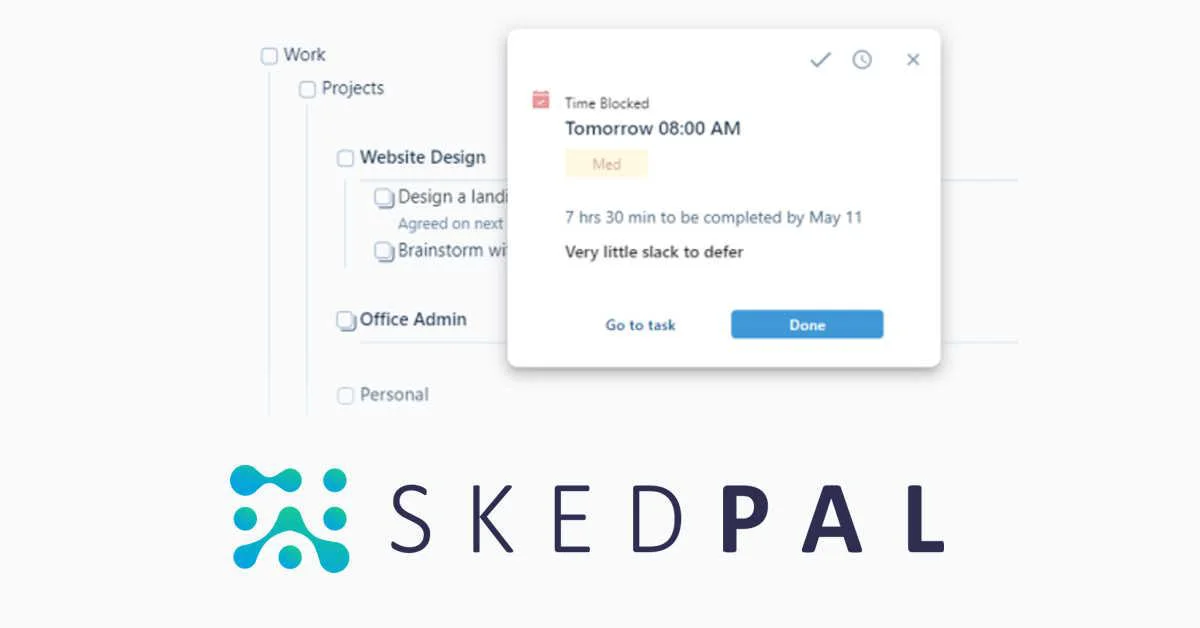
SkedPal is an intelligent scheduling platform that bridges the gap between task management and calendar planning. Rather than leaving your to-do list disconnected from your actual time, SkedPal's AI auto-scheduler takes your tasks, priorities, deadlines, and personal preferences and builds an optimal, time-blocked calendar plan for you. The core insight behind SkedPal is that tasks not assigned to a specific time rarely get done. By converting your entire to-do list into scheduled calendar blocks, SkedPal ensures your most important work — deep focus sessions, side projects, learning goals — actually gets protected time alongside meetings and appointments. When your day changes — as it inevitably does — SkedPal dynamically reschedules affected tasks without requiring you to manually re-jigsaw your calendar. The Status Tracker provides real-time feedback on completed tasks, overdue items, and plan realism, helping you stay aware of progress and make on-the-fly adjustments with minimal friction. SkedPal integrates with existing calendar tools (Google Calendar, Outlook) for a unified view, syncs bidirectionally with Asana for team project management, and connects to hundreds of other apps via Zapier. With over 10 million curated schedules and users across 4,000+ organizations, SkedPal is trusted by CEOs, founders, designers, and professionals who want to master their time without constant manual planning. A 14-day free trial is available with no email or credit card required.
Key Features
- AI Auto-Scheduler: Automatically converts your entire to-do list into a realistic, time-blocked calendar plan based on your priorities, deadlines, and personal working preferences.
- Dynamic Rescheduling: When interruptions or priority changes occur, SkedPal intelligently reschedules affected tasks without requiring manual re-planning, keeping your day on track.
- Status Tracker: Provides real-time visibility into completed tasks, overdue items, and overall schedule realism — helping you stay aligned with your goals throughout the day.
- Calendar & Tool Integrations: Syncs with Google Calendar and Outlook, integrates bidirectionally with Asana for team task management, and connects to hundreds of apps via Zapier.
- Time Maps & Habit Scheduling: Define when and how you prefer to work on different types of tasks, and SkedPal will build schedules that respect those patterns — even as your priorities shift.
Use Cases
- A founder with a packed meeting schedule uses SkedPal to automatically time-block deep work sessions for strategic planning, ensuring high-priority tasks aren't crowded out by reactive work.
- A freelance designer syncs their task list with SkedPal to receive a realistic daily schedule that balances multiple client projects and respects their preferred working hours.
- A remote team uses Asana for project coordination and SkedPal for individual scheduling, giving each team member a personalized daily plan drawn from shared project tasks.
- A student uses SkedPal to schedule study sessions, assignment deadlines, and personal commitments into a time-blocked calendar that dynamically adjusts when unexpected events arise.
- A productivity-focused professional uses SkedPal's Status Tracker to monitor which goals are on track and which are slipping, making informed adjustments without losing sight of overall priorities.
Pros
- Eliminates Manual Rescheduling: The AI auto-scheduler handles the cognitive burden of replanning when priorities shift, saving significant daily mental overhead.
- Bridges Tasks and Calendar: Unifies to-do lists and calendar time-blocking in one place, ensuring important non-meeting work actually gets done rather than staying on a wishlist.
- Strong Integration Ecosystem: Two-way Asana sync, calendar integration, and Zapier connectivity make it easy to fit SkedPal into existing workflows without switching tools.
- No-Friction Trial: 14-day free trial requires no email or credit card, lowering the barrier to test whether the tool genuinely improves your scheduling.
Cons
- Initial Setup Takes Time: Configuring time maps, preferences, and integrations to get the best results requires an upfront investment of time and experimentation.
- Not a Full Project Management Tool: SkedPal is designed for individual time scheduling, not team-level project tracking or collaboration — it works alongside, not as a replacement for, tools like Asana.
- Learning Curve for Power Features: Advanced features like time maps, habit scheduling, and custom constraints can feel complex until users become familiar with the system's logic.
Frequently Asked Questions
How does SkedPal decide when to schedule my tasks?
SkedPal considers your priorities, deadlines, time map preferences (when you prefer to do certain types of work), existing calendar events, and available time blocks to determine the optimal placement for each task.
What happens when my schedule is disrupted by unexpected events?
SkedPal dynamically reschedules affected tasks automatically when interruptions occur, so you always have a realistic, up-to-date plan without manually re-jigsawing your calendar.
Is SkedPal a replacement for my existing calendar?
No — SkedPal syncs with your existing calendar (Google Calendar, Outlook) and adds intelligent task scheduling on top of it. Your meetings and appointments stay in your current calendar, while SkedPal fills in the gaps with your task work.
Can SkedPal work with my team's project management tools?
Yes, SkedPal offers a two-way integration with Asana, allowing you to plan collaboratively in Asana and schedule your personal work in SkedPal. Hundreds of additional apps are supported via Zapier.
Is there a free trial available?
Yes, SkedPal offers a 14-day free trial with no email address or credit card required, so you can test the full experience before committing.