

About
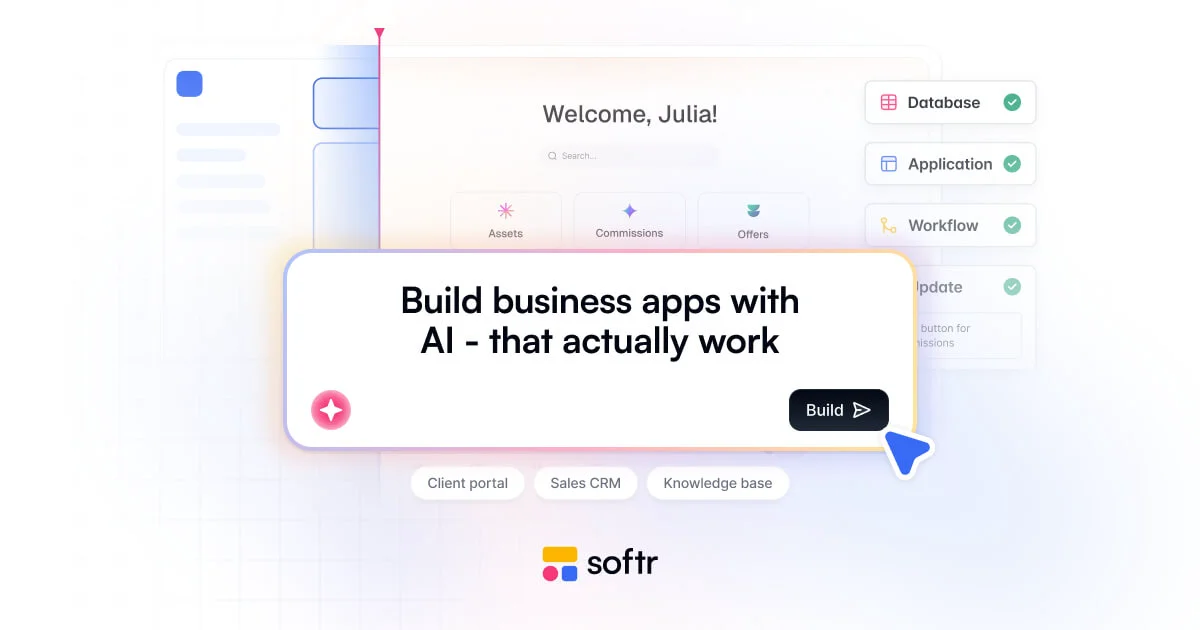
Softr is the first AI platform purpose-built for creating business applications without code. Users simply describe what they need, and Softr's AI handles the interface, database structure, and workflows — all of which can then be refined visually or via additional AI prompts. The platform covers the full spectrum of business software: client portals, CRMs, intranets, inventory management systems, ERP solutions, dashboards, and knowledge bases. At its core, Softr offers four interconnected layers: Apps (drag-and-drop UI builder), Databases (flexible built-in data storage), Workflows (multi-step process automation), and Integrations (real-time connections to Airtable, Notion, Google Sheets, HubSpot, monday.com, ClickUp, Coda, Supabase, MySQL, PostgreSQL, and REST APIs). Role-based permissions and security controls are built in, making it suitable for both internal teams and external-facing client portals. Softr also supports converting web apps into mobile apps quickly, making it a versatile tool for SMBs, marketing and sales teams, HR departments, non-profits, and educational organizations. Its templating library and AI-guided co-building experience drastically reduce time-to-launch, replacing expensive off-the-shelf software, spreadsheets, and custom-coded apps with tailored, workflow-specific solutions. Whether replacing Zapier, Airtable, or custom dev work, Softr consolidates app building, data management, and automation in one platform.
Key Features
- AI App Builder: Describe your app in plain language and let Softr's AI generate the interface, database, and workflows automatically — then iterate visually or with follow-up prompts.
- Built-in Database: Store and manage structured business data natively within Softr, replacing tools like Airtable or Google Sheets with a flexible, app-connected database.
- Workflow Automation: Automate simple tasks or complex multi-step processes across your entire tech stack without writing code, replacing tools like Zapier, Make, or n8n.
- Deep Integrations: Connect in real-time to Airtable, Notion, Google Sheets, HubSpot, monday.com, ClickUp, Supabase, MySQL, PostgreSQL, and any REST API.
- Mobile App Conversion: Turn any Softr web app into a fully functional mobile app for iOS and Android quickly, without additional development effort.
Use Cases
- Building a secure client portal where customers can log in, view project statuses, submit requests, and access documents — without involving developers.
- Creating a custom CRM tailored to a company's exact sales workflows, synced with HubSpot or Google Sheets, replacing expensive off-the-shelf CRM software.
- Developing a company intranet with employee directories, knowledge bases, HR resources, and team announcements for internal teams.
- Setting up an inventory management system that tracks stock levels, purchase orders, and suppliers in real-time using a built-in or connected database.
- Launching a data dashboard that visualizes business KPIs from multiple sources like Airtable, PostgreSQL, or Google Sheets for stakeholder reporting.
Pros
- No coding required: Non-technical users can build, launch, and iterate on fully functional business software without any developer involvement.
- AI-accelerated building: The AI co-builder generates complete app structures from plain-language descriptions, dramatically cutting time-to-launch to the same day.
- Broad integration ecosystem: Out-of-the-box connectors to major tools like Airtable, HubSpot, Notion, and Google Sheets mean apps stay in sync with existing workflows.
- All-in-one platform: Combines app builder, database, workflow automation, and mobile app support in a single product, reducing tool sprawl and licensing costs.
Cons
- Less flexibility than custom code: Highly specialized or complex business logic may hit the limits of a no-code platform and require workarounds or custom development.
- Platform dependency: Apps are hosted and managed within Softr's ecosystem, creating reliance on the platform's uptime, pricing, and feature roadmap.
- Costs scale with usage: As teams grow and require more users, records, or advanced features, subscription costs can increase significantly beyond the free tier.
Frequently Asked Questions
Do I need coding skills to use Softr?
No. Softr is designed entirely for non-technical users. You can build apps by describing what you need to the AI builder or by using the visual drag-and-drop editor — no coding knowledge required.
What data sources can I connect to Softr?
Softr integrates with Airtable, Notion, Google Sheets, HubSpot, monday.com, ClickUp, Coda, Supabase, MySQL, PostgreSQL, and any external tool via REST API.
Can I build external-facing portals, not just internal tools?
Yes. Softr supports both internal tools (team intranets, dashboards, ERPs) and external-facing portals (client portals, vendor portals, member directories) with role-based access control.
Does Softr support mobile apps?
Yes. Softr allows you to convert your web apps into mobile apps for iOS and Android without additional development, making your tools accessible on any device.
Is there a free plan available?
Yes. Softr offers a free tier to get started. Paid plans unlock additional users, records, integrations, and advanced features for growing teams and businesses.