

About
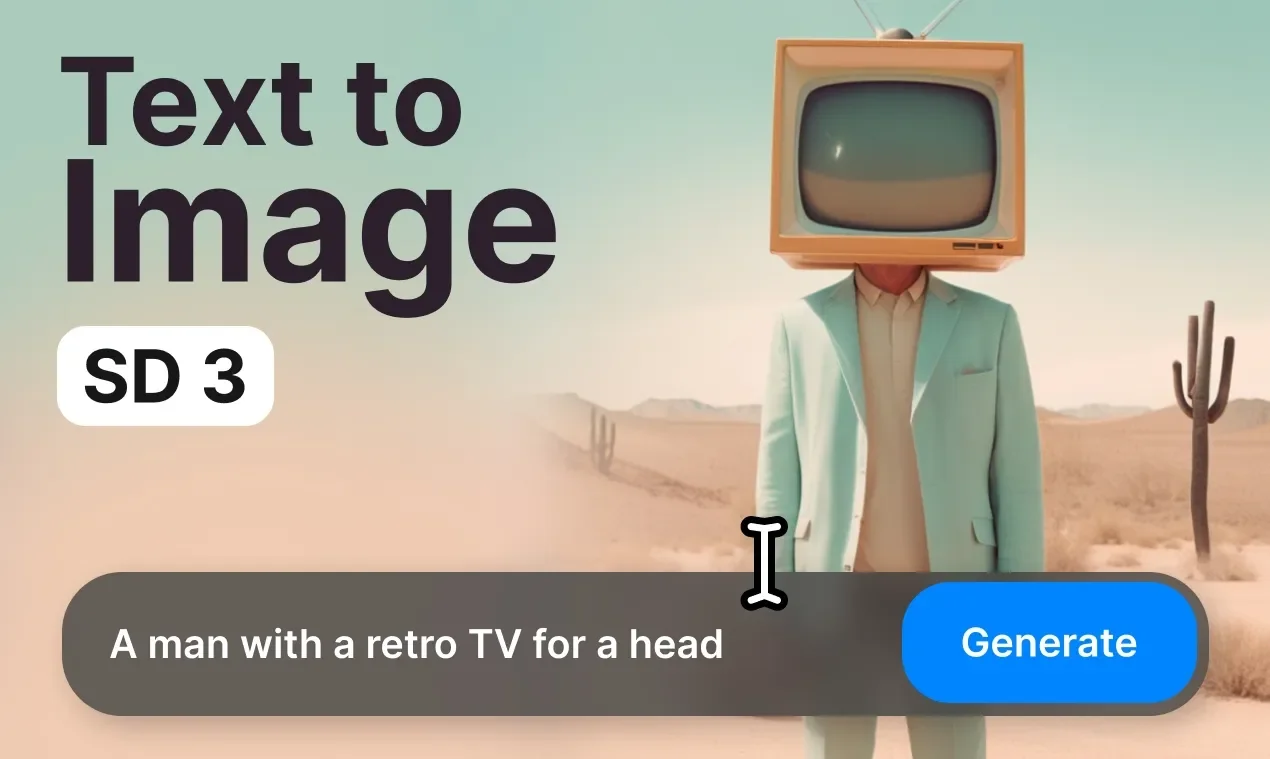
Clipdrop is Stability AI's all-in-one AI image platform built around the Stable Diffusion model. At its core, the text-to-image generator lets users type a description in plain English and receive photorealistic or stylized images within seconds. Users can choose from a rich library of visual styles—including Photographic, Anime, Digital Art, Cinematic, Pixel Art, 3D Model, Neon Punk, and more—as well as multiple aspect ratios from widescreen to vertical portrait. Beyond generation, Clipdrop offers a comprehensive suite of AI-powered image editing tools: Remove Background extracts subjects with exceptional precision; Replace Background teleports subjects into any new scene; Cleanup erases unwanted objects, text, or defects; Uncrop extends the canvas of any image to a new format; Image Upscaler enhances resolution by 2x or 4x while recovering fine details; Relight adjusts the lighting of photos with cinematic effects; Text Remover strips text overlays cleanly; and Universal Resizer formats images for any social media platform. Clipdrop is ideal for designers, digital artists, marketers, and content creators who need professional-grade AI imagery and editing without complex software. Its browser-based interface makes advanced generative AI accessible to both beginners and professionals alike.
Key Features
- Text-to-Image Generation: Generate high-resolution, realistic or stylized images from plain English text prompts in seconds using Stable Diffusion.
- Multiple Styles & Aspect Ratios: Choose from 14+ visual styles (Cinematic, Anime, Pixel Art, 3D Model, etc.) and aspect ratios from widescreen 21:9 to vertical 9:16.
- Background Removal & Replacement: Extract subjects from any image with precision and replace backgrounds to place them in entirely new environments.
- AI Image Upscaler: Upscale images by 2x or 4x, remove noise, and recover fine details to produce crisp, high-definition results.
- Cleanup & Relight Tools: Remove unwanted objects, people, text, or defects automatically, and relight photos with professional-quality lighting effects.
Use Cases
- A graphic designer generates concept art and mood boards by typing creative prompts with specific style settings like 'Cinematic' or 'Digital Art'.
- A social media marketer creates on-brand product visuals by generating images and resizing them for different platforms using the Universal Resizer.
- A photographer enhances old or low-resolution photos by upscaling them 4x to restore fine detail and remove noise.
- An e-commerce seller removes cluttered backgrounds from product photos and replaces them with clean, professional backdrops.
- A content creator removes unwanted text overlays or objects from stock images for use in blog posts and presentation decks.
Pros
- Comprehensive All-in-One Platform: Combines text-to-image generation with a full suite of editing tools (upscaling, background removal, relighting, cleanup) in a single interface.
- Powered by Stable Diffusion: Leverages one of the most advanced open-source image generation models, delivering high-quality and diverse visual outputs.
- Beginner-Friendly Web Interface: No software installation required; fully browser-based with an intuitive UI that makes AI image generation accessible to non-technical users.
- Diverse Style Options: Supports 14+ artistic styles and multiple aspect ratios, making it versatile for social media, marketing, art, and design projects.
Cons
- Free Tier Limitations: The free plan includes usage caps and may add watermarks, limiting professional use without a paid subscription.
- Limited Advanced Customization: Compared to running Stable Diffusion locally, Clipdrop offers less control over model parameters, LoRAs, and fine-tuning options.
- Prompt Sensitivity: Output quality can vary significantly based on how prompts are worded, which may require iteration and experimentation for best results.
Frequently Asked Questions
How does text-to-image generation work in Clipdrop?
You type a descriptive text prompt in English, select a style and aspect ratio, and Clipdrop's Stable Diffusion-powered engine generates a matching image within seconds.
Is Clipdrop free to use?
Clipdrop offers a freemium model with a free tier that includes limited generations and editing credits. Paid plans unlock higher limits, faster generation, and watermark-free downloads.
What styles can I generate images in?
Clipdrop supports over 14 styles including Photographic, Anime, Digital Art, Comic Book, Fantasy Art, Cinematic, Neon Punk, Isometric, Pixel Art, 3D Model, Origami, and more.
Can I use Clipdrop to edit existing images?
Yes. Beyond text-to-image, Clipdrop includes tools to remove and replace backgrounds, upscale images, clean up unwanted objects, relight photos, remove text overlays, and uncrop images.
Who is Clipdrop best suited for?
Clipdrop is ideal for digital artists, graphic designers, marketers, content creators, and anyone who needs high-quality AI-generated or AI-edited images without complex software setups.




