
About
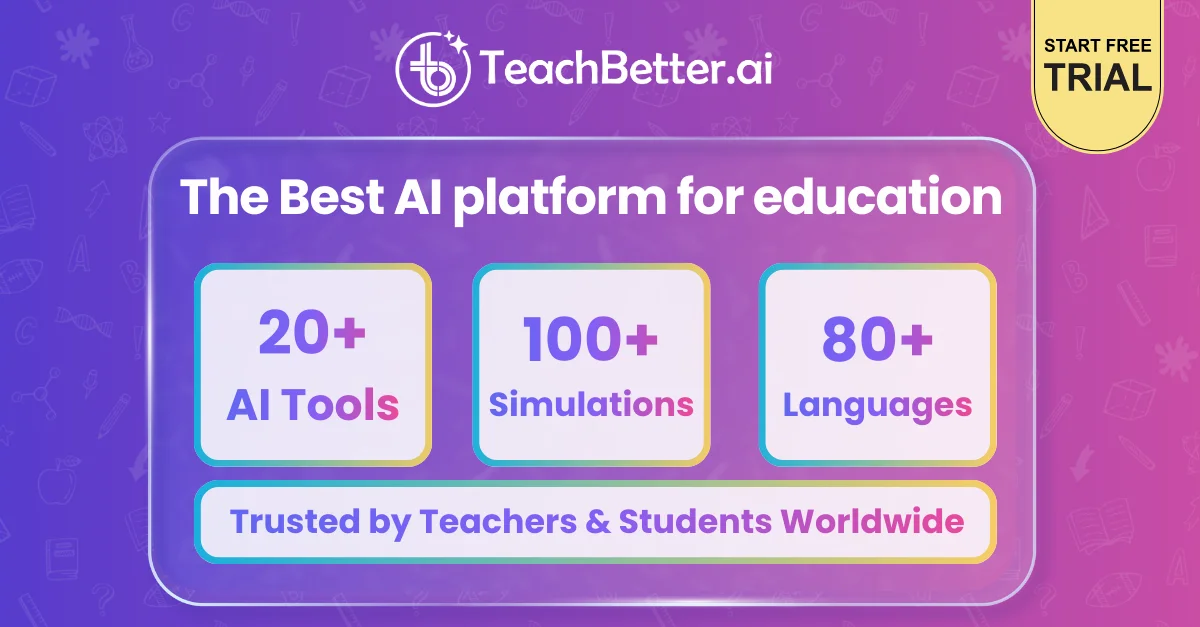
TeachBetter AI is an all-in-one AI platform purpose-built for the education ecosystem — covering teachers, schools, parents, and students. With 20+ specialized AI tools and 100+ interactive simulations, it eliminates the need to juggle between ChatGPT, Google, YouTube, and other apps by centralizing everything in one focused, distraction-free environment. For teachers and schools, TeachBetter AI dramatically cuts lesson prep time. Users can instantly generate high-quality, curriculum-aligned lesson plans, quizzes, worksheets, presentations with images and videos, and personalized student progress reports. Tools like the YouTube Video Analyzer, Chat with Documents, and Web Search Assistant make research and content creation effortless. For parents and students, the platform acts as a safe 24/7 AI learning companion. Students can explore concepts through stories, visuals, and real-world examples, practice with customized quizzes, and master topics using interactive simulations and concept mastery tools. The Doubt Solver and Ask Me Anything features provide instant academic support. The platform is designed to shift classrooms from rote memorization to real-world application, helping teachers improve efficiency without increasing workload. With features like the Science Lab, Text Translator, Event Planner, and Creative Resource Generator (flashcards, songs, stories), TeachBetter AI covers every aspect of modern educational needs — making it the go-to AI platform for K-12 educators and learners worldwide.
Key Features
- Lesson Planner: Generate high-quality, curriculum-aligned lesson plans for any topic in seconds, fully customized to teaching goals and grade levels.
- Quiz & Worksheet Generator: Design tailored quizzes, worksheets, and assessments to reinforce learning and evaluate student understanding effortlessly.
- 100+ Interactive Simulations: Bring concepts to life with interactive science labs and visual simulations that promote real-world understanding over rote memorization.
- Presentation & Report Generator: Build engaging presentations with text, images, and videos, plus generate personalized student progress and behavior reports instantly.
- Student Learning Companion: Provides students with a safe, 24/7 AI companion for concept explanation, doubt solving, practice quizzes, and distraction-free studying.
Use Cases
- A high school teacher uses the Lesson Planner to generate a week's worth of curriculum-aligned lessons in under 10 minutes, freeing up time for student interaction.
- A middle school science teacher leverages interactive simulations and the Science Lab tool to make abstract chemistry concepts tangible and engaging for students.
- A parent helps their child prepare for exams using the Concept Mastery Coach and customized Quiz Generator to identify and close knowledge gaps.
- A school administrator uses Personalized Report Generator to produce detailed student progress and behavior reports for parent-teacher conferences.
- An ESL teacher uses the Text Translator and YouTube Video Analyzer to create multilingual learning materials and summarize video content for non-native English speakers.
Pros
- All-in-One Education Suite: Replaces the need for multiple apps by bundling 20+ AI tools and 100+ simulations into a single, focused platform for all education stakeholders.
- Massive Time Savings for Teachers: Automates lesson planning, quiz creation, report generation, and presentation building — giving teachers hours back each week.
- Safe Learning Environment for Students: Provides a curated, distraction-free alternative to open-ended tools like ChatGPT, Google, and YouTube, keeping students focused on learning.
- No Prompt Engineering Required: All tools are purpose-built for education, so teachers and students get useful outputs without needing to write complex prompts.
Cons
- Web-Only Platform: Currently available only as a web application — there is no dedicated mobile app for iOS or Android, which may limit on-the-go access.
- Curriculum Alignment May Vary: Auto-generated lesson plans and content may need manual review to ensure alignment with specific regional curricula or school standards.
- Feature Depth vs. Breadth: With 20+ tools packed into one platform, some features may not reach the depth of specialized standalone tools for power users.
Frequently Asked Questions
Is TeachBetter AI free to use?
TeachBetter AI offers a free trial so teachers, parents, and students can get started without a credit card. Paid plans unlock full access to all 20+ AI tools and 100+ simulations.
Who is TeachBetter AI designed for?
The platform serves three main audiences: teachers and schools looking to save time on lesson prep and content creation, and parents and students seeking a safe, personalized AI learning companion.
How is TeachBetter AI different from ChatGPT for education?
Unlike ChatGPT, TeachBetter AI is purpose-built for education with no prompt engineering needed. It offers structured tools for lesson planning, quizzes, simulations, and student reports — all in a distraction-free environment designed specifically for classrooms.
What kinds of content can teachers generate with TeachBetter AI?
Teachers can generate curriculum-aligned lesson plans, quizzes, worksheets, presentations, flashcards, songs, stories, science lab activities, student progress reports, and event itineraries, among many other resources.
Is TeachBetter AI safe for students?
Yes. TeachBetter AI is designed as a safe, supervised alternative to open-ended internet tools. It provides a distraction-free learning environment without the risks associated with unrestricted web browsing or unmoderated AI chatbots.