

About
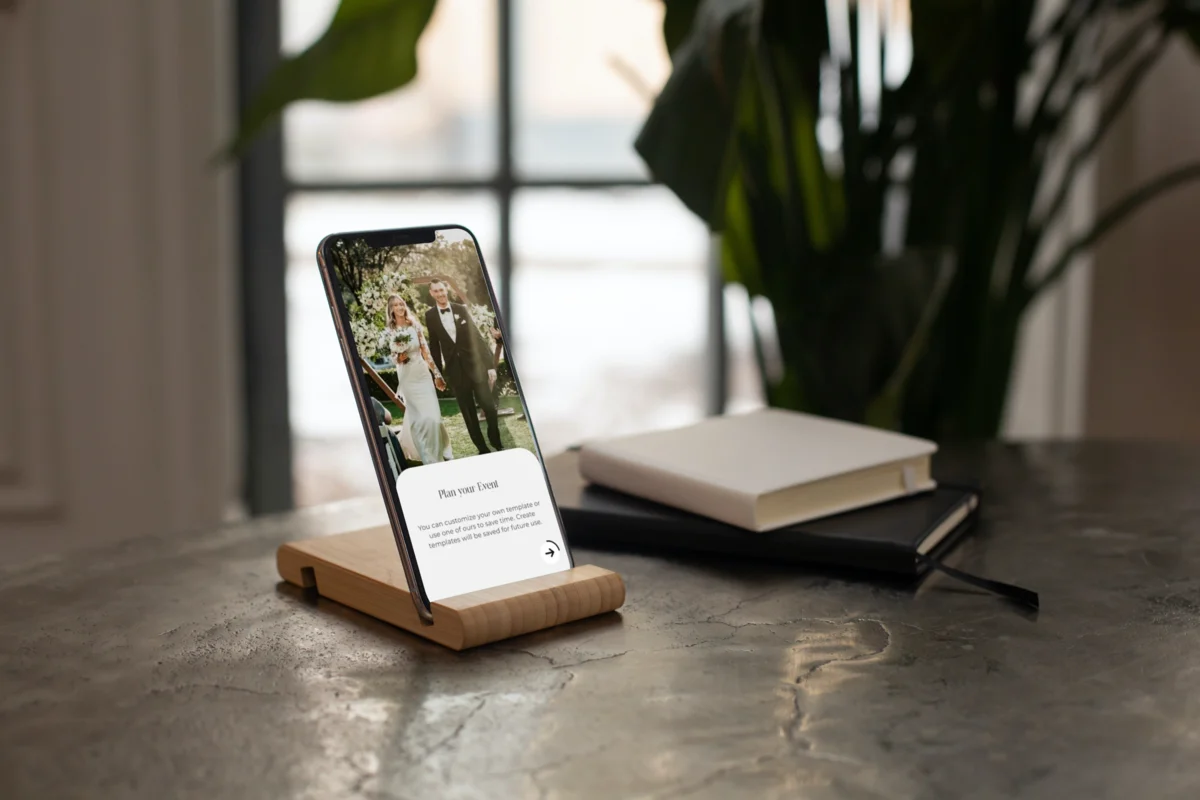
TimelinePro is a specialized workflow tool built for wedding and event professionals — including photographers, videographers, and planners — who need to create, share, and manage detailed day-of timelines without the usual coordination chaos. The app offers a library of professionally designed, fully customizable horizontal and vertical timeline templates that users can brand with their own colors and styling. From within the app, professionals can build step-by-step event schedules, attach shot lists and task notes, and track real-time sunset data to plan golden-hour shoots perfectly. Once a timeline is ready, it can be shared via a unique link with clients, vendors, or venues, each of whom can leave in-app feedback directly on individual timeline steps — eliminating lengthy email threads. Users can even create vendor-only versions of their timelines to gather contact information and approvals before locking in a master plan. A swipe-to-complete feature lets planners mark steps as done on the day itself. TimelinePro offers four affordable pricing tiers and a 10-day risk-free trial, making it accessible to solo creatives and growing teams alike. It's purpose-built to reduce administrative overhead and help wedding professionals deliver a stress-free, polished experience to their clients.
Key Features
- Customizable Timeline Templates: Choose from stunning horizontal and vertical timeline templates, add your branding, adjust color palettes, and tailor every detail to match your workflow and client experience.
- In-App Client & Vendor Feedback: Share timelines via a unique link and collect feedback directly on individual timeline steps from clients, vendors, or venues — no more back-and-forth emails.
- Shot List & Task Management: Add photography shot lists, task notes, and contact information to each timeline step, keeping everything organized in one place for the big day.
- Sunset Tracker: Built-in sunset tracking helps photographers and planners schedule golden-hour shoots accurately without manual lookups or guesswork.
- Vendor-Only Timeline Sharing: Duplicate events to create vendor-specific timeline versions, gather contact information, and lock in approvals before finalizing the master timeline.
Use Cases
- A wedding photographer uses TimelinePro to build a branded, step-by-step day-of timeline and shares it with the couple for feedback before the wedding.
- A wedding planner coordinates with the venue, caterer, and DJ by sending each a vendor-specific timeline version to gather contact details and confirmations.
- A videographer uses the shot list feature to track must-capture moments throughout the day and swipes steps complete as the event progresses.
- An event planner replaces their spreadsheet-based process with TimelinePro templates to reduce client onboarding time and look more professional.
- A photography studio uses the sunset tracker to schedule golden-hour portrait sessions precisely, avoiding guesswork on wedding day.
Pros
- Eliminates Coordination Chaos: Centralizes timeline creation, client feedback, and vendor communication in one app, drastically reducing email overhead for wedding professionals.
- Purpose-Built for Wedding Creatives: Designed specifically for photographers, videographers, and planners — features like shot lists and sunset tracking are tailored to real-world wedding workflows.
- Easy to Share & Collaborate: Shareable links and in-app feedback tools make client communication seamless, improving the perceived professionalism of every vendor involved.
- Affordable with a Free Trial: Four pricing tiers and a 10-day risk-free trial make it accessible for freelancers and studios of any size.
Cons
- Niche Use Case: Primarily designed for wedding and event professionals — general project managers or other industries will find limited applicability.
- App-Dependent Collaboration: Clients and vendors need to access the shared link and engage with an unfamiliar interface, which may cause friction for less tech-savvy contacts.
- Limited AI Automation: TimelinePro is a structured planning tool without AI-driven suggestions, auto-scheduling, or smart optimization features.
Frequently Asked Questions
Who is TimelinePro designed for?
TimelinePro is built for wedding photographers, videographers, wedding planners, and event planners who need to create and share professional day-of timelines with clients and vendors.
Is TimelinePro free to use?
TimelinePro offers a free download with a 10-day risk-free trial and four affordable pricing plans to suit different needs and team sizes.
How does client feedback work in TimelinePro?
Once you share a timeline via a unique link, clients and vendors can leave feedback directly on individual timeline steps within the app, eliminating the need for back-and-forth emails.
Can I create separate timelines for vendors and clients?
Yes — you can duplicate an event to create a vendors-only version of your timeline, allowing you to collect contact information and approvals separately before committing to the master timeline.
What platforms does TimelinePro support?
TimelinePro is available as a mobile app for iOS and Android devices, with a web presence for account management and sharing.