
About
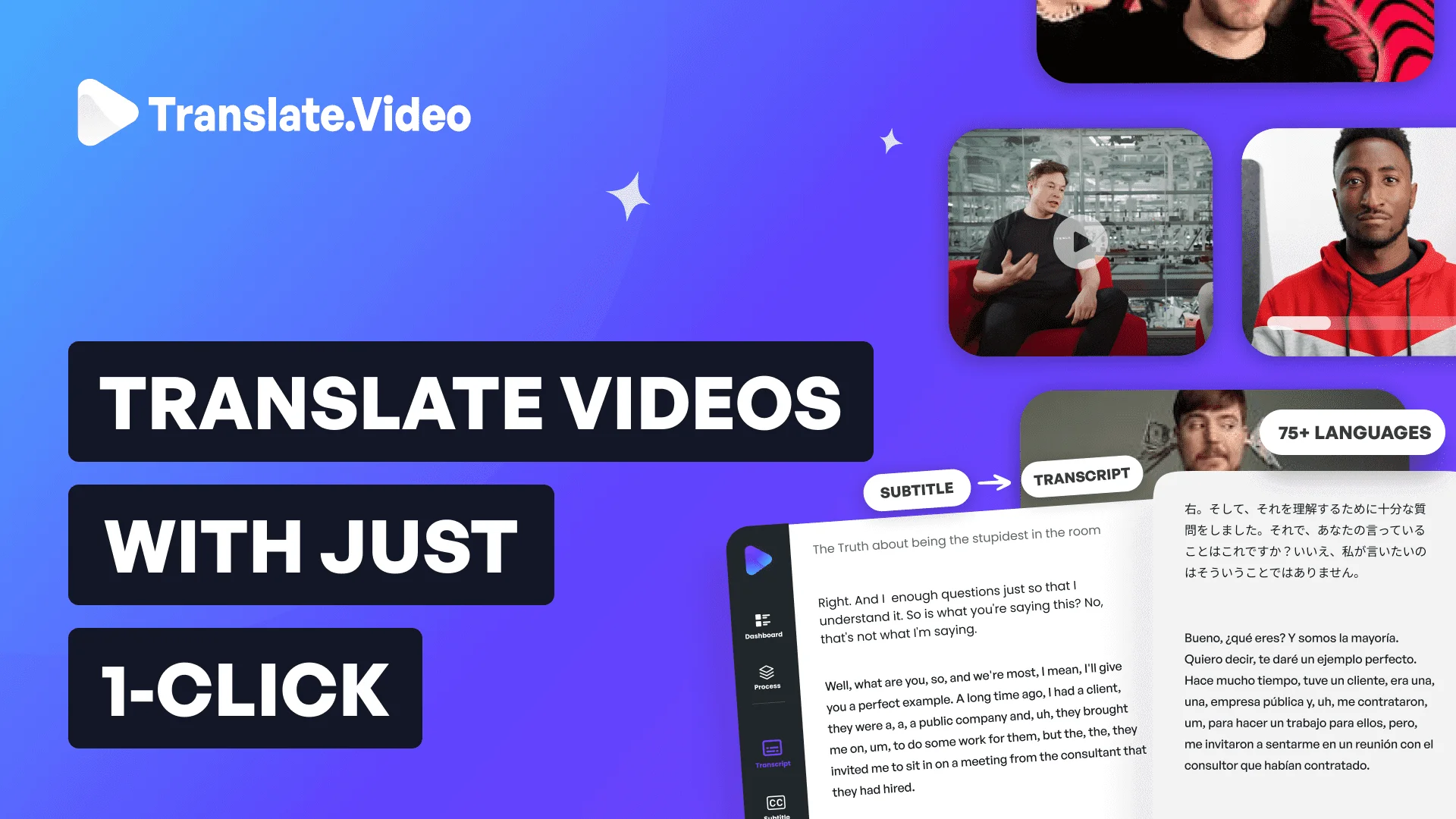
Translate.Video (a product of Vitra.ai) is a comprehensive AI-driven video localization platform trusted by over 250,000 creators and enterprises worldwide. The platform provides a full suite of video content tools — automated captions, subtitle generation and translation, human-like AI dubbing, voiceover recording, and transcript export — all within a single application. Its standout Instant Voice Cloning feature allows users to clone their own voice from as little as 50 seconds of audio, then deploy that cloned voice to speak in any of 75+ supported languages. This makes it possible to maintain a consistent personal or brand voice across multilingual content without hiring professional voice actors. Translate.Video supports export in popular formats such as SRT, VTT, and MP4, and offers intuitive editing tools for styling subtitles and adding visual elements. Complementary plugins for Photoshop, Illustrator, and Figma (via the Translate.photo product) allow design teams to localize visual creatives in the same workflow. The platform is ideal for YouTubers, online course creators, marketing teams, and global enterprises looking to expand audience reach without the traditional time and cost associated with manual video localization. With its one-click translation workflow, Translate.Video claims up to 100x faster subtitle and dubbing turnaround compared to manual processes.
Key Features
- One-Click Video Translation: Automatically translate and dub videos into 75+ languages in a single click, eliminating manual localization workflows.
- Instant Voice Cloning: Clone any voice from just 50 seconds of audio and use it to deliver speech in 75+ languages, preserving a consistent personal or brand voice.
- Automated Subtitles & Captions: Generate accurate closed captions and translated subtitles instantly, with export options in SRT, VTT, and MP4 formats.
- AI Dubbing & Voiceover: Produce human-like AI voiceovers or upload your own recorded voice to replace the original audio track seamlessly.
- Integrated Editing Suite: Style subtitles, add visual elements, and manage all video content needs — captions, dubbing, transcripts — inside one unified app.
Use Cases
- YouTube creators translating and dubbing videos to reach international audiences in their native languages
- Online course instructors localizing educational content into 75+ languages to serve a global student base
- Marketing teams producing multilingual video ads and social media content without hiring voice actors
- Enterprises subtitling internal training videos and corporate communications for a multilingual workforce
- Podcasters and media companies expanding content reach by adding translated subtitles and voiceovers
Pros
- Extremely Fast Turnaround: One-click translation and dubbing delivers results up to 100x faster than manual localization processes.
- Wide Language Coverage: Supports 75+ languages, enabling creators and businesses to reach truly global audiences with minimal effort.
- Voice Cloning from Short Samples: Only 50 seconds of audio are needed to clone a voice, making the feature accessible even without professional recordings.
- All-in-One Video Platform: Combines captions, subtitles, dubbing, voiceover, and transcripts in a single app, reducing tool sprawl for content teams.
Cons
- Quality May Vary by Language: AI dubbing and voice cloning accuracy can differ across less common languages compared to major ones.
- Limited Free Tier: Full access to advanced features like voice cloning and bulk translation requires a paid subscription.
- No Dedicated Desktop App: The platform is web-based only, with no standalone desktop application for offline use.
Frequently Asked Questions
How many languages does Translate.Video support?
Translate.Video supports over 75 languages for translation, dubbing, subtitling, and voice cloning.
How does the voice cloning feature work?
Upload or record at least 50 seconds of audio, and the platform uses generative AI to create a voice clone that can speak in any of the supported 75+ languages.
What video output formats are supported?
Translate.Video supports exporting subtitles in SRT and VTT formats and full dubbed videos in MP4 format.
Is there a free plan available?
Yes, Translate.Video offers a free sign-up to get started. Advanced features and higher usage limits require a paid subscription.
Can teams and enterprises use Translate.Video?
Yes, the platform is designed for both individual creators and enterprise teams, with features supporting bulk translation and collaborative workflows.