

About
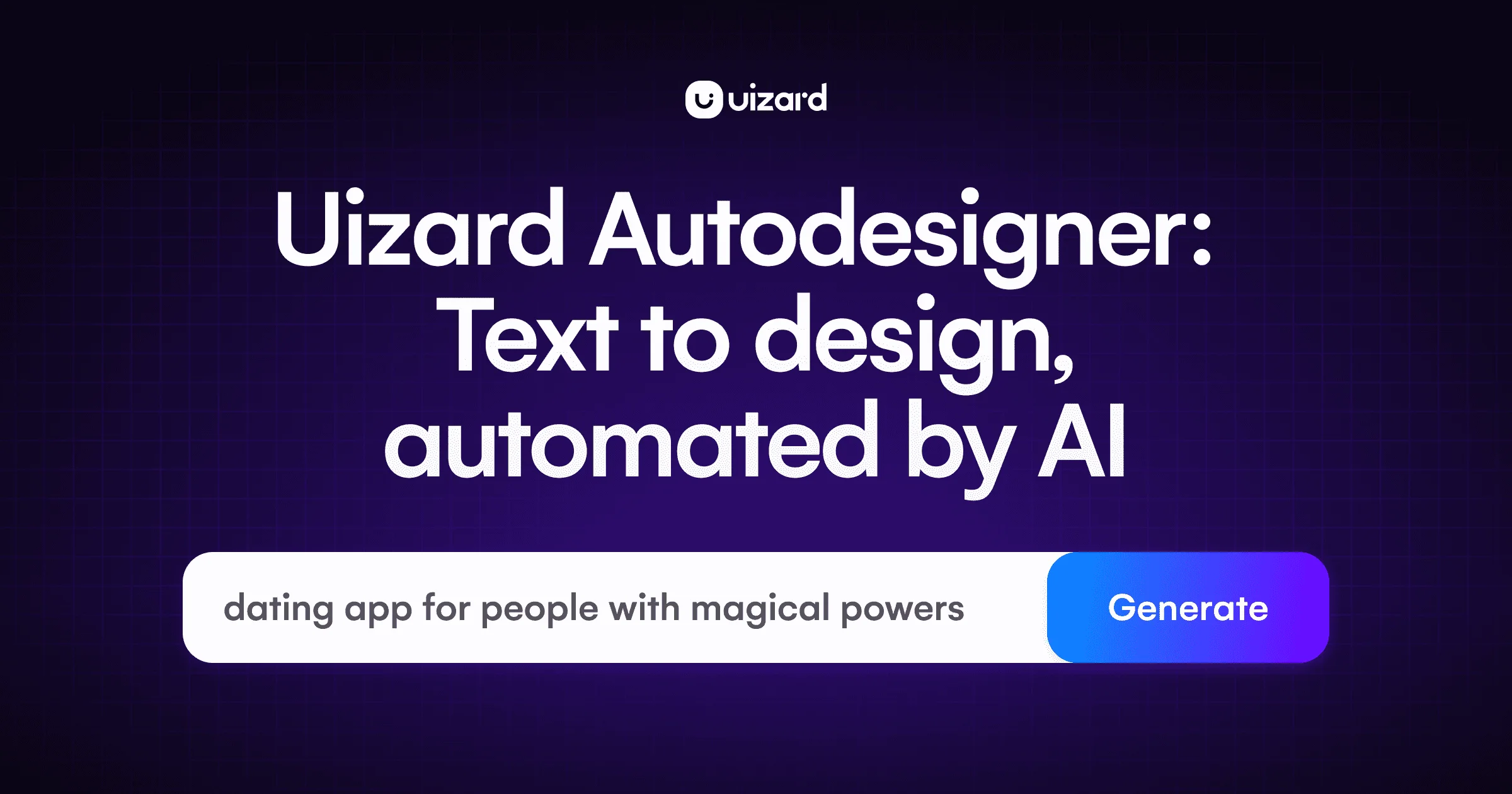
UIzard Autodesigner 2.0 is a breakthrough AI UI design tool that lets you go from idea to interactive prototype using nothing but plain text. Built on Uizard's generative design platform, Autodesigner 2.0 merges conversational AI (similar to ChatGPT) with a powerful drag-and-drop editor, enabling users to create multi-screen app mockups, websites, and web app designs in seconds—no design experience required. With Autodesigner, you can generate full projects from a text prompt, modify individual components by describing your changes, create new screens to extend existing designs, and instantly swap themes to match your brand. The Brand Kit feature ensures all generated UIs align with your design system and brand guidelines. Autodesigner also includes complementary AI tools like Screenshot Scanner (convert screenshots into editable mockups) and Wireframe Scanner (digitize hand-drawn wireframes). Templates cover mobile apps, websites, web apps, tablet apps, and wireframes for both mobile and web. Autodesigner 2.0 is ideal for product managers who need rapid mockups, designers iterating on concepts, startup founders building MVPs, marketers creating client deliverables, and developers who need a design launchpad. The tool democratizes UI/UX design by making high-fidelity prototyping accessible to everyone through the power of generative AI.
Key Features
- Text-to-UI Generation: Type a plain-text description of your product idea and Autodesigner instantly generates a complete multi-screen, editable UI prototype.
- Conversational Design Iteration: Select any component or screen and describe your desired changes in natural language—Autodesigner applies them automatically, enabling rapid iteration.
- Brand Kit Integration: Generate UIs that automatically reflect your design system and brand guidelines, ensuring visual consistency across all generated screens.
- Theme & Screen Generation: Instantly generate new themes to restyle an entire project, or add new screens to expand the scope of an existing design.
- AI Scanning Tools: Convert existing screenshots or hand-drawn wireframes into fully editable digital mockups using Uizard's Screenshot Scanner and Wireframe Scanner.
Use Cases
- A startup founder describes their app idea in a few sentences and generates a clickable multi-screen MVP prototype to share with investors within minutes.
- A product manager creates rapid UI mockups for feature proposals without needing to involve a designer, speeding up internal review cycles.
- A marketing agency quickly generates client-facing design concepts from briefs, iterating on themes and layouts via text prompts before a final handoff.
- A developer uses Autodesigner to generate a visual design reference for a web app, then uses the exported screens as a launchpad for front-end development.
- A UX designer digitizes hand-drawn wireframes using Wireframe Scanner and then iterates on them using Autodesigner's conversational AI directly in the editor.
Pros
- No Design Skills Required: Anyone can create professional-looking, multi-screen prototypes using only text prompts, lowering the barrier to entry for product design.
- Extremely Fast Prototyping: Go from a blank canvas to a sharable, interactive prototype in seconds, dramatically reducing ideation and iteration time.
- All-in-One Design Platform: Combines AI generation, drag-and-drop editing, templates, brand kit, wireframing, and scanning tools in a single web-based app.
- Broad Audience Fit: Equally useful for designers, product managers, startup founders, marketers, consultants, and developers at any skill level.
Cons
- AI Output May Need Refinement: Generated designs occasionally require manual tweaking to fully match specific brand aesthetics or highly customized layout needs.
- Limited Advanced Design Control: Power users requiring granular design control or complex component libraries may find Autodesigner less capable than dedicated tools like Figma.
- Feature Depth Behind Paid Plans: Advanced features such as unlimited projects, brand kit, and higher-fidelity exports are typically gated behind paid subscription tiers.
Frequently Asked Questions
What is UIzard Autodesigner?
UIzard Autodesigner is an AI-powered UI design generator that creates multi-screen, editable prototypes from plain text prompts. It combines conversational AI with Uizard's drag-and-drop editor so anyone can design and iterate on digital products in real time.
What's new in Autodesigner 2.0?
Autodesigner 2.0 introduces a conversational modality, allowing users to interact directly with the AI to generate designs, add new elements, or modify any component using plain English—making the entire workflow more intuitive and iterative.
Who is Autodesigner designed for?
Autodesigner is built for a wide range of users including product managers, UX designers, startup founders, marketers, consultants, agencies, and developers—essentially anyone who needs to quickly visualize and prototype a digital product idea.
Does UIzard offer other AI features beyond Autodesigner?
Yes. Uizard includes a Screenshot Scanner (turn screenshots into editable mockups), a Wireframe Scanner (digitize hand-drawn wireframes), and a Design Assistant, all part of its AI-first design platform.
Is UIzard Autodesigner free to use?
Uizard offers a free plan with core features. Advanced capabilities such as brand kit, unlimited projects, and premium exports are available on paid subscription plans.