

About
Unscreen was a pioneering AI-powered video background removal service that allowed creators, designers, and marketers to automatically strip backgrounds from video clips without requiring a green screen, complex rotoscoping, or manual masking. Powered by deep learning computer vision, Unscreen could process uploaded video files and deliver clean, transparent-background outputs suitable for compositing in video editing workflows. The tool was widely used by content creators, social media marketers, and video editors who needed quick, high-quality background removal for product videos, promotional content, and creative compositions. It also offered Adobe After Effects and Adobe Premiere Pro plugins, enabling professional video editors to remove backgrounds directly within their existing workflows. Unscreen operated on a freemium model, offering a free tier for basic use and paid subscription plans that provided additional processing minutes and higher resolution outputs. On December 1, 2025, Unscreen officially shut down after being acquired by Canva. All subscriptions were cancelled, existing credits expired, and the Adobe plugins were removed from their respective marketplaces. Users seeking similar functionality are now directed to Canva's video editor, which includes AI-powered background removal along with additional tools such as text-to-video, auto animations, voice enhancement, and smart format switching. Unscreen now operates as a legacy brand under Canva Austria GmbH.
Key Features
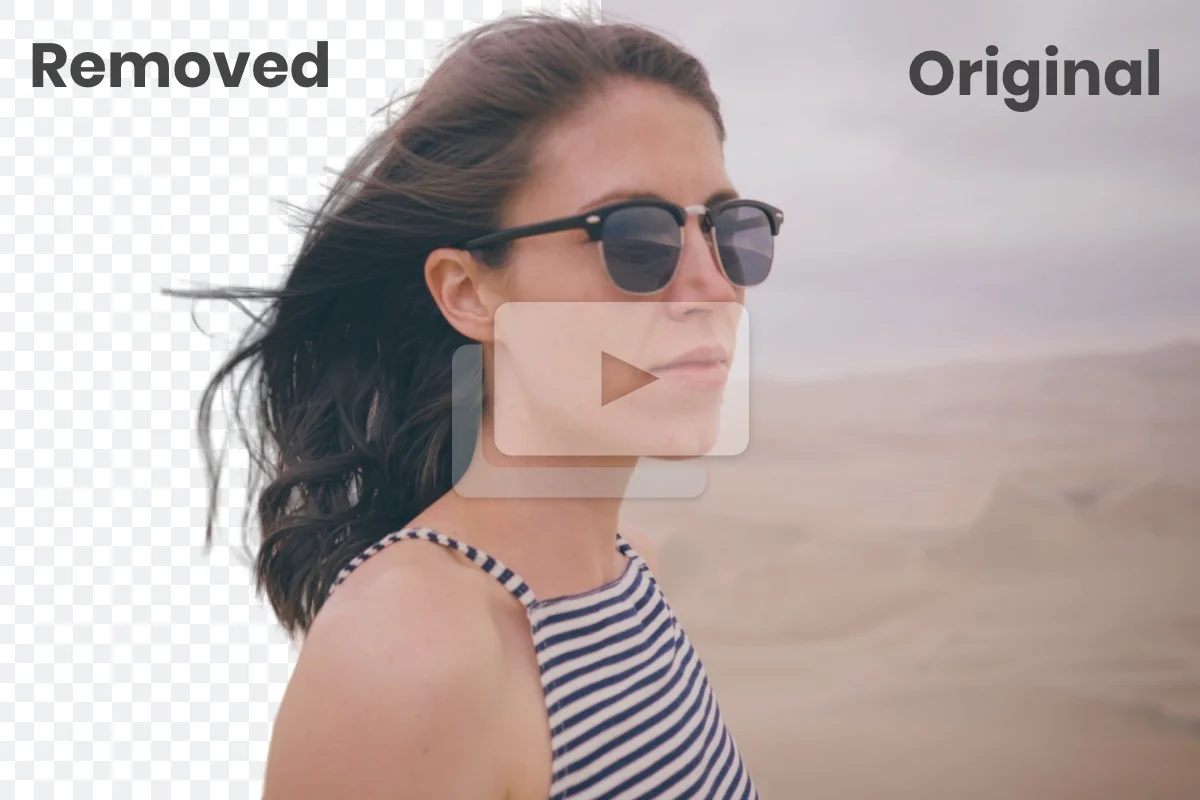
- AI-Powered Background Removal: Automatically detects and removes video backgrounds using deep learning, eliminating the need for green screens or manual rotoscoping.
- Plugin Support for Adobe Suite: Offered native plugins for Adobe After Effects and Adobe Premiere Pro, enabling background removal directly within professional editing workflows.
- Transparent Video Output: Exported processed videos with transparent backgrounds, ready for compositing over any custom background or scene.
- Cloud-Based Processing: Handled all video processing in the cloud, requiring no local software installation or high-end hardware from the user.
- Subscription-Based Credit System: Offered tiered plans with processing minutes/credits, allowing casual and professional users to scale usage based on their needs.
Use Cases
- Content creators removing backgrounds from footage for YouTube, TikTok, or Instagram videos without a green screen setup.
- Marketers producing clean product demonstration videos with transparent or custom backgrounds for ads and landing pages.
- Video editors integrating background removal directly into Adobe Premiere Pro or After Effects workflows via the native plugins.
- E-commerce businesses creating professional product videos with isolated subjects for use on online store pages.
- Social media managers quickly editing short-form video clips to overlay subjects on branded or dynamic backgrounds.
Pros
- No Green Screen Required: Unscreen's AI could remove backgrounds from any video, removing the need for controlled studio environments or specialized equipment.
- Professional Plugin Integration: Native Adobe After Effects and Premiere Pro plugins allowed seamless integration into existing professional video editing pipelines.
- Simple, Fast Workflow: Upload-and-download simplicity made the tool accessible to non-technical users and creators without video editing expertise.
Cons
- Service Permanently Shut Down: Unscreen ceased operations on December 1, 2025, meaning it is no longer available for any new or existing users.
- Credits and Subscriptions Non-Refundable After Closure: All unused processing minutes and credits expired along with subscriptions at the time of shutdown, with no option for refunds.
- Limited to Video Background Removal: The tool was narrowly focused on background removal and lacked the broader editing, compositing, or motion graphics features of full video suites.
Frequently Asked Questions
Is Unscreen still available to use?
No. Unscreen permanently shut down on December 1, 2025, at 9:00 a.m. CET. It is no longer accessible to any users.
What is the best alternative to Unscreen?
Canva's video editor is the officially recommended alternative. It supports AI-powered background removal and includes additional tools like text-to-video, auto animations, voice enhancement, and smart format switching.
What happened to my Unscreen subscription?
All Unscreen subscriptions were cancelled. Each subscription remained usable until its individual expiry date, after which any unused minutes or credits expired and can no longer be redeemed.
Can I still download videos I processed with Unscreen?
Videos are automatically deleted 30 days after processing. If you processed a video within the past 30 days before shutdown, you may be able to retrieve it by contacting Unscreen's support team.
What was Unscreen used for?
Unscreen was used to automatically remove backgrounds from video clips using AI — ideal for creating product videos, social media content, composited scenes, and professional video productions without a green screen.