
About
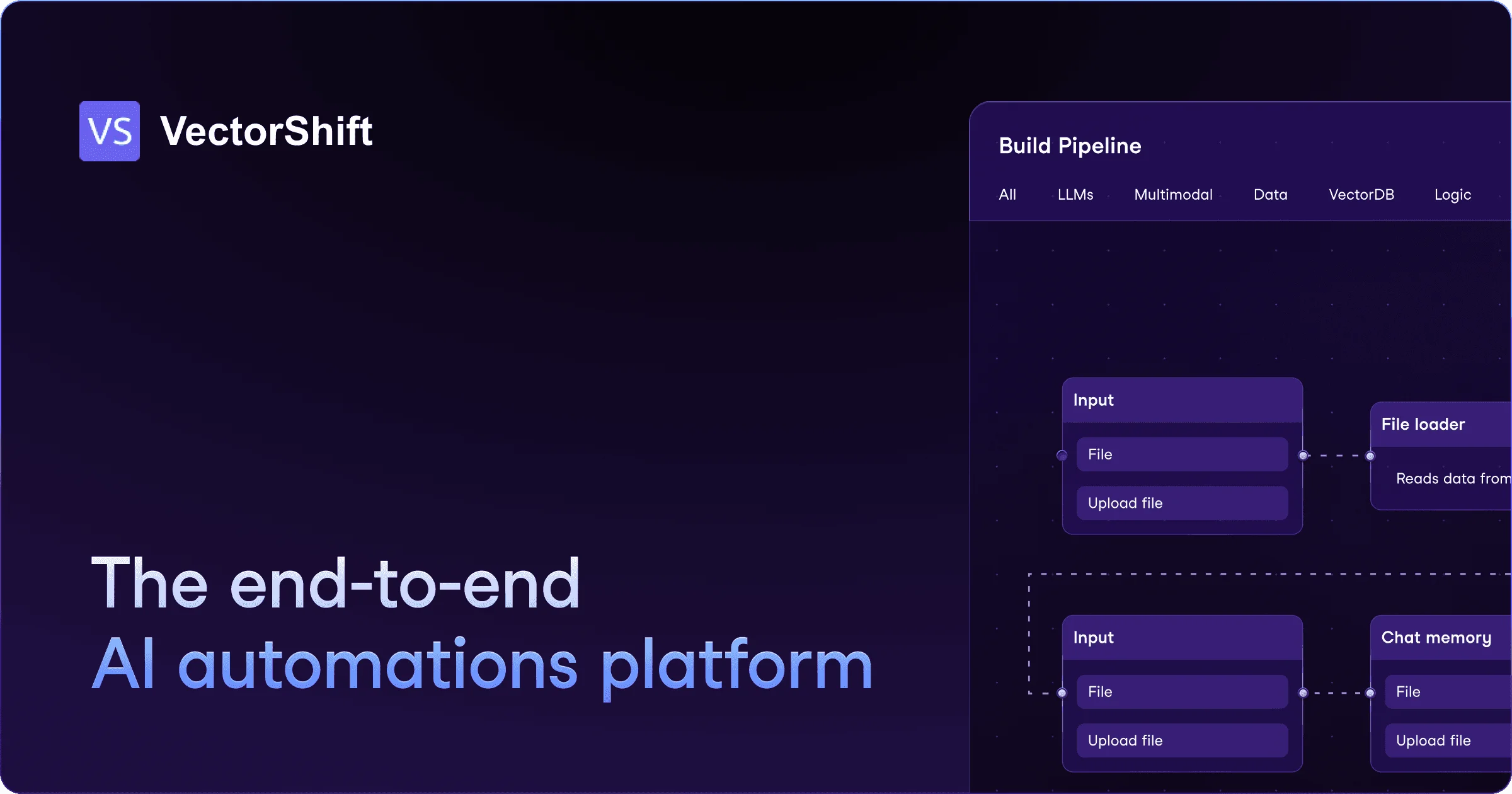
VectorShift is a comprehensive AI automation platform designed to help businesses and developers build, deploy, and manage AI-powered applications and workflows without friction. It bridges the gap between no-code simplicity and developer-grade power by offering both a visual drag-and-drop pipeline builder and a robust Python Code SDK with full IDE integration. Users can construct complex AI pipelines by connecting components such as file loaders, LLM nodes, input/output handlers, and agents — either visually or programmatically. The platform provides a marketplace of pre-built use cases, accelerating time-to-value for common automation scenarios like document Q&A, customer support bots, and data processing workflows. VectorShift supports live-sync integrations with popular business tools including Google Drive, OneDrive, Salesforce, HubSpot, Notion, and Airtable, enabling event-driven automations (e.g., trigger on email received, send a Slack message). It also provides access to leading large language models — OpenAI, Anthropic, Hugging Face, Google, LLaMA, AWS Bedrock, and Mistral — through a unified interface. The platform is well-suited for back-office automation, AI agent deployment, retrieval-augmented generation (RAG) pipelines, and enterprise AI application development. Its combination of no-code accessibility and SDK depth makes it a strong choice for both technical teams and business users looking to scale AI adoption.
Key Features
- No-Code Pipeline Builder: Drag-and-drop interface to visually construct AI workflows using pre-built components like LLM nodes, file loaders, and output handlers — no coding required.
- Python Code SDK: Full-featured SDK for developers to build and manage pipelines programmatically via their IDE, with complete interoperability with the no-code interface.
- AI Agents: Deploy autonomous AI agents capable of executing complex, multi-step tasks within your workflows and business processes.
- Integrations & Automations: Live-sync with Google Drive, OneDrive, Salesforce, HubSpot, Notion, and Airtable. Set up trigger-based automations to act on events across your entire tool stack.
- Multi-LLM Support: Access and switch between leading AI models — OpenAI, Anthropic, Google, LLaMA, AWS Bedrock, Hugging Face, and Mistral — through a single unified platform.
Use Cases
- Automating back-office processes such as document review, data extraction, and report generation without writing code.
- Building RAG-powered chatbots and knowledge base assistants that retrieve and synthesize information from company documents.
- Creating AI agents that autonomously handle multi-step tasks like lead qualification, email triage, or CRM data enrichment.
- Connecting AI workflows to business tools like Salesforce and HubSpot to trigger automated actions based on real-time events.
- Developing and deploying custom AI applications for internal teams or customer-facing products using the no-code builder or Python SDK.
Pros
- Dual No-Code & Code Interface: Supports both business users who prefer drag-and-drop and developers who want full SDK control, making it accessible across skill levels.
- Broad Integration Ecosystem: Native connectors to major business tools and CRMs enable event-driven automations without additional middleware.
- Multi-LLM Flexibility: Ability to plug in and switch between many leading LLM providers gives teams freedom to optimize for cost, performance, or compliance.
- Pre-Built Marketplace: A marketplace of ready-to-use AI pipeline templates dramatically reduces setup time for common use cases.
Cons
- Learning Curve for Complex Pipelines: Advanced multi-agent or RAG workflows can require significant configuration effort and understanding of the platform's architecture.
- Pricing Transparency: Enterprise pricing and usage limits are not publicly listed, requiring a sales conversation to understand full costs at scale.
- Relatively New Platform: As an emerging platform, the ecosystem of community resources, tutorials, and third-party integrations is still growing compared to more established tools.
Frequently Asked Questions
Do I need coding experience to use VectorShift?
No. VectorShift offers a fully no-code drag-and-drop interface for building AI pipelines. However, developers can also use the Python Code SDK for more advanced customization and full IDE integration.
Which AI models does VectorShift support?
VectorShift supports a wide range of LLMs including OpenAI (GPT-4 and others), Anthropic (Claude), Google, Meta LLaMA, AWS Bedrock, Hugging Face, and Mistral AI.
What tools can VectorShift integrate with?
VectorShift integrates with Google Drive, OneDrive, Salesforce, HubSpot, Notion, Airtable, and Slack, among others. It supports live-sync and event-driven automation triggers across these platforms.
Can VectorShift be used for enterprise automation?
Yes. VectorShift is designed for enterprise use cases including back-office automation, AI agent deployment, RAG pipelines, and large-scale AI application management. It offers dedicated enterprise plans.
Is there a free plan available?
VectorShift offers a 'Get started' option suggesting a free or trial tier, with additional paid plans for higher usage and enterprise features. Contact their team or visit the pricing page for details.