

About
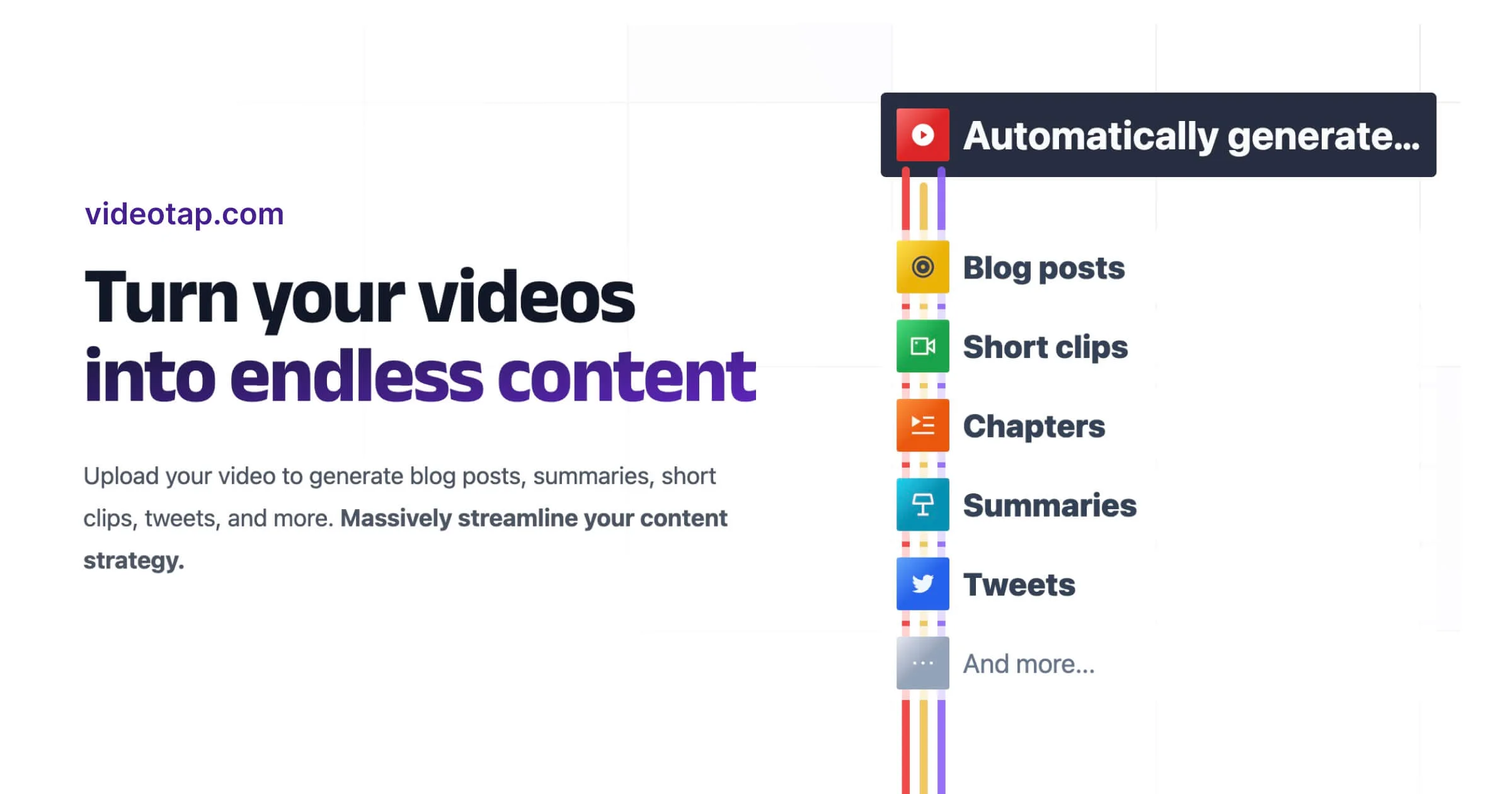
Video Tap is a comprehensive AI video marketing platform designed to help content creators, marketers, and teams extract maximum value from their existing videos. Instead of spending hours manually editing and repurposing content, users simply upload a video and the AI takes over — generating SEO-optimized blog posts, viral short clips for Instagram, TikTok, YouTube, and X, podcast show notes, YouTube chapters and tags, email copy, tweets, LinkedIn posts, subtitles, transcripts, summaries, and more. The platform is built around efficiency: what used to take 2+ hours with a team of editors and SEO experts now takes as little as 20 minutes. Video Tap also learns your unique voice and writing style, ensuring every piece of content sounds authentically like you across all channels. Its multilingual translation features help creators reach global audiences by producing subtitles and blog posts in multiple languages. Beyond content generation, Video Tap functions as a full video marketing hub — teams can collaborate together, schedule content weeks in advance, and customize outputs using built-in templates and (soon) custom prompts. It's particularly popular with real estate YouTubers, marketing teams, podcasters, and churches. With over 36,000 creators and 690,000+ pieces of content generated, Video Tap is a proven solution for scaling video-driven content strategies.
Key Features
- AI Video-to-Content Generation: Automatically converts uploaded videos into 10+ content types including SEO blog posts, social clips, email copy, transcripts, summaries, and more.
- Short Clip & Highlight Creation: AI identifies the most engaging moments and generates viral short-form clips ready for Instagram Reels, TikTok, YouTube Shorts, and X.
- Multilingual Translation: Expands global reach by automatically translating subtitles and blog posts into multiple languages from a single video upload.
- Content Scheduling: Plan and schedule all video-derived marketing content weeks in advance across platforms from a single calendar-style dashboard.
- Team Collaboration: Invite team members to co-create content, assign outputs to roles (DevRel, social, sales, email), and customize templates with custom prompts.
Use Cases
- A YouTuber uploads a weekly video and instantly gets an SEO blog post, YouTube chapters, and short clips for TikTok and Instagram without hiring an editor.
- A podcast producer uses Video Tap to auto-generate show notes, transcripts, and audiogram clips for every episode, saving hours of post-production work.
- A marketing team repurposes a product demo video into email copy, LinkedIn posts, tweet threads, and a landing page blog article — all in under 30 minutes.
- A church or nonprofit turns recorded sermons into multilingual subtitled videos and written summaries to expand their global reach.
- A real estate content creator converts property tour videos into SEO-optimized listings descriptions, social media clips, and email newsletters to generate more leads.
Pros
- Massive Time Savings: Reduces video repurposing from 2+ hours to around 20 minutes by automating the entire content creation workflow.
- All-in-One Platform: Combines clipping, writing, translation, scheduling, and collaboration in a single tool — eliminating the need for multiple apps.
- Voice & Style Matching: AI learns your unique tone and style so generated content stays on-brand and authentic across every channel.
- Generous Free Tier: New users get 3 free videos with no credit card required, making it easy to evaluate the platform risk-free.
Cons
- Small Team & Limited Support Scale: Built and maintained by a team of just 3 people, which may affect response times for support or the pace of new feature releases.
- Custom Prompts Not Yet Available: The ability to write custom prompts for specialized content outputs is listed as 'Coming Soon,' limiting advanced customization for now.
- Output Quality Depends on Video Quality: AI-generated content quality is tied to the clarity and structure of the original video, so poorly produced videos may yield weaker results.
Frequently Asked Questions
How does Video Tap work?
You upload a video, the AI analyzes it and automatically generates a wide range of content — including blog posts, short clips, podcast show notes, subtitles, emails, and social posts — which you can then export or schedule.
Is Video Tap free to use?
Yes, Video Tap offers a free tier that includes 3 videos with no credit card required. Paid plans unlock more videos and advanced features.
What types of content can Video Tap generate from a single video?
Video Tap can generate SEO blog posts, short social clips, YouTube chapters and tags, podcast show notes, email copy, tweets, LinkedIn posts, subtitles, transcripts, summaries, timestamps, titles, and Instagram Reels.
Does Video Tap support multiple languages?
Yes. Video Tap has built-in multilingual translation, enabling creators to produce subtitles and blog posts in multiple languages to reach a global audience.
Can teams use Video Tap collaboratively?
Yes. Video Tap supports team collaboration, allowing you to invite members, assign content outputs to specific roles, and work together on video marketing campaigns from a shared dashboard.