Background blur
Soften a photo background while keeping the subject sharp. Adjust the blur strength and download a PNG locally.
Drag a photo, browse, or paste with Ctrl+V / ⌘V
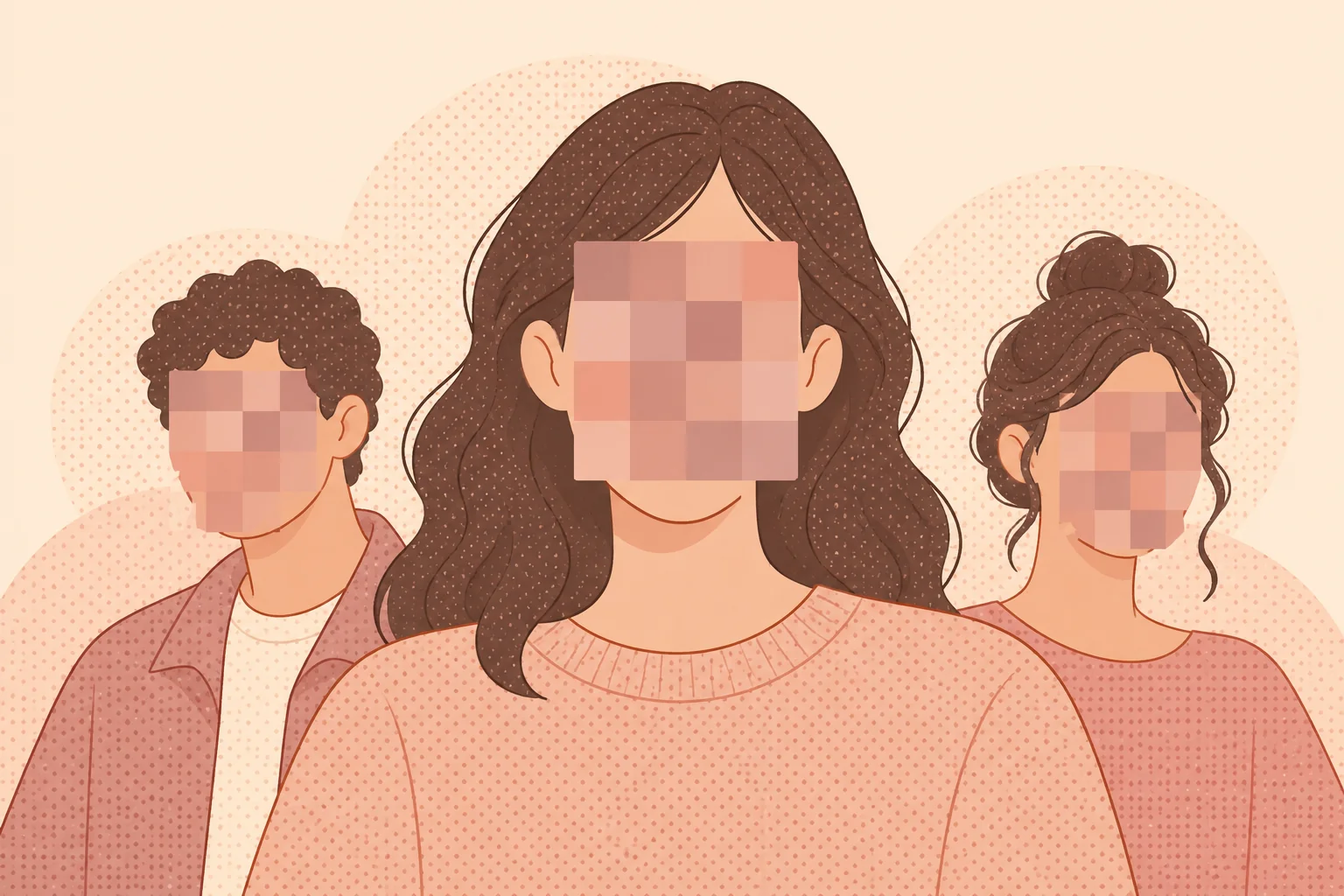
PNG, JPG, WebP, AVIFAutomatically detect faces in a photo and cover the regions you choose. Review the result and add regions for any missed faces.
Automatic detection can miss small, turned, partly hidden, or distant faces. Add a region manually when needed and check the exported image before sharing it.
Blur softens visible detail, while solid covering hides the selected pixels. Face detection and blur do not guarantee anonymity: clothing, surroundings, and other visible details can still identify someone.