Image compressor
Reduce image file size in bulk with automatic settings. Keep the format and dimensions, compare savings and download a ZIP.
Choose a few images, drag in a whole batch, or paste with Ctrl+V / ⌘V
JPG, PNG, WebP & AVIFConverted images appear here.
Convert JPG, PNG, WebP, and AVIF images to the format you need. Choose your output format and convert a whole batch at once.
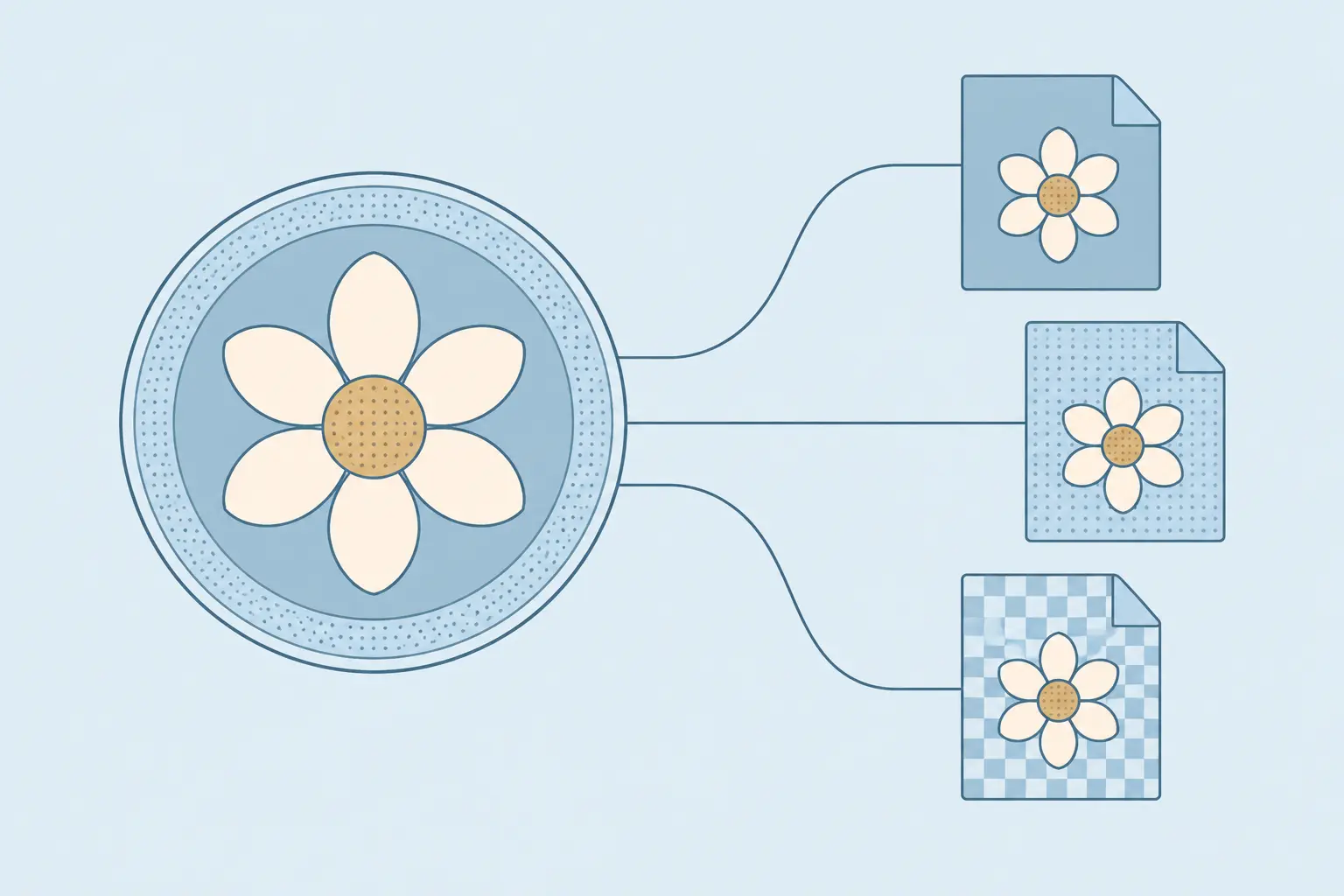
Convert JPG, PNG, WebP, and AVIF images in batches without changing their pixel dimensions. Choose one output format for all images and adjust quality for JPG, WebP, or AVIF. Everything is processed on your device.
JPG is useful when a destination accepts photographs but does not accept WebP or AVIF. It does not support transparency: this converter fills transparent areas with white. Converting a graphic to JPG can introduce visible artifacts around text and sharp edges.
Choose PNG when you need a transparent image without a lossy quality setting. WebP and AVIF also support transparency and offer adjustable quality. Check the destination accepts your chosen format; a newer format is not always the right fit.