Images to PDF
Images
Drop your images here
Or paste from your clipboard Ctrl+V / ⌘V
JPG, PNG, WebP, AVIFPage preview
Add images to preview your PDF.
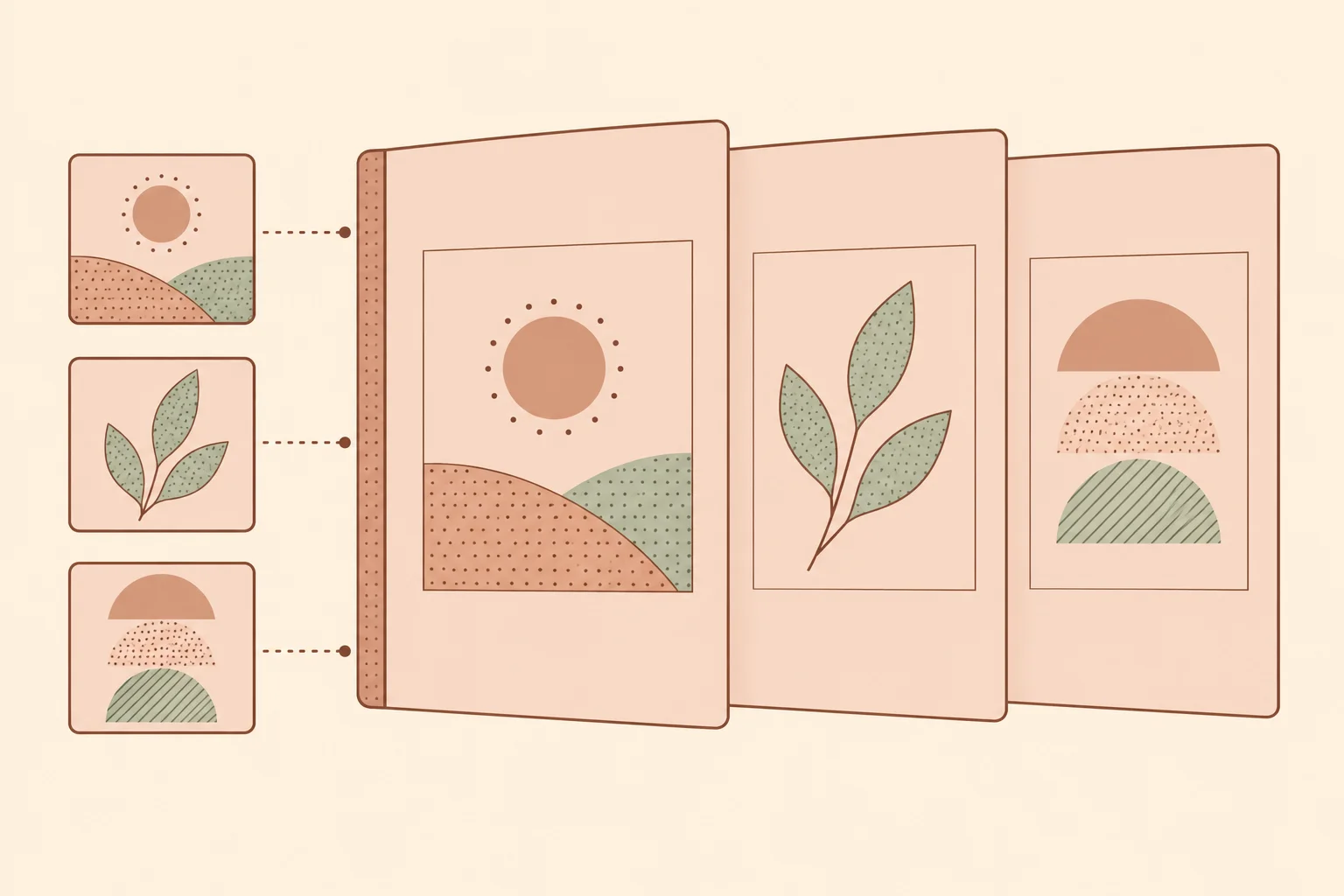
Turn JPG, PNG, WebP and AVIF images into one PDF. Combine photos, screenshots or document scans, put the pages in order, and preview the layout before downloading.
- Images stay on your device
- Combine up to 20 images in one PDF
- Choose paper size, margins and image quality
Convert images to PDF online
Use this image to PDF converter to gather separate pictures into one document. Each image becomes one page, making it easier to share receipts, submit document photos or save a set of screenshots together. Mix JPG, PNG, WebP and AVIF files in the same PDF.
- Images are processed in your browser and are not uploaded.
- Arrange the page order, rotate individual images, and choose A4 or Letter paper in portrait or landscape orientation.
- Choose Compact, Balanced or High image quality. Every image is compressed as JPEG, so review small text and fine details in the downloaded PDF.
How to combine images into one PDF
- Choose JPG, PNG, WebP or AVIF images, drag them into the image pane, or paste them from your clipboard.
- Drag images into the order you want. You can also focus a reorder handle and use Arrow Up or Arrow Down. Rotate or remove individual images as needed.
- Choose the paper size, orientation, margins and quality. Scroll through the page preview to check the placement of every image.
- Select Download PDF to create and save one document with one image on each page.
Turn photos and screenshots into a document
Combine receipts and document photos
Gather related photos into one PDF before sharing them or adding them to a form. Put the pages in a clear reading order and rotate sideways images. A PDF groups your pictures together, but it cannot sharpen a blurred photo or recover missing detail.
Fit each image to the page
Images keep their proportions and fit inside the chosen paper size and margins without cropping. A wide screenshot on a portrait page may leave extra white space. Try landscape orientation if it suits your images, then check that text remains readable.