Images to PDF
Convert JPG, PNG, WebP and AVIF images to one PDF. Arrange pages and preview the layout.
Or paste with Ctrl+V / ⌘V
Add PDFs to review the pages in their planned order.
Combine multiple PDF files into one document for free. Put your files in order, preview the pages and download your merged PDF. Your PDFs are processed in your browser without being uploaded.
Gather separate PDF documents into a single file when you need one attachment or a complete reading packet. This PDF combiner keeps each file’s pages together in the order you choose.
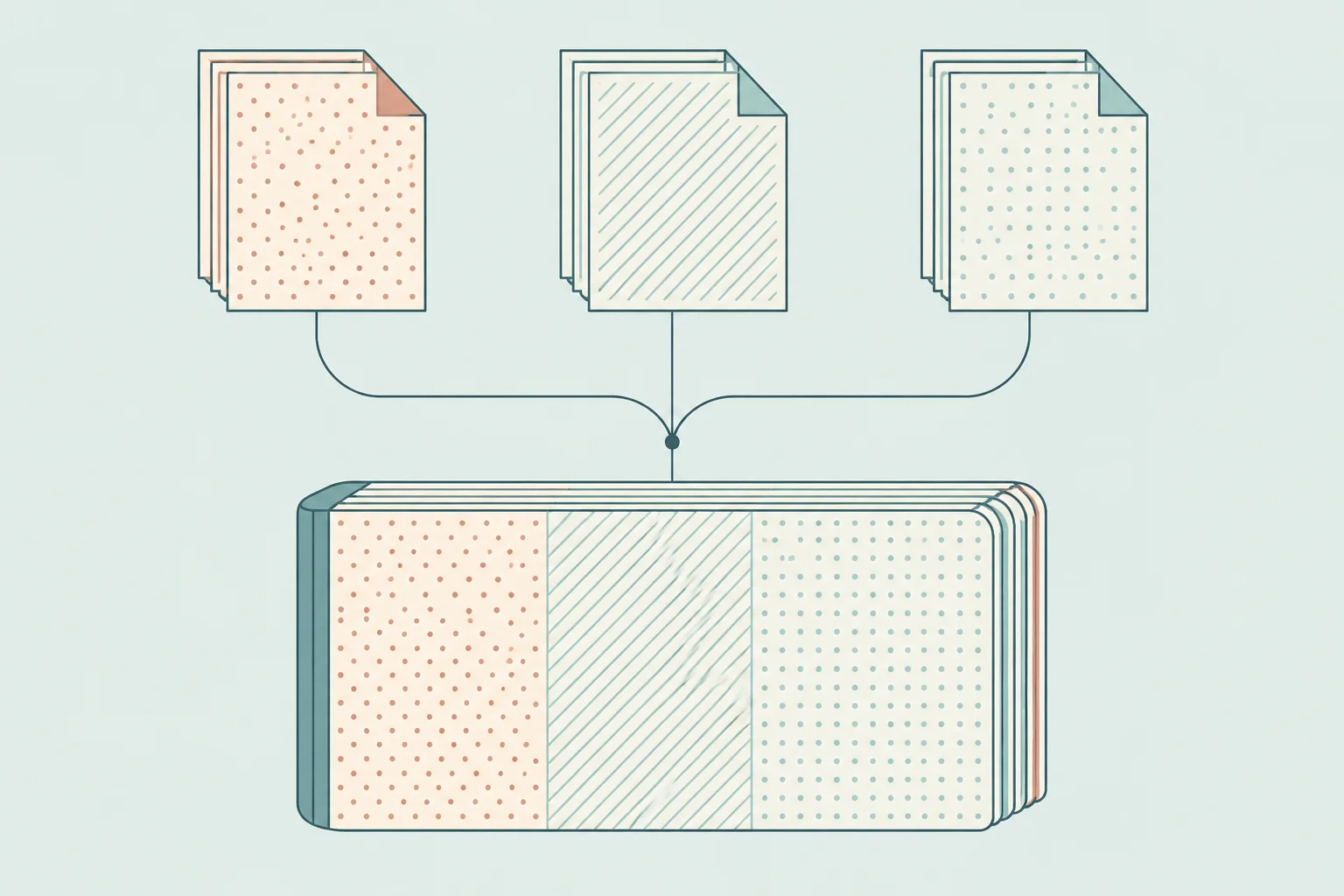
The tool copies PDF pages without rasterizing them. It keeps page sizes, rotation and page content; text that was selectable remains PDF text. Scanned pages remain scans, and merging does not add text recognition or reduce their file size.
Encrypted PDFs, fillable forms and detected digital signatures are rejected. Bookmarks, accessibility tags, attachments and document navigation are not retained reliably. Use the original files when those features matter.
You can add up to 20 files containing 200 pages in total, with a combined input size of 25 MB. The merged PDF must be no larger than 50 MB. Large scans or complex PDFs may need smaller batches on a phone.