

About
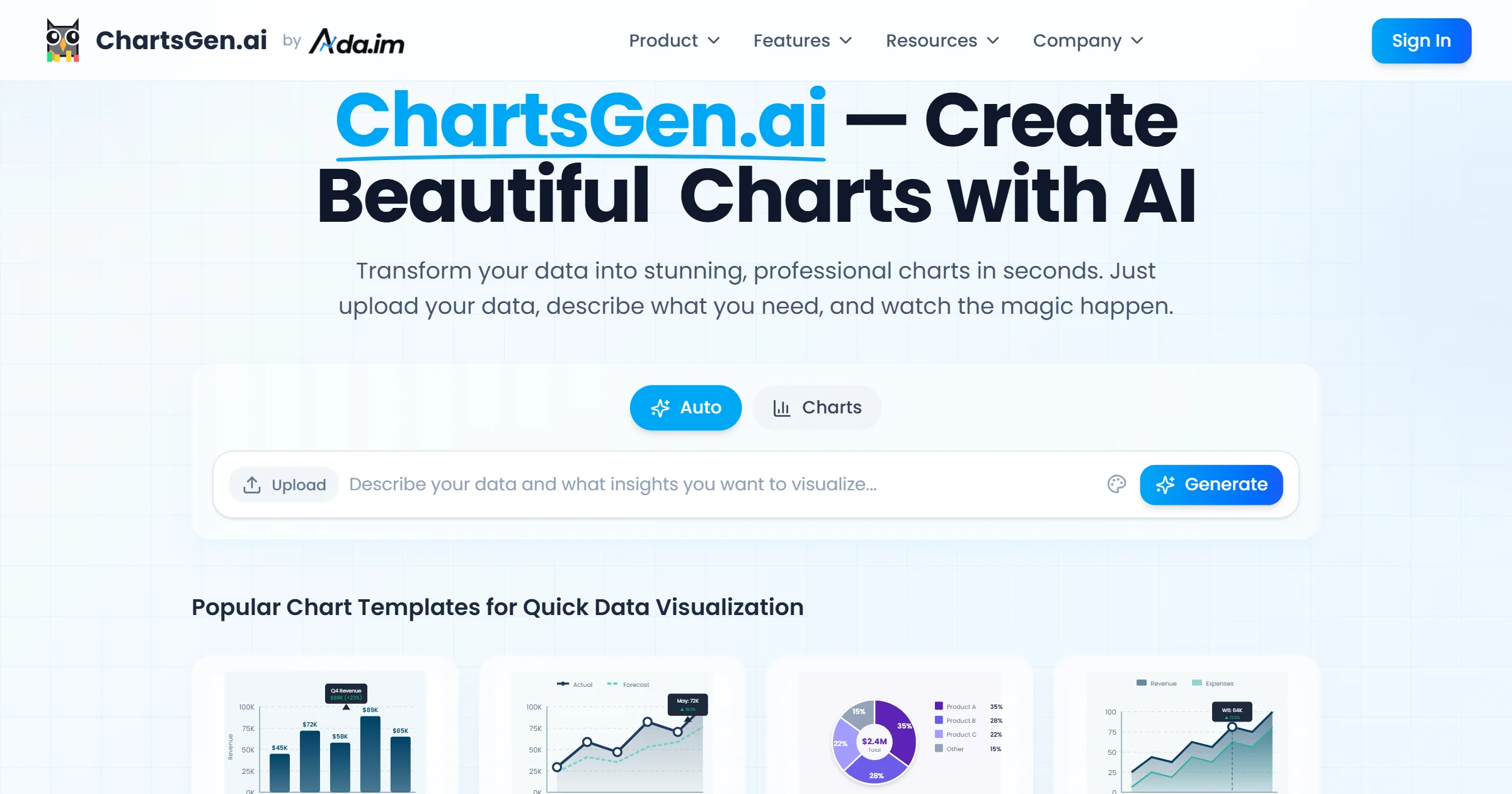
ChartGen AI is the leading free AI chart generator designed to make data visualization fast, accessible, and professional. With over 2 million charts created and 50,000+ active users across 110+ countries, ChartGen empowers teams at startups and Fortune 500 companies alike to turn complex business data into stunning visuals in under 5 seconds. The platform supports a wide range of chart types including bar charts, line charts, pie charts, area charts, scatter plots, heatmaps, funnel charts, waterfall charts, Gantt charts, and combo charts — all accessible through a single intuitive interface. Users can upload CSV or Excel files, or simply describe the chart they need in plain English, eliminating the need for coding or complex design tools. ChartGen also supports live data synchronization so charts automatically refresh when underlying data changes, making it ideal for real-time dashboards and reporting. Charts can be exported as PNG, SVG, or PDF and embedded directly into presentations, reports, and dashboards. Built with enterprise-grade security — SOC 2 compliant with end-to-end encryption — ChartGen is trusted by over 1,200 companies for sensitive business data. It's particularly valuable for finance and accounting teams, marketing analysts, HR professionals, and e-commerce managers who need quick, professional-quality visualizations without technical expertise.
Key Features
- Natural Language Chart Creation: Describe the chart you want in plain English and ChartGen's AI generates it instantly — no coding or design skills needed.
- Wide Range of Chart Types: Supports bar, line, pie, area, scatter, heatmap, funnel, waterfall, Gantt, and combo charts all within one platform.
- CSV & Excel Data Upload: Upload your spreadsheet data directly and let the AI automatically select the best visualization for your dataset.
- Live Data Synchronization: Connect to live data sources so your charts automatically refresh whenever the underlying data changes.
- Flexible Export Options: Download charts as PNG, SVG, or PDF, or embed them into presentations, dashboards, and reports with ease.
Use Cases
- Finance teams creating quarterly revenue and profit margin reports without manual chart building.
- Marketing analysts visualizing campaign performance, channel attribution, and ROI metrics for stakeholder presentations.
- HR professionals generating workforce analytics dashboards from survey and headcount data.
- E-commerce managers tracking sales trends and product performance across time periods.
- Students and researchers turning survey results or experimental data into publication-ready charts quickly.
Pros
- Extremely Fast Generation: Charts are produced in under 5 seconds on average, dramatically speeding up reporting and analysis workflows.
- No Technical Skills Required: The natural language interface makes professional data visualization accessible to non-technical users and business teams.
- Enterprise-Grade Security: SOC 2 compliant with end-to-end encryption, making it safe for sensitive business and financial data.
- Extensive Chart Type Library: Covers virtually every common chart format, from simple bar charts to advanced Gantt and waterfall charts.
Cons
- Limited Customization Depth: Advanced styling and custom theming options may be more limited compared to dedicated BI tools like Tableau or Power BI.
- Free Tier Restrictions: The free plan may have limits on chart exports, data volume, or access to premium templates and integrations.
- Internet Dependency: As a web-based tool, ChartGen requires an active internet connection and is not available for offline use.
Frequently Asked Questions
Is ChartGen AI free to use?
Yes, ChartGen AI offers a free plan that allows users to generate charts without any cost. Premium plans with additional features and higher usage limits are also available.
What data formats does ChartGen AI support?
ChartGen AI supports CSV and Excel file uploads, and also allows users to connect to live data sources for real-time chart synchronization.
What types of charts can I create with ChartGen AI?
You can create bar charts, line charts, pie charts, area charts, scatter plots, heatmaps, funnel charts, waterfall charts, Gantt charts, and combo charts.
Do I need coding skills to use ChartGen AI?
No. ChartGen AI uses natural language processing so you can simply describe the chart you want in plain English and the AI handles the rest.
Is my data secure when using ChartGen AI?
Yes. ChartGen AI is SOC 2 compliant and uses end-to-end encryption to ensure your business data stays secure and private at all times.