
About
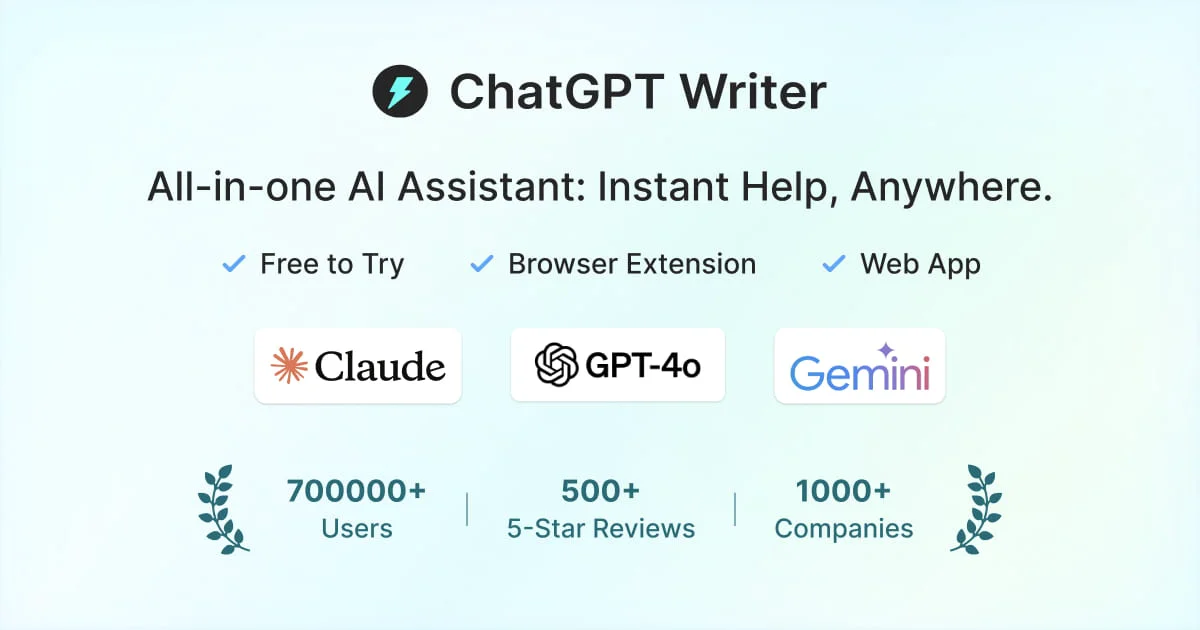
Jetwriter AI (formerly ChatGPT Writer) is a feature-rich AI writing assistant designed to work seamlessly across any website via a lightweight browser extension (under 1MB). It integrates deeply with popular platforms like Gmail, LinkedIn, WhatsApp Web, Outlook, Slack, Freshdesk, and Zendesk, enabling users to write and reply to emails and messages in their own personalized voice without switching tabs. The tool supports a broad range of writing tasks: fixing grammar, translating text, summarizing content, improving writing style, and explaining complex passages — all triggered by selecting text or using a keyboard shortcut. Users can also chat with any webpage or uploaded document to extract key information and get instant answers. Jetwriter AI stands out for its personalization capabilities. Users can create AI profiles and custom writing styles for different contexts, and the tool learns from past emails to match your natural tone. It supports switching between multiple leading AI models (GPT-5 series, Claude Sonnet, Gemini Pro) mid-conversation to get the best output. Additional features include live web search, voice input in any language, configurable response lengths, and reusable prompt templates. It is trusted by individuals, teams, and enterprises globally, with privacy built-in — data is encrypted in-transit and never used for AI training. A free tier is available, with paid plans for advanced features.
Key Features
- AI on Any Website: Lightweight browser extension (<1MB) lets you use AI writing assistance on any site without switching tabs, triggered via text selection, keyboard shortcut, or extension icon.
- Advanced Gmail & Platform Integration: Deep integration with Gmail, LinkedIn, WhatsApp Web, Outlook, Slack, Freshdesk, and Zendesk — reply to messages in your own voice with one click.
- Personalized Writing Profiles: Create a personal AI profile and custom writing styles for different contexts; the tool learns from your past emails to match your natural tone.
- Multi-Model AI Support: Seamlessly switch between GPT-5 series, Claude Sonnet, and Gemini Pro during a conversation to get the best results for each task.
- Chat with Pages & Documents: Chat with any live webpage or uploaded document (in any format) to extract key information, get summaries, and receive instant answers.
Use Cases
- Drafting and replying to professional emails in Gmail using your own personalized writing style
- Fixing grammar and improving the quality of writing on any website or document without leaving the page
- Translating text or messages into any language directly on platforms like LinkedIn or WhatsApp Web
- Summarizing long web articles or uploaded documents to quickly extract key information
- Creating one-click prompt templates for repetitive writing tasks like follow-ups, proposals, or support responses
Pros
- Works Everywhere Without Tab-Switching: The extension runs on any website, so you never need to leave your current tab to access AI writing assistance.
- Truly Personalized Output: Custom profiles and writing styles, combined with email history learning, produce responses that sound authentically like you.
- Broad AI Model Choice: Access to the latest models from OpenAI, Anthropic, and Google gives users flexibility to optimize for quality, speed, or cost.
- Privacy-Focused: Data is encrypted in-transit, never shared with third parties, and never used for AI model training.
Cons
- Safari & Firefox Support Not Yet Available: The browser extension is currently only available for Chromium-based browsers; Safari and Firefox support is listed as 'coming soon.'
- Free Tier Limitations: Advanced features and higher usage limits require a paid subscription, which may be a barrier for heavy users on the free plan.
- Dependent on Third-Party AI Providers: All AI responses rely on external models (OpenAI, Anthropic, Google), meaning availability and quality are subject to those providers' uptime and policy changes.
Frequently Asked Questions
What is Jetwriter AI (formerly ChatGPT Writer)?
Jetwriter AI is an AI writing assistant available as a browser extension, web app, and mobile app. It helps you write emails, fix grammar, translate, summarize text, and chat with any webpage or document — all powered by leading AI models like GPT-5, Claude, and Gemini.
Which AI models does Jetwriter AI support?
Jetwriter AI supports multiple top-tier AI models including GPT-5 series (OpenAI), Claude Sonnet (Anthropic), and Gemini Pro (Google). Users can switch between models during a conversation to get the best results.
Which browsers and platforms is Jetwriter AI available on?
The browser extension is available for Chrome, Edge, Brave, Opera, and Vivaldi. Safari and Firefox support is coming soon. A web app is also available for unsupported browsers, and mobile apps are available for iOS and Android.
Is my data private and secure with Jetwriter AI?
Yes. Jetwriter AI encrypts all data in-transit using TLS 1.2 or greater. Your data is not shared with third parties and is not used for AI model training.
How does the personalization feature work?
You can create a personal AI profile and define custom writing styles for different situations. For Gmail, the tool can also learn from your past emails to generate replies that match your natural tone and voice.