

About
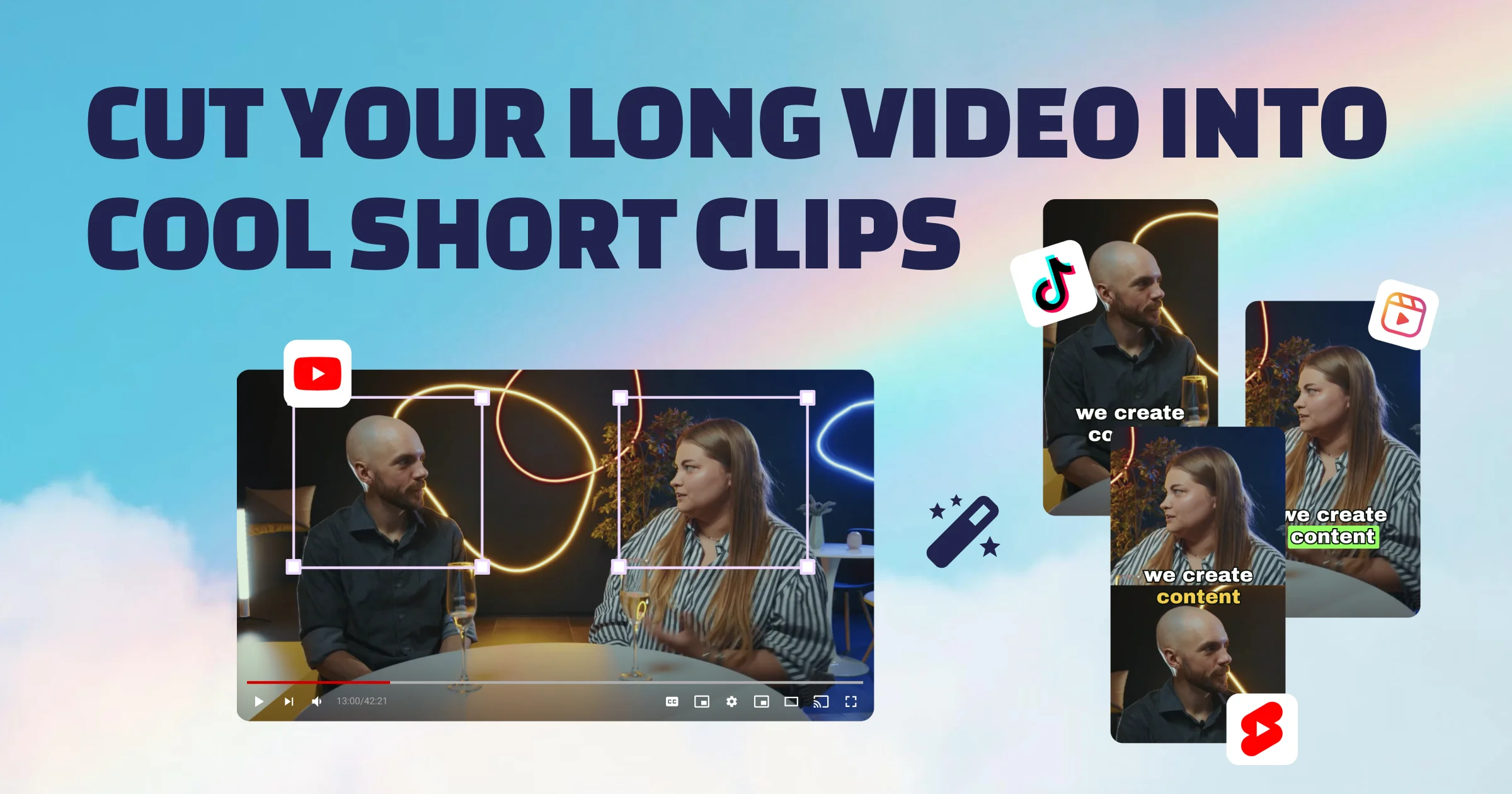
Clipwing AI is a powerful short-form video creation tool designed for podcasters, YouTubers, educators, and content creators who want to repurpose long-form video content into viral social media clips. Powered by AI transcription, Clipwing analyzes your videos to surface the most interesting segments, allowing you to highlight any portion of the transcript and instantly generate a clip — no manual scrubbing required. The platform handles everything from automatic subtitle generation with safe-area positioning, to smart resizing and reframing (Magic Crop) for vertical, square, or landscape formats suited to TikTok, Instagram Reels, and YouTube Shorts. You can also generate video summaries and full transcripts in one click to repurpose content for blogs or SEO indexing. Clipwing supports collaboration, allowing teams to share scripts and clips seamlessly. It supports 9 languages including English, Spanish, French, German, Russian, Portuguese, Dutch, Japanese, and Polish. The free plan offers 1 hour of video per month with up to 3 exports, while the Pro plan at $29.99/month unlocks 20 hours of video, unlimited exports, and 1080p quality. A premium Studio tier provides a full professional video production team for high-volume creators. With over 3,000 creators already using the platform, Clipwing is purpose-built to save days of editing time and maximize the reach of every long-form video.
Key Features
- AI-Powered Clip Detection: Automatically transcribes videos and identifies the most engaging moments, letting you highlight text to generate a clip instantly.
- Dynamic Subtitle Generation: Adds eye-catching, safe-area subtitles to clips to maximize viewer retention on muted social feeds.
- Magic Crop & Resizing: Automatically reframes and resizes videos for any format — vertical for TikTok/Reels/Shorts or landscape for YouTube — with a single click.
- Video Summaries & Transcripts: Generates written summaries and full transcripts from your video in one click for blog distribution and Google SEO indexing.
- Team Collaboration: Share clip scripts and projects with your team directly within the platform to streamline content production workflows.
Use Cases
- A podcast host uploads full episode recordings and uses Clipwing to automatically extract the funniest or most insightful 60-second moments to post as Reels and TikToks.
- A YouTube educator repurposes hour-long tutorial videos into multiple short clips and generates transcripts for SEO-optimized blog posts — all within a single workflow.
- A marketing team uses Clipwing to create branded, subtitled product demo clips from raw webinar footage and resizes them for Instagram, LinkedIn, and YouTube Shorts simultaneously.
- An indie creator on a budget uses the free plan to test short-form content strategy before committing to the Pro plan as their channel grows.
- A media production agency subscribes to the Studio plan to access a dedicated video team that edits full-length podcast episodes and delivers polished clips within a 5-day turnaround.
Pros
- Massive Time Savings: Reduces days of manual editing into minutes by using AI to find and cut the best moments from long videos automatically.
- All-in-One Workflow: Combines transcription, clipping, subtitling, resizing, and written asset generation in a single platform, eliminating the need for multiple tools.
- Multi-Language Support: Supports 9 languages, making it accessible to a global community of creators and international content teams.
- Generous Free Plan: Offers a no-credit-card free tier with access to all core features, giving creators a risk-free way to test the platform.
Cons
- Limited Free Tier Exports: The free plan caps exports at 3 per month and adds a Clipwing watermark, which may not be sufficient for active creators.
- Browser Dependency: Clipwing is optimized specifically for Google Chrome and is a web-only tool, with no dedicated desktop or mobile app available.
- High Studio Tier Cost: The professional team Studio plan at $2,999.99/month is a significant investment, making it inaccessible for independent creators or small teams.
Frequently Asked Questions
How does Clipwing AI work?
Clipwing transcribes your uploaded video using AI, then analyzes the transcript to identify the most compelling segments. You can select any text fragment to create a clip, which is then automatically enhanced with subtitles and formatted for your target social platform.
What types of videos work best with Clipwing?
Clipwing works best with talking-head style videos such as podcasts, interviews, educational lectures, and product demo videos where spoken content is the primary focus.
Can I convert a landscape video to vertical format?
Yes. Clipwing's Magic Crop feature lets you reframe and resize any video from landscape to vertical (for TikTok, Reels, or Shorts) or from portrait to landscape, automatically adjusting the crop to keep the subject in frame.
What languages does Clipwing support?
Clipwing currently supports 9 languages: English, Spanish, German, French, Russian, Portuguese, Dutch, Japanese, and Polish.
Is there a free plan available?
Yes, Clipwing offers a free plan with 1 hour of video upload per month, up to 3 exports at 720p, and access to all core features. Videos are stored for 7 days and clips include a Clipwing watermark. No credit card is required to sign up.