

About
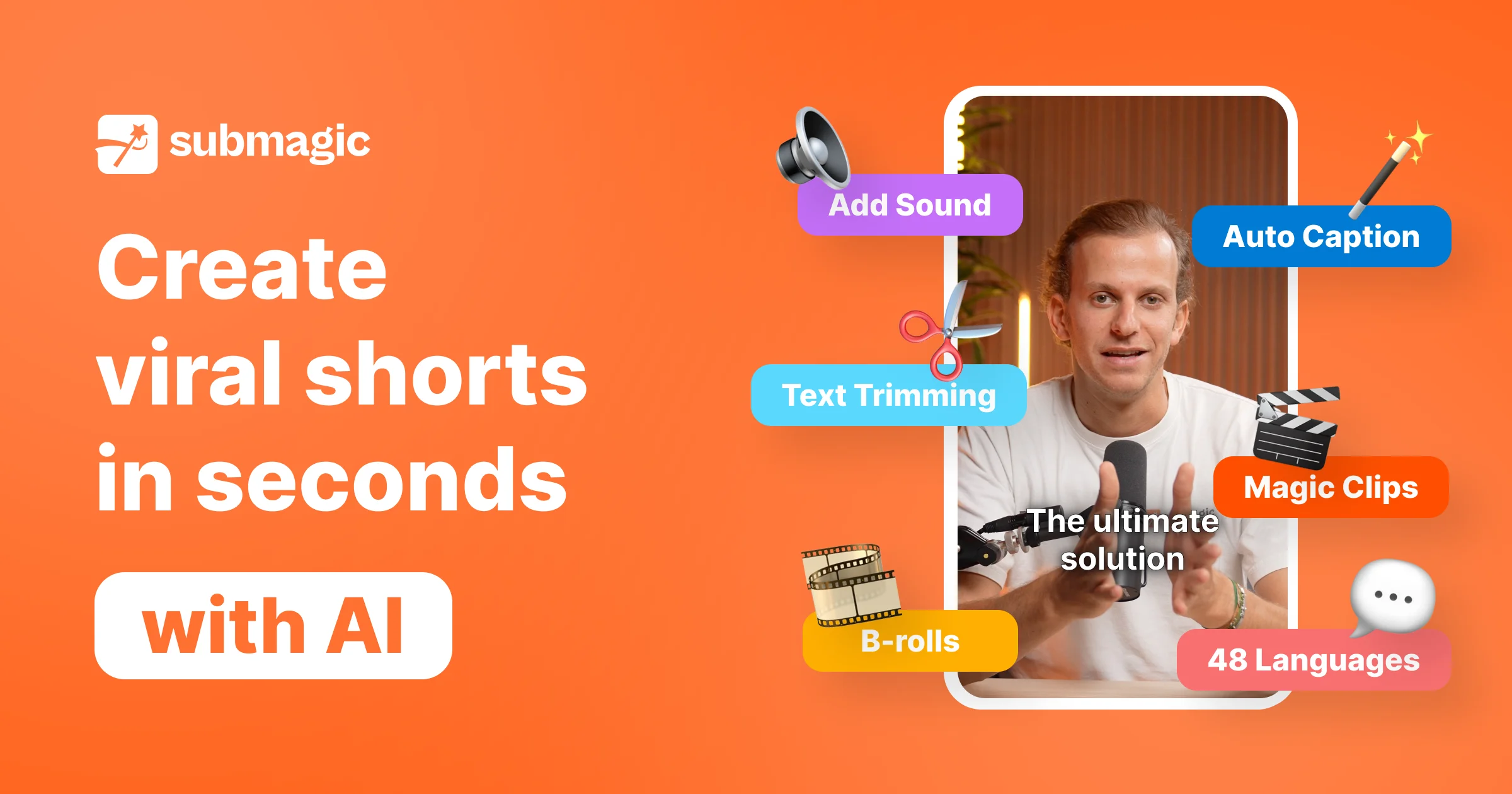
Submagic is an AI-driven short-form video editor trusted by over 4 million businesses and creators to save 10+ hours of editing every week. The platform removes the slow, manual steps of traditional video editing, allowing users to go from raw footage to publish-ready viral shorts in a single click. Core capabilities include AI-generated captions in 48 languages with 99% accuracy, Magic Clips to automatically extract highlights and repurpose long videos into multiple shorts, and AI Auto Edit for instant cuts and trims. Advanced features like AI Eye Contact correction, Auto-Zoom, B-Roll insertion, AI Actors Studio, and an AI Video Translator make production-quality results accessible to anyone. Submagic also includes a built-in scheduler for cross-platform publishing, an Auto Description generator, Sound Effects, Background Music, and a full Video Editing API for teams that want to automate their workflows at scale. Integrations and API access make it viable for media agencies, e-commerce brands, coaches, real estate professionals, advertisers, and startups. Whether you're a solo creator growing a TikTok audience or a marketing team producing hundreds of videos per month, Submagic provides the tools to publish more content faster without sacrificing quality.
Key Features
- AI Captions in 48 Languages: Automatically generates stylized, viral-ready captions with 99% accuracy across 48 languages to boost retention and views.
- Magic Clips: Automatically repurposes long-form videos into multiple short clips by detecting and extracting the most engaging moments.
- AI Auto Edit: Edits, cuts, and trims video content in one click, reducing hours of manual editing to seconds.
- Multi-Platform Scheduler & Publisher: Schedule and publish directly to TikTok, YouTube, Instagram, Facebook, and LinkedIn from within the editor.
- Video Editing API: Automate entire video editing workflows programmatically, enabling media agencies and businesses to scale production.
Use Cases
- A YouTuber repurposes hour-long videos into dozens of YouTube Shorts and TikToks automatically using Magic Clips.
- A marketing agency uses the Video Editing API to produce 2,500+ branded short videos per month at scale.
- An e-commerce brand adds AI captions and product b-rolls to promotional videos for Instagram Reels to improve engagement.
- A coach creates multilingual content by using Submagic's AI Video Translator to reach international audiences without re-filming.
- A startup schedules and publishes a week's worth of social media video content across TikTok, LinkedIn, and Instagram in one session.
Pros
- Massive Time Savings: Users report saving 10+ hours per week by automating captions, cuts, and publishing workflows.
- Broad Language Support: AI captions and video translation across 48 languages make it easy to reach global audiences.
- All-in-One Platform: Combines captioning, b-roll, music, scheduling, and publishing in a single tool, eliminating the need for multiple apps.
- Scalable via API: The Video Editing API lets agencies and businesses automate and scale content production to thousands of videos per month.
Cons
- Focused on Short-Form Content: Submagic is optimized for short-form videos; users needing long-form editing tools will find the feature set limited.
- Advanced Features Behind Paywall: Features like the API, AI Actors Studio, and higher export volumes require a paid subscription.
- Limited Offline Access: Being a web-based platform, it requires an internet connection and does not offer a standalone desktop application.
Frequently Asked Questions
What platforms can I publish to with Submagic?
Submagic supports direct publishing to TikTok, YouTube (Shorts and standard), Instagram Reels, Facebook Reels, and LinkedIn, all from within the editor.
How accurate are Submagic's AI-generated captions?
Submagic claims 99% caption accuracy and supports generation in 48 languages, making it suitable for multilingual content strategies.
Does Submagic have an API for automation?
Yes, Submagic offers a Video Editing API that allows businesses and agencies to automate their video editing workflows programmatically at scale.
Is Submagic free to use?
Submagic offers a free trial so you can get started without a credit card. Paid plans unlock higher usage limits, advanced AI features, and API access.
What is Magic Clips?
Magic Clips is an AI feature that automatically analyzes a long video, identifies the most compelling moments, and generates multiple short clips ready for social media posting.