

About
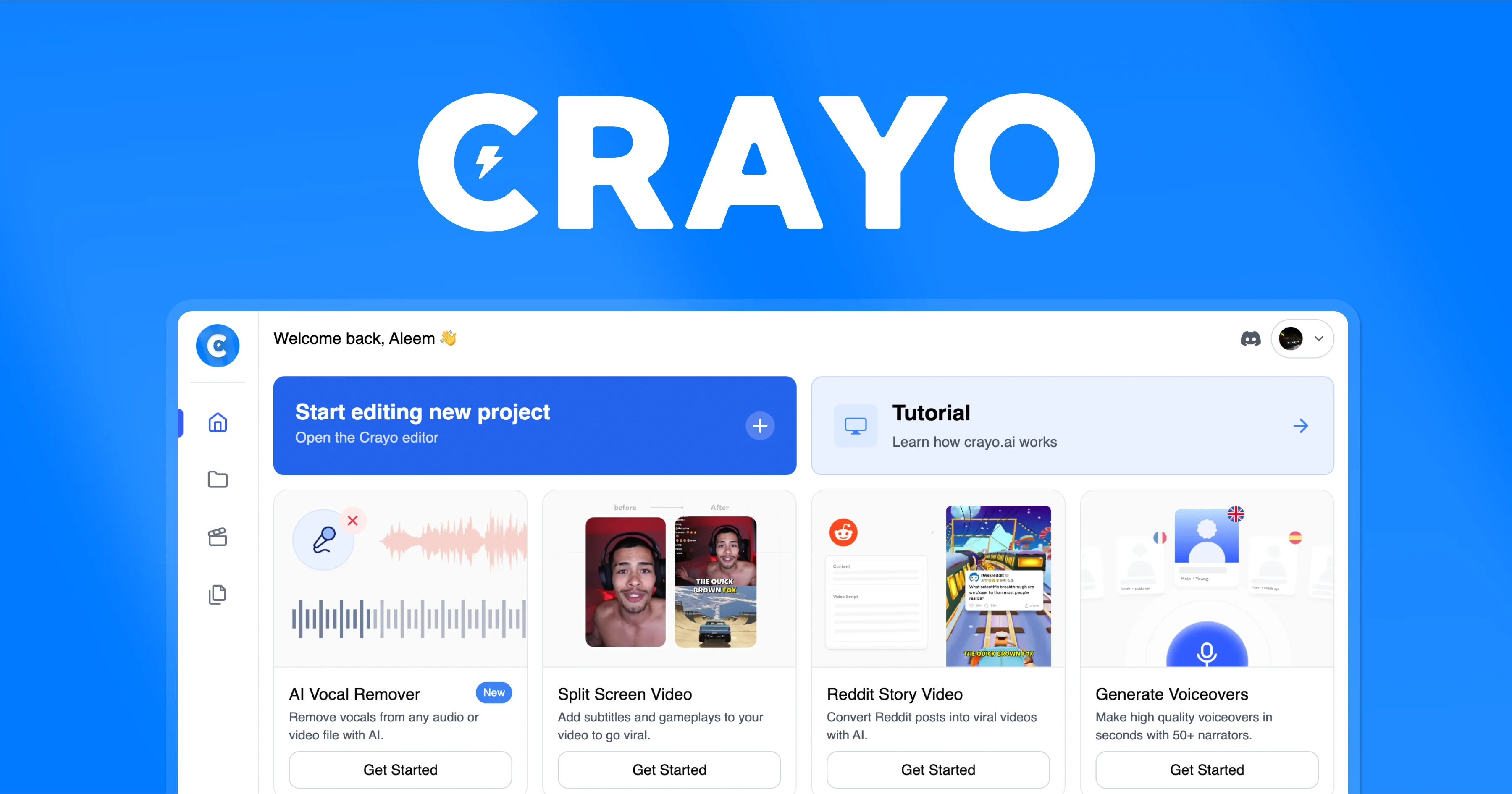
Crayo is a web-based AI video editor designed specifically for creators looking to go viral with short-form content. Its streamlined three-step workflow lets users upload a video (or paste a YouTube/TikTok link), select from 15+ subtitle styles, and generate a polished clip in seconds — no video editing experience required. The platform offers a wide range of powerful AI tools: a voiceover generator for instant narration, an image generator, a VEO3-powered video generator, a vocal remover, and both video and image background removal. Preset workflows include Classic Split Screen, Vertical Split Screen, Reddit Story Video, Fake Texts Video, and Streamer blurred clips — all optimized for virality. Creators also get access to free utility tools like an audio balancer, video compressor, and MP3 converter. The web editor provides full manual control for fine-tuning results. Crayo is ideal for social media clippers, streamers, faceless YouTube channel operators, and marketing teams who need to produce high volumes of engaging short-form content quickly. Its enterprise tier supports scaling operations, while 24/7 support and a clear refund policy make it accessible for professionals and hobbyists alike.
Key Features
- 15+ Viral Subtitle Styles: Choose from over 15 pre-designed subtitle styles optimized for engagement on TikTok, YouTube Shorts, and Instagram Reels.
- AI Voiceover Generator: Automatically generate natural-sounding AI voiceovers for your clips without recording anything yourself.
- Preset Viral Workflows: One-click workflows for popular formats including Reddit Story Videos, Fake Texts, Streamer Clips, and Split-Screen layouts.
- Video & Image Background Remover: Remove backgrounds from both videos and images with AI precision, enabling professional-quality overlays and compositions.
- VEO3 AI Video Generator: Generate entirely new video content using Google's VEO3 model directly within the Crayo platform.
Use Cases
- A streamer clipper uploads highlight footage and uses Crayo's split-screen workflow and AI subtitles to produce viral TikTok clips in under a minute.
- A faceless YouTube Shorts channel operator uses Reddit Story Video workflows to auto-generate narrated story content at scale without appearing on camera.
- A social media marketing agency uses Crayo's image and voiceover generators to produce branded short-form ad content for multiple clients simultaneously.
- An individual content creator removes video backgrounds and adds dynamic subtitle styles to repurpose long-form podcast clips into engaging Reels.
- A streamer uses Crayo's background blur and split-screen tools to produce polished highlight reels from raw gaming footage for YouTube and TikTok.
Pros
- All-in-One Platform: Combines voiceovers, subtitles, background removal, image generation, and video generation in a single tool, eliminating the need for multiple subscriptions.
- Fast Three-Step Workflow: From upload to finished viral clip in seconds — ideal for creators who need high output without spending hours in traditional editors.
- Large User Base & Proven Results: With 3.2M+ users and billions of views generated, Crayo has a strong track record for producing content that performs.
- Free Utility Tools Included: Free access to an audio balancer, video compressor, and MP3 converter adds extra value beyond the core subscription.
Cons
- Credit-Based Usage Limits: Advanced features like VEO3 video generation are gated behind workflow credits, which can run out quickly for high-volume creators.
- Web-Only Platform: Crayo is exclusively browser-based, with no desktop app or mobile app, which may be limiting for creators who edit on the go.
- Short-Form Focus Only: The platform is purpose-built for viral short clips and may not suit creators who need long-form video editing capabilities.
Frequently Asked Questions
What types of videos can I create with Crayo?
Crayo supports a variety of short-form video formats including split-screen streamer clips, Reddit story videos, fake text conversation videos, and AI-generated videos. It is optimized for TikTok, YouTube Shorts, and Instagram Reels.
Can I use a YouTube or TikTok link to import video?
Yes. Crayo allows you to paste a YouTube or TikTok URL directly to import video content, so you don't need to download and re-upload files manually.
Can I monetize videos I create with Crayo?
Yes, videos created with Crayo can be monetized on platforms like YouTube. Check Crayo's Terms of Service for full details on usage rights.
Does Crayo support languages other than English?
Yes, Crayo supports content generation in multiple languages. You can generate subtitles and voiceovers in languages beyond English.
What is a workflow credit?
Workflow credits are units consumed each time you use certain AI-powered features within Crayo, such as generating a video or using VEO3. Each plan comes with a set number of credits per billing cycle.