
L
About
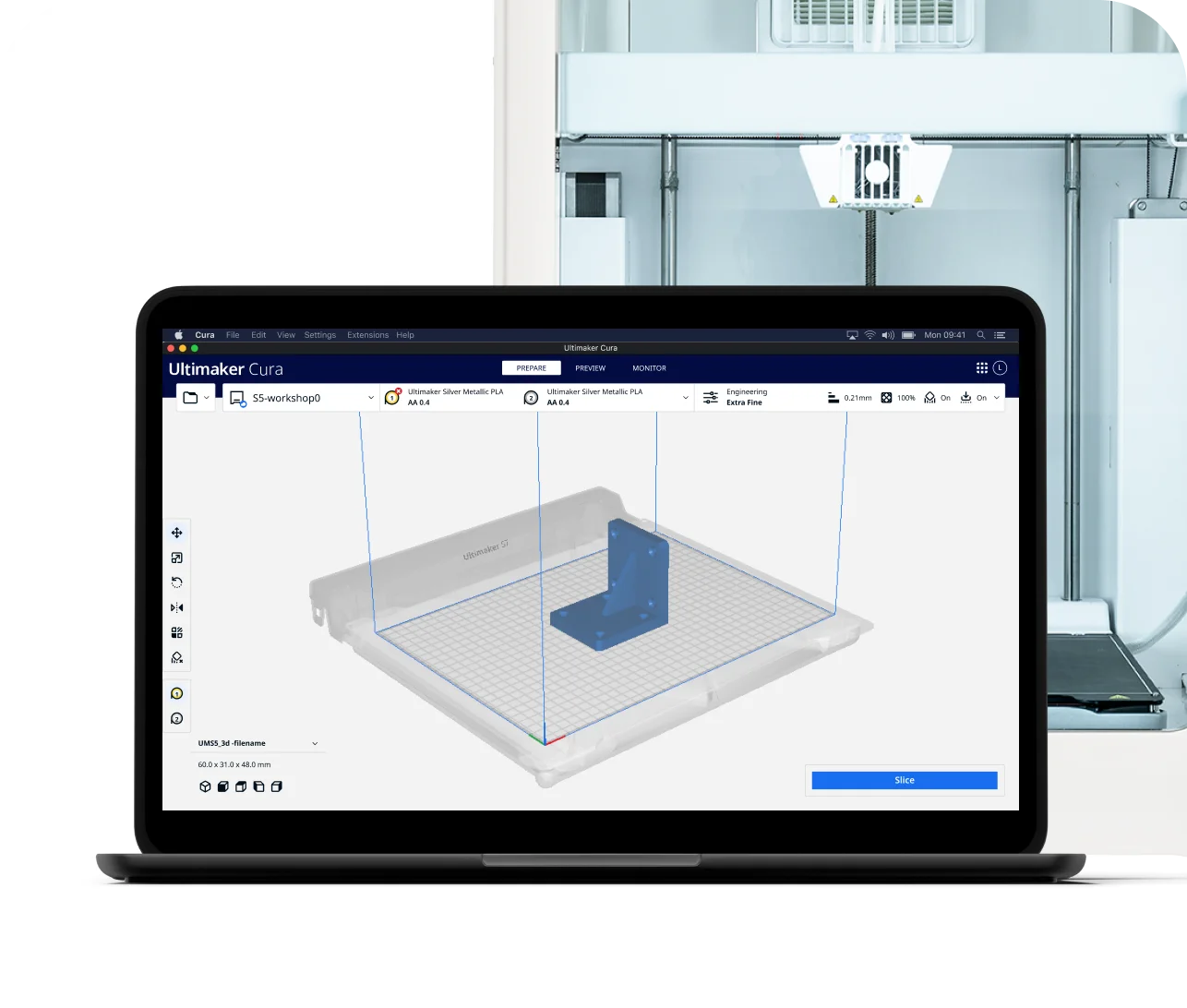
UltiMaker Cura is one of the world's most popular and trusted 3D printing slicer applications, designed to bridge the gap between 3D models and physical prints. At its core is a powerful open-source slicing engine that translates 3D model files into precise machine instructions for 3D printers. With over 400 customizable settings, users can fine-tune every aspect of their print — from layer height and print speed to support structures and material profiles — enabling everything from rapid prototyping to production-grade parts. Cura supports a vast ecosystem of 3D printers and over 280 compatible materials, including PLA, ABS, composites, and specialty filaments. It is available for free on Windows, macOS (Intel and Apple Silicon), and Linux, making it accessible to hobbyists, educators, engineers, and enterprise teams alike. The software integrates seamlessly with UltiMaker's Digital Factory platform and is regularly updated with new features and optimizations vetted by industry experts. Whether you're in education, automotive, aerospace, defense, or product development, Cura provides the tools to streamline your 3D printing workflow and achieve consistent, high-quality results. Its combination of ease of use for beginners and deep configurability for advanced users makes it the go-to slicing solution across the 3D printing community.
Key Features
- 400+ Customizable Print Settings: Fine-tune every aspect of your 3D print including layer height, speed, supports, infill, and material profiles for optimal results.
- Open-Source Slicing Engine: Powered by a robust open-source engine that converts 3D models into precise printer instructions with speed and accuracy.
- Broad Material & Printer Compatibility: Supports 280+ materials and a wide range of 3D printers, from entry-level desktop models to industrial-grade machines.
- Cross-Platform Availability: Available for free on Windows, macOS (Intel and Apple Silicon), and Linux, ensuring accessibility for all users.
- Regular Expert-Tested Updates: Continuously updated with new features and improvements validated by UltiMaker's engineering and printing experts.
Use Cases
- Preparing 3D models for printing in educational makerspaces and classrooms using student-friendly default profiles.
- Optimizing industrial prototypes with high-precision settings for automotive or aerospace engineering applications.
- Slicing composite and specialty material prints for end-use manufacturing parts with advanced support and adhesion configurations.
- Streamlining a maker or hobbyist workflow by quickly converting STL files into printer-ready G-code with minimal setup.
- Managing multi-material print jobs for product designers who need to prototype functional assemblies with different filament types.
Pros
- Completely Free to Use: UltiMaker Cura is free to download and use with no subscription or licensing fees, making it accessible to everyone from hobbyists to enterprises.
- Highly Configurable: With 400+ settings, advanced users can dial in precise control over every parameter of their print, while beginners benefit from smart defaults.
- Wide Ecosystem Support: Compatible with a vast range of 3D printers and over 280 materials, reducing vendor lock-in and maximizing flexibility.
- Active Development & Community: Regular updates and a large global user community mean issues are addressed quickly and new features are consistently added.
Cons
- Steep Learning Curve for Advanced Settings: The sheer number of configurable options can be overwhelming for new users unfamiliar with 3D printing fundamentals.
- Optimized for UltiMaker Hardware: While it supports many printers, profiles and features are most refined and tested for UltiMaker's own printer lineup.
- No Cloud-Based or Web Version: Cura is a desktop application only; there is no web-based version, requiring local installation on each machine.
Frequently Asked Questions
Is UltiMaker Cura really free?
Yes, UltiMaker Cura is completely free to download and use. It is available at no cost for Windows, macOS, and Linux with no subscription required.
What file formats does Cura support?
Cura supports common 3D model file formats including STL, OBJ, 3MF, and AMF, and outputs G-code files compatible with a wide range of 3D printers.
Does Cura work with non-UltiMaker printers?
Yes, Cura supports many third-party 3D printers. Users can add custom printer profiles or use community-created profiles to work with virtually any FDM 3D printer.
What operating systems are supported?
Cura supports Windows (installer and enterprise MSI), macOS (Intel and Apple Silicon), and Linux (AppImage), covering all major desktop platforms.
How often is Cura updated?
UltiMaker releases regular updates to Cura with new features, printer profiles, bug fixes, and performance improvements. Users can download the latest stable release from the UltiMaker website.