
About
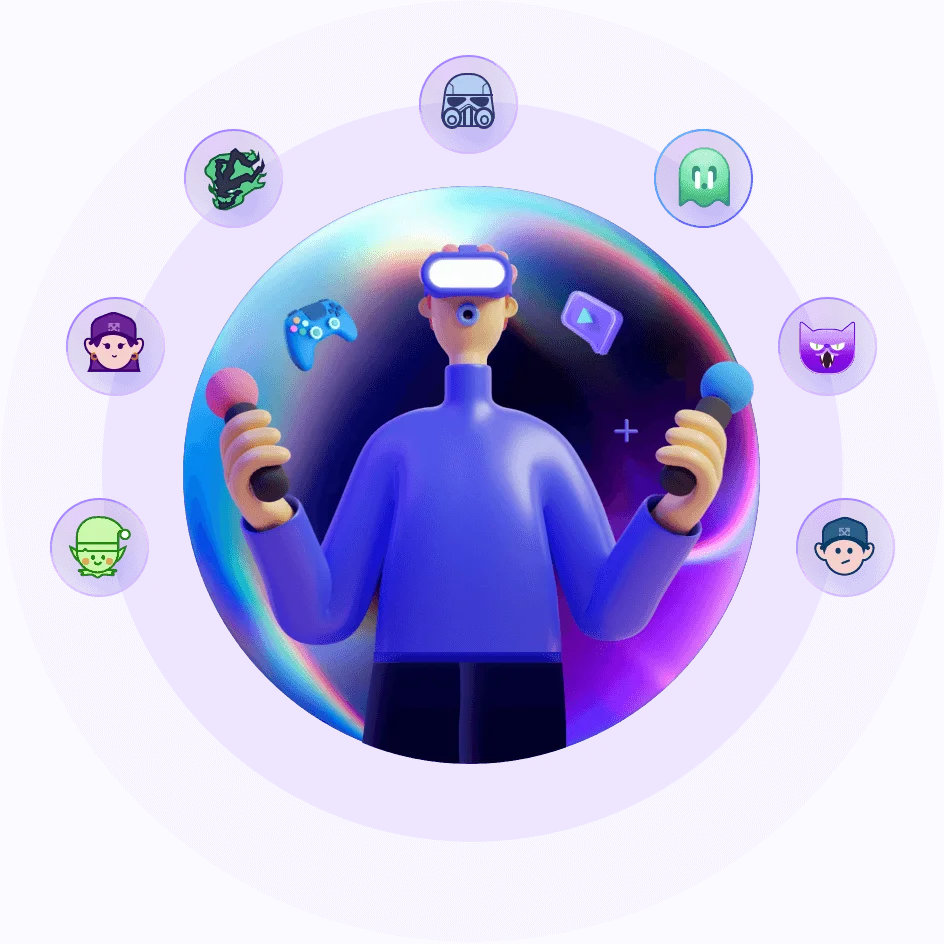
EaseUS VoiceWave is a feature-rich, AI-powered real-time voice changer designed for gamers, streamers, content creators, and professionals. Running natively on Windows 10/11 as a virtual audio driver, it intercepts your microphone input and applies advanced voice transformations with ultra-low latency—so your audience hears the changed voice without noticeable delay. The tool ships with over 400 voice presets ranging from anime characters and robotic tones to gender-swapped and battlefield radio effects, plus access to more than 150,000 soundboard options for memes and live reactions. The Voice Clone module lets users mix effects like Reverb, Delay, and Robotifier to craft entirely unique vocal profiles or refine existing ones. VoiceWave operates as a system-level virtual microphone, meaning it works with any application that accepts microphone input—including Discord, Zoom, Google Meet, Skype, OBS, Streamlabs, Twitch, and TikTok Live. Custom keybinds let you switch effects instantly during live gameplay or broadcasts. Built-in noise suppression and voice optimization improve clarity across all sessions. Beyond entertainment, VoiceWave supports post-production workflows for film, TV, advertising, and music, offering tailored vocal profiles and synthesized voices across genders, ages, and emotional tones. Mobile apps are available on iOS and Android for on-the-go use. A freemium model lets users get started for free, with a paid plan unlocking the full feature set.
Key Features
- 400+ Real-Time Voice Presets: Instantly switch between over 400 AI voice effects—from anime characters and robotic tones to gender-swapped and radio-style voices—with ultra-low latency during live sessions.
- 150,000+ Soundboard Effects: Access a massive library of sound memes, reactions, and audio clips to drop into group chats, streams, or gaming sessions at the press of a key.
- Voice Clone & Custom Voice Builder: Mix and layer audio effects like Reverb, Delay, and Robotifier to create unique custom voices or fine-tune existing presets to match any character or creative vision.
- Universal App Integration: Works as a virtual audio driver with any microphone-enabled app, including Discord, Zoom, Google Meet, Skype, Twitch, TikTok Live, OBS, and Streamlabs.
- Noise Suppression & Custom Keybinds: Built-in real-time noise suppression enhances voice clarity, while customizable hotkeys let you switch effects instantly without interrupting gameplay or streaming.
Use Cases
- Gamers using voice effects to role-play as in-game characters or troll opponents during multiplayer sessions on titles like Call of Duty or Roblox
- Live streamers on Twitch or TikTok Live adding entertaining voice transformations and soundboard reactions to boost audience engagement and grow their following
- Remote workers and students protecting their privacy during Zoom, Google Meet, or Skype calls by applying a gender-neutral or pitch-altered voice
- Content creators producing YouTube videos, podcasts, or social media clips with custom AI-generated vocal characters
- Post-production professionals in film, TV, advertising, or game development generating synthetic voice profiles across different genders, ages, and emotional tones
Pros
- Free to Get Started: A generous free tier lets users access core voice-changing features and many presets without any upfront cost, making it accessible to casual and professional users alike.
- Broad Platform Compatibility: As a virtual microphone driver, VoiceWave integrates with virtually any app that uses a microphone—no special API or plugin required.
- Ultra-Low Latency: AI voice transformations are applied in real time with minimal delay, ensuring smooth, natural-sounding voice changes during live interactions.
- Creative Voice Customization: The Voice Clone module gives users deep control to build entirely bespoke voices beyond the preset library, suitable for content creation and professional audio work.
Cons
- Windows-Only Primary Support: The full-featured desktop application is exclusively for Windows 10/11; macOS and Linux users cannot access the primary voice-changing capabilities.
- Full Features Require Paid Plan: Advanced presets, the full soundboard library, and premium Voice Clone capabilities are locked behind a paid subscription, limiting the free experience.
- System Resource Usage: Real-time AI voice processing can consume notable CPU resources on lower-end PCs, potentially affecting performance during demanding games or streams.
Frequently Asked Questions
What apps and platforms does EaseUS VoiceWave work with?
VoiceWave works with any application that accepts microphone input, including Discord, Zoom, Google Meet, Skype, Twitch, TikTok Live, OBS, Streamlabs, and most online games. It installs as a virtual audio driver and appears as 'VoiceWave Microphone' in your app's audio settings.
Is EaseUS VoiceWave free to use?
Yes, VoiceWave offers a free tier that includes access to core voice-changing features and a selection of presets. A paid plan unlocks the full library of 400+ voices, the complete soundboard, and advanced Voice Clone capabilities.
Can I create my own custom voices with VoiceWave?
Yes. The Voice Clone feature lets you build custom voices by mixing and adjusting audio effects such as Reverb, Delay, pitch shifting, and Robotifier. You can tweak existing presets or create entirely new vocal profiles from scratch.
Does VoiceWave work on Mac or mobile devices?
The full desktop application is designed for Windows 10/11. However, EaseUS also offers mobile apps available on iOS (App Store) and Android (Google Play) for voice-changing on mobile devices.
Will VoiceWave affect my system's performance during gaming or streaming?
VoiceWave is optimized for low CPU and memory usage, and the team highlights ultra-low latency as a core design goal. Performance impact is generally minimal on modern PCs, though very low-end systems may notice some resource usage during demanding sessions.