

About
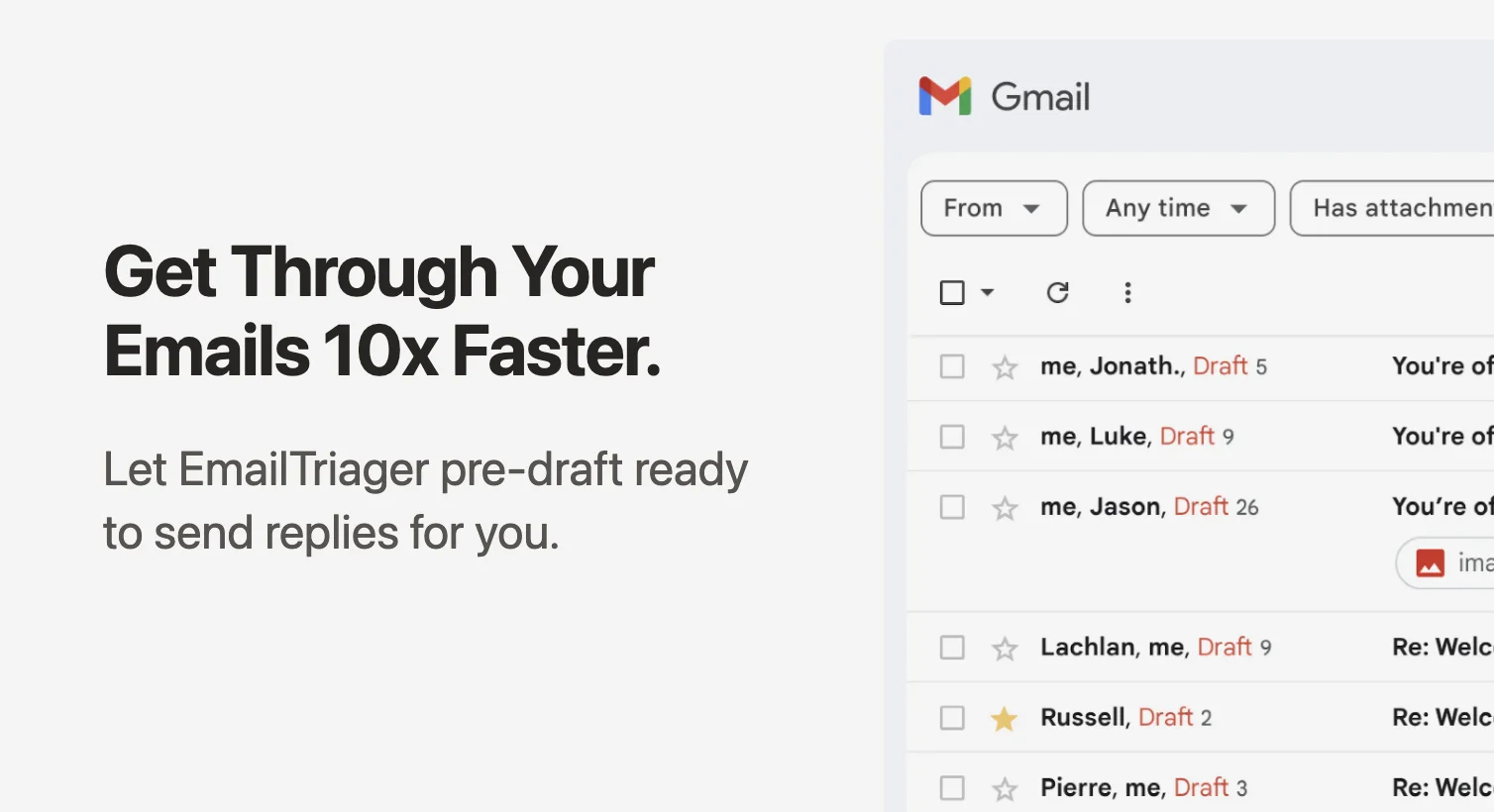
EmailTriager is an intelligent email management tool designed to help you get through your inbox up to 10x faster. It works quietly in the background, automatically triaging incoming emails and generating pre-drafted replies that are ready to review and send — without requiring any manual prompting or training on your part. What sets EmailTriager apart is its 'True Voice' technology, which learns your unique writing style by analyzing your past emails. Unlike generic AI writing tools, it produces drafts that genuinely sound like you — matching your tone, vocabulary, and sign-off style. It can also learn from your help documentation to craft informed, accurate responses. EmailTriager integrates directly with Gmail, so there's no Chrome extension to install and no need to change your existing email workflow. Drafts appear natively inside Gmail, making it effortless to review and send. Security is a top priority: EmailTriager is CASA Tier 2 accredited and verified by a Google-designated third-party security auditor. Your emails are never used to train general AI models — only your private, personal AI model has access to your data. Ideal for busy professionals, support teams, and anyone overwhelmed by high email volume, EmailTriager transforms email from a mental burden into a simple review-and-send task.
Key Features
- True Voice AI: Learns your unique writing style from past emails to generate replies that sound authentically like you — not generic AI.
- Automatic Background Drafting: Drafts email replies automatically in the background without any manual prompting, so your inbox is ready when you open it.
- Native Gmail Integration: Plugs directly into Gmail with no Chrome extension required, keeping your existing workflow intact.
- Help Docs & Context Learning: Can learn from your help documentation and past conversations to generate accurate, informed replies.
- CASA Tier 2 Security: Verified by a Google-designated third-party auditor; your emails are never used to train general AI models.
Use Cases
- Customer support teams handling high volumes of repetitive inquiries who need fast, on-brand replies without manual drafting.
- Busy executives and founders who receive dozens of emails daily and want to cut inbox management time dramatically.
- Solopreneurs and freelancers who need to maintain professional, personalized email communication without spending hours writing.
- SaaS companies that want to auto-draft support responses informed by their help documentation.
- Anyone overwhelmed by email backlog who wants a hands-off assistant to pre-draft replies in their own voice.
Pros
- Sounds Like You: True Voice technology ensures AI-drafted emails match your personal tone and style, unlike most generic AI writing tools.
- Zero Learning Curve: Works out of the box with Gmail — no training, no Chrome extension, and no workflow disruption required.
- Strong Privacy & Security: CASA Tier 2 accreditation and private AI models mean your email data stays yours and is never shared.
Cons
- Gmail Only: Currently limited to Gmail users; those using Outlook, Apple Mail, or other clients cannot use the service.
- Dependent on Past Email History: The True Voice feature requires sufficient past email history to learn from, making it less effective for new or sparse accounts.
Frequently Asked Questions
How does EmailTriager learn my writing style?
EmailTriager analyzes your past sent emails to understand your tone, vocabulary, phrasing patterns, and sign-off style, then uses this to generate drafts via its True Voice technology.
Does EmailTriager require a Chrome extension?
No. EmailTriager works natively with Gmail without requiring any Chrome extension or changes to your existing email setup.
Is my email data secure and private?
Yes. EmailTriager is CASA Tier 2 accredited and verified by a Google-designated third-party security auditor. Your emails are never used to train general AI models — only your private AI model has access.
What email clients does EmailTriager support?
Currently, EmailTriager integrates with Gmail. Support for other email clients has not been announced.
Do I need to manually trigger email drafts?
No. EmailTriager works in the background automatically, generating draft replies for your incoming emails so they're ready for you to review and send when you open your inbox.