

About
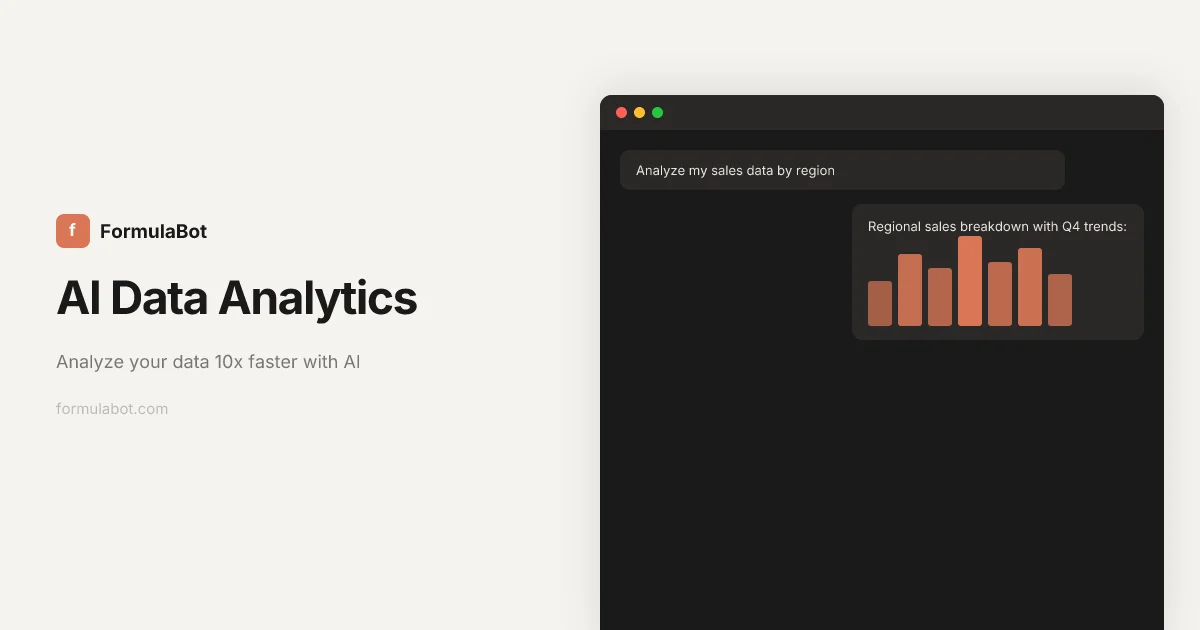
Formula Bot (ExcelFormulaBot) is an AI-powered data analytics platform that transforms the way individuals and teams interact with their data. Designed for analysts, marketers, business users, and anyone who works with spreadsheets or databases, it removes the need for coding by letting users ask questions in natural language and receive instant charts, tables, formulas, and insights. The platform supports the full data workflow: upload or connect your data from sources like Google Analytics, BigQuery, Snowflake, MySQL, PostgreSQL, and more. From there, you can clean and reshape messy datasets, merge multiple sources, filter rows, and reformat columns. Formula Bot then lets you visualize the results as stunning interactive charts, export formatted Excel reports, or generate AI-driven spreadsheets on demand. For text-heavy datasets, its built-in text analysis tools handle sentiment detection, keyword extraction, and language translation at scale. Every AI-generated result comes with full code transparency — you can inspect the underlying Python, SQL, or R code that was generated, making it an educational and auditable tool for power users. Additional standalone tools include an AI SQL Query Generator, VBA Code Generator, Google Sheets Formula Generator, PDF-to-Excel Converter, and Regex Generator. With a free tier available and no credit card required to start, Formula Bot is accessible to a wide range of users from students to enterprise teams.
Key Features
- AI Formula Generation: Instantly generate complex Excel and Google Sheets formulas by describing what you need in plain English — no manual formula writing required.
- Interactive Data Visualization: Convert raw datasets into beautiful, interactive charts and graphs that communicate insights clearly and can be exported for presentations.
- Data Transformation & Cleaning: Reshape messy datasets, merge multiple sources, clean columns, filter rows, and reformat data into analysis-ready formats with AI assistance.
- Text & Sentiment Analysis: Analyze large volumes of text with sentiment detection, keyword extraction, and language translation — ideal for customer review analysis.
- Multi-Source Data Connectors: Connect to Google Analytics, BigQuery, Snowflake, MySQL, PostgreSQL, MSSQL, Google Search Console, PDFs, and spreadsheets for unified analysis.
Use Cases
- Generating complex Excel or Google Sheets formulas instantly without manual lookup or trial and error
- Creating polished data visualizations and charts from raw business datasets for presentations and reports
- Cleaning and merging messy data from multiple database sources into a single analysis-ready format
- Analyzing customer reviews at scale using AI-powered sentiment detection and keyword extraction
- Automating the generation of formatted Excel reports and profit-by-region spreadsheets for business stakeholders
Pros
- No Coding Required: Users can ask questions in plain English (or any language) and receive charts, tables, and formulas instantly without writing a single line of code.
- Full Code Transparency: Every AI-generated result shows the underlying Python, SQL, or R code, allowing users to verify outputs, learn, and export the code for their own use.
- Wide Data Source Connectivity: Supports connections to major databases and analytics platforms, making it a centralized hub for multi-source data analysis.
- Free Tier Available: A no-credit-card-required free plan makes it accessible for individuals, students, and small teams to get started immediately.
Cons
- Free Plan Limitations: The free tier may restrict the number of analyses, data rows, or connector integrations available, requiring an upgrade for heavy usage.
- Web-Only Platform: Formula Bot is primarily a web application with no dedicated desktop or mobile app, which may limit offline use or deep workflow integrations.
- Data Privacy Considerations: Uploading sensitive business or personal data to a cloud-based platform may raise privacy or compliance concerns for some enterprise users.
Frequently Asked Questions
What is Formula Bot (ExcelFormulaBot)?
Formula Bot is an AI-powered data analytics platform that lets you generate spreadsheet formulas, create charts, clean datasets, and extract insights from your data by asking questions in plain English — no coding knowledge needed.
Is Formula Bot free to use?
Yes, Formula Bot offers a free tier with no credit card required. Paid plans are available for users who need higher usage limits, advanced connectors, or additional features.
What data sources can I connect to Formula Bot?
Formula Bot supports connections to Google Analytics, Google Search Console, BigQuery, Snowflake, MySQL, PostgreSQL, MSSQL, as well as uploaded spreadsheets and PDF files.
Do I need to know Python, SQL, or Excel formulas to use it?
No. Formula Bot is designed for non-technical users. You simply describe what you want in plain language and the AI generates the appropriate formulas, queries, or code. The generated code is also shown transparently if you want to learn or reuse it.
What types of analysis can Formula Bot perform?
Formula Bot supports data visualization (charts and graphs), data transformation (cleaning, merging, reshaping), formula generation for Excel and Google Sheets, SQL query generation, text analysis (sentiment detection, keyword extraction, translation), and automated report/spreadsheet generation.