

About
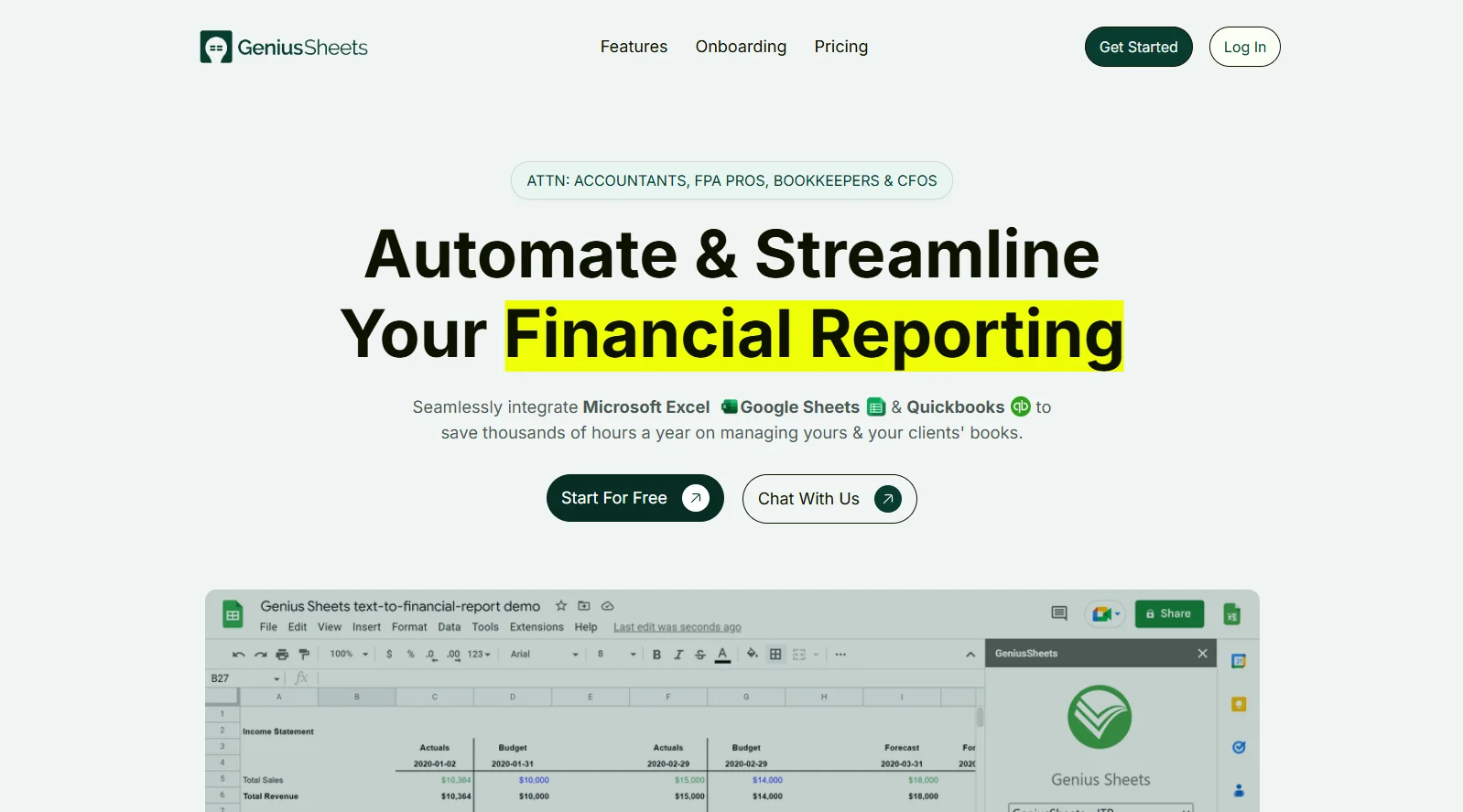
Genius Sheets is a financial reporting automation platform designed specifically for finance professionals who need seamless, real-time data integration between QuickBooks Online, Microsoft Excel, and Google Sheets. It eliminates the tedious cycle of manual exports, copy-pasting, and outdated spreadsheets that drain accountants and FP&A teams of valuable time. The platform installs directly as an add-in within Excel or Google Sheets, granting instant access to live QuickBooks financial data through custom formulas and automated queries. Data is synced on-demand and updated daily, ensuring reports and dashboards always reflect the latest transactions. Key capabilities include end-of-period reporting, real-time financial model building, live expense monitoring and drilldown, debt repayment planning, and custom budget alerts. Users can manage unlimited QuickBooks connections, making it ideal for accountants and bookkeepers overseeing multiple clients. Genius Sheets is trusted to manage over $430 million in revenue and has earned an average 4.8/5 rating from users. The platform offers a free Starter plan for individuals, a Business plan for larger teams with up to five QuickBooks connections, and a Premium plan with consolidated reporting, unlimited category filters, and dedicated support for enterprise needs. It is a powerful no-code solution that turns complex financial data into actionable insights without requiring technical skills.
Key Features
- QuickBooks Online Integration: Directly connects to QuickBooks Online to pull live transaction-level data into Excel and Google Sheets without any manual exporting.
- On-Demand & Daily Data Sync: Automatically refreshes financial data every day, ensuring dashboards and reports always reflect the most current figures.
- Unlimited Client Connections: Add unlimited QuickBooks connections to manage multiple clients from a single platform, perfect for accountants and bookkeeping firms.
- Live Financial Dashboards & Models: Build dynamic financial models, expense drilldowns, and live dashboards directly inside Excel or Google Sheets using custom formulas.
- Custom Budgets & Real-Time Alerts: Set custom budget thresholds and receive real-time alerts to stay on top of spending and financial targets.
Use Cases
- An accounting firm automates monthly end-of-period financial reports for all clients by syncing QuickBooks data directly into pre-built Google Sheets templates.
- A CFO builds a live financial model in Excel that updates daily with real QuickBooks transaction data for board-level reporting.
- A bookkeeper sets up real-time expense monitoring dashboards with drilldown capability to quickly identify and categorize unusual spending.
- An FP&A professional creates dynamic revenue and cash flow projections using live QuickBooks data without waiting for manual data pulls.
- A small business owner configures custom budget alerts in Genius Sheets to receive notifications whenever spending in a category exceeds a set threshold.
Pros
- Massive Time Savings: Eliminates repetitive export-copy-paste workflows, with users reporting their reporting time cut by up to two-thirds.
- No-Code Setup: Installs as an add-in in Excel or Google Sheets with a simple onboarding process — no technical or developer skills required.
- Scalable for Multi-Client Work: Unlimited QuickBooks connections on higher plans allow accounting firms to manage and scale their entire client book efficiently.
- Free Starter Plan Available: Offers a no-cost entry point with live data connection and 20 queries per month, making it accessible for solo users or small practices.
Cons
- Limited to QuickBooks Online: Currently only integrates with QuickBooks Online; users on QuickBooks Desktop or other accounting platforms are not supported.
- Query Limits on Lower Tiers: The Starter plan is capped at 20 queries per month, which may be restrictive for users with frequent reporting needs.
- Cost Scales with Connections: The Accountant Partner Program charges per connection per month, which can add up for firms managing a large number of clients.
Frequently Asked Questions
What accounting software does Genius Sheets integrate with?
Genius Sheets currently integrates with QuickBooks Online. It also works natively with Microsoft Excel and Google Sheets for reporting and analysis.
How do I get started with Genius Sheets?
You can start with a free trial by selecting a plan, completing the onboarding questionnaire, and then installing the add-in inside Excel or Google Sheets. From there, you connect your QuickBooks account and begin pulling reports.
Is Genius Sheets suitable for accountants managing multiple clients?
Yes. Genius Sheets is specifically designed for accountants and bookkeepers with multiple clients. Higher-tier plans offer unlimited QuickBooks connections so you can manage all client accounts from one place.
How often is the financial data updated?
Data is automatically synced every day, giving you on-demand visibility into real-time transaction-level data across all connected QuickBooks accounts.
What is the difference between the Starter, Business, and Premium plans?
The Starter plan is free and includes 20 queries per month with one QuickBooks connection. The Business plan ($75–$79/month) supports up to 5 QBO connections, unlimited queries, and a chat-based interface. The Premium plan is custom-priced and adds consolidated reporting, unlimited category filters, custom integrations, and dedicated live support.